A good activity tracker can help you notice your own movement each day. Small changes based on what you see can make your day feel easier.
1. Set a Simple Daily Step Goal
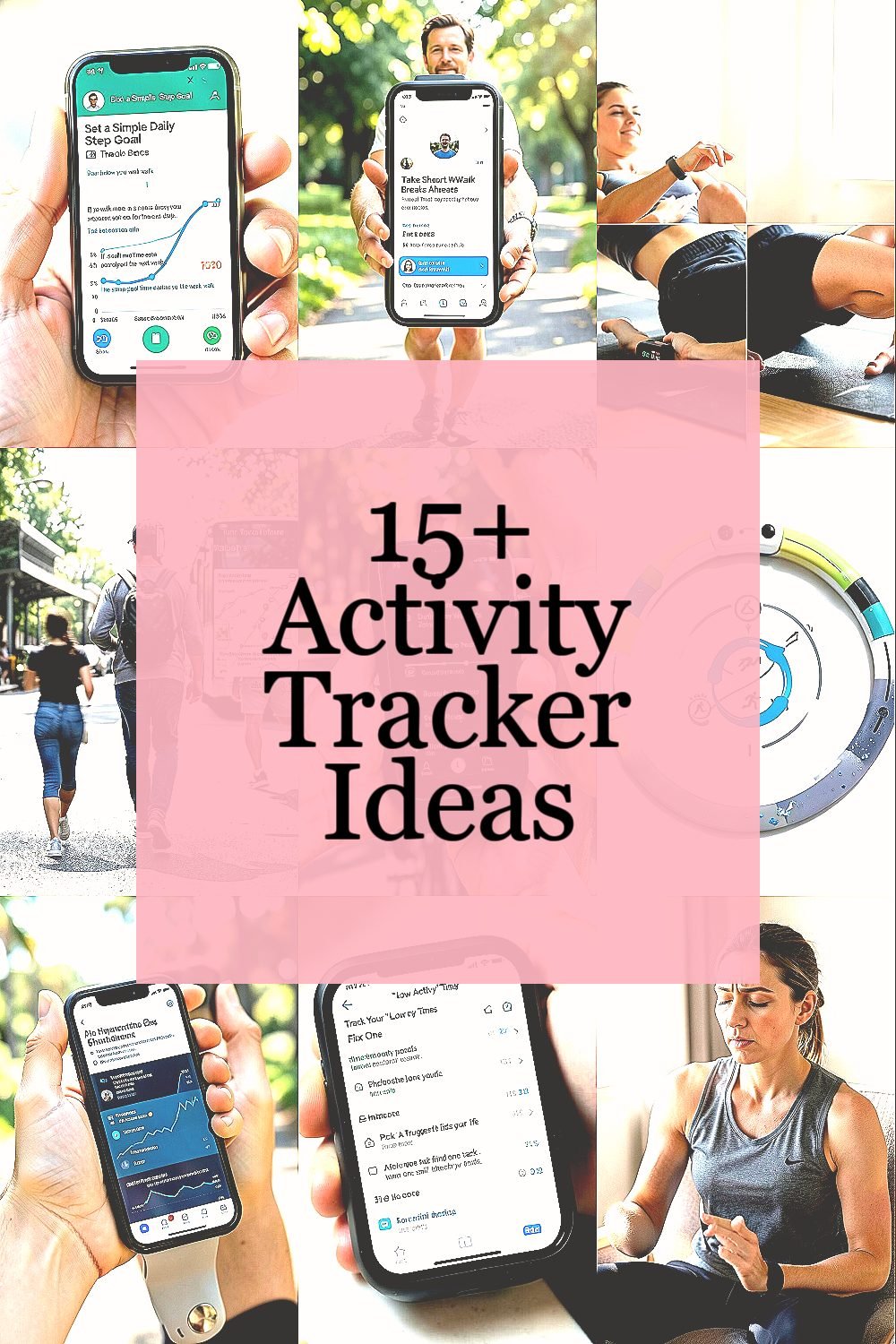
Look at your tracker and pick a step goal that feels doable. Start with a number that matches how you already walk. This gives you a clear target without stress.
Try to personalize it as your habits change. If you walk more on some days, adjust the goal for the next week. Use the same goal time each day so it is easier to compare.
For a visual check, watch the step graph on the app. You can see how steady your walking is. A smoother line usually means your day is working better.
2. Take Short Walk Breaks After Meals
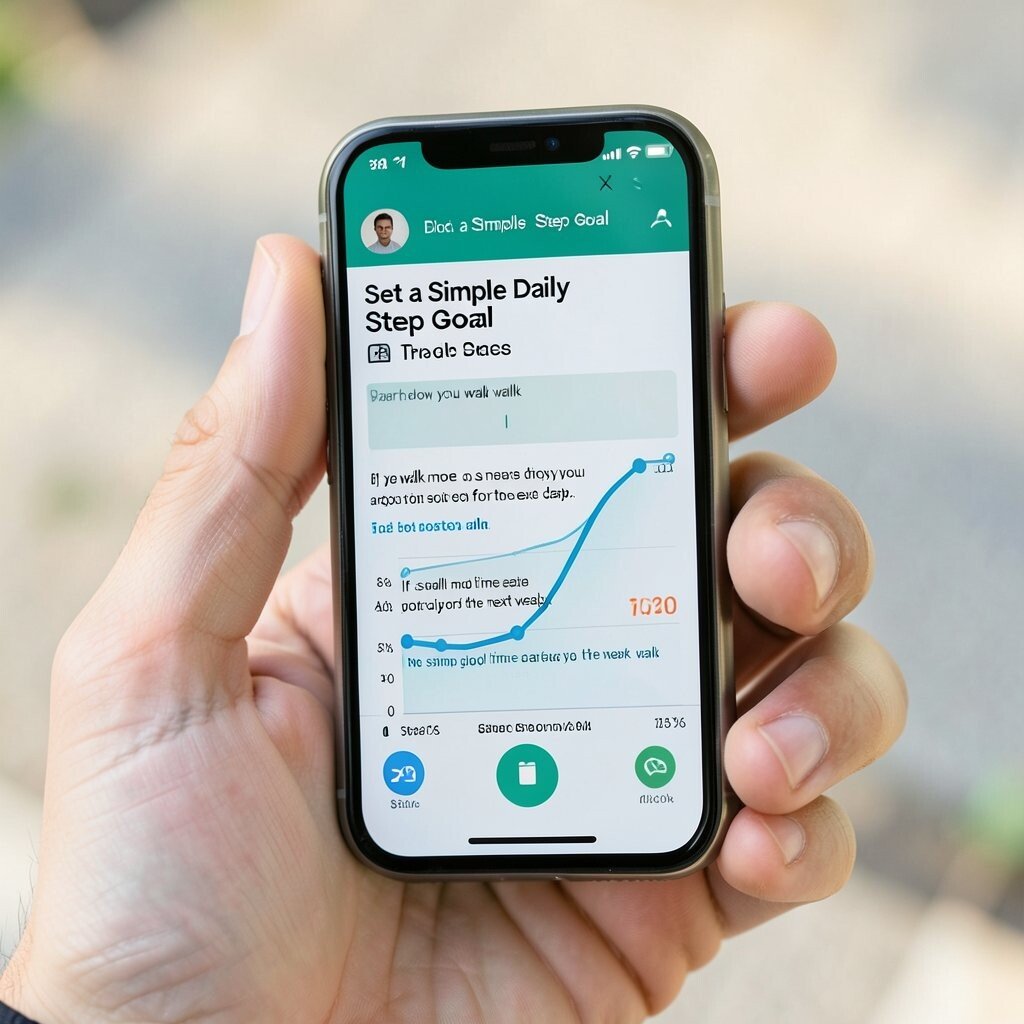
Use your tracker to time small walks after eating. Even a short stroll can help you feel less stiff. Set a reminder on your phone, then check your tracker after.
Pick a route you know well so you do not have to think too much. Try to walk at an easy pace. This helps you stay calm and comfy.
Many trackers now show activity rings or daily streaks. Use these views to see how meals affect your movement. If one meal time is missed, add it next day in a simple way.
3. Do a Two-Minute Stretch Check
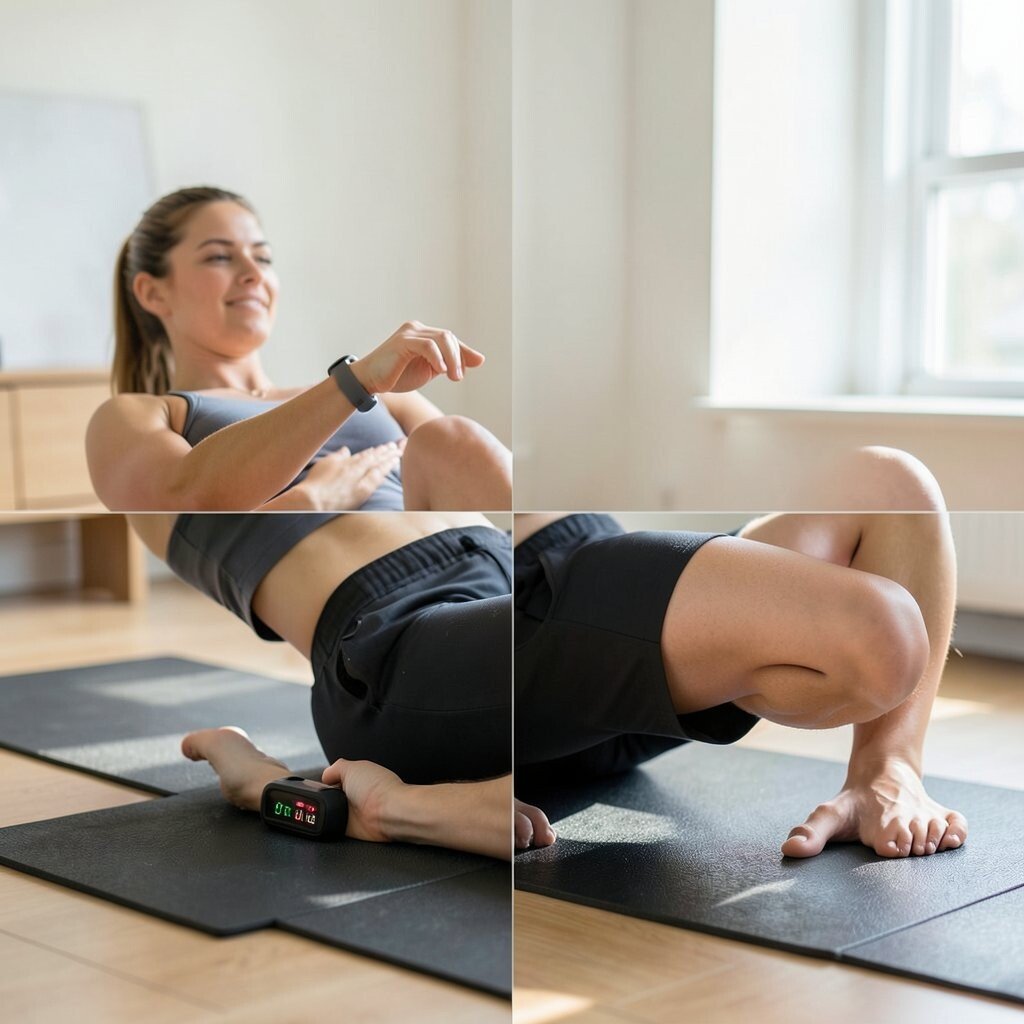
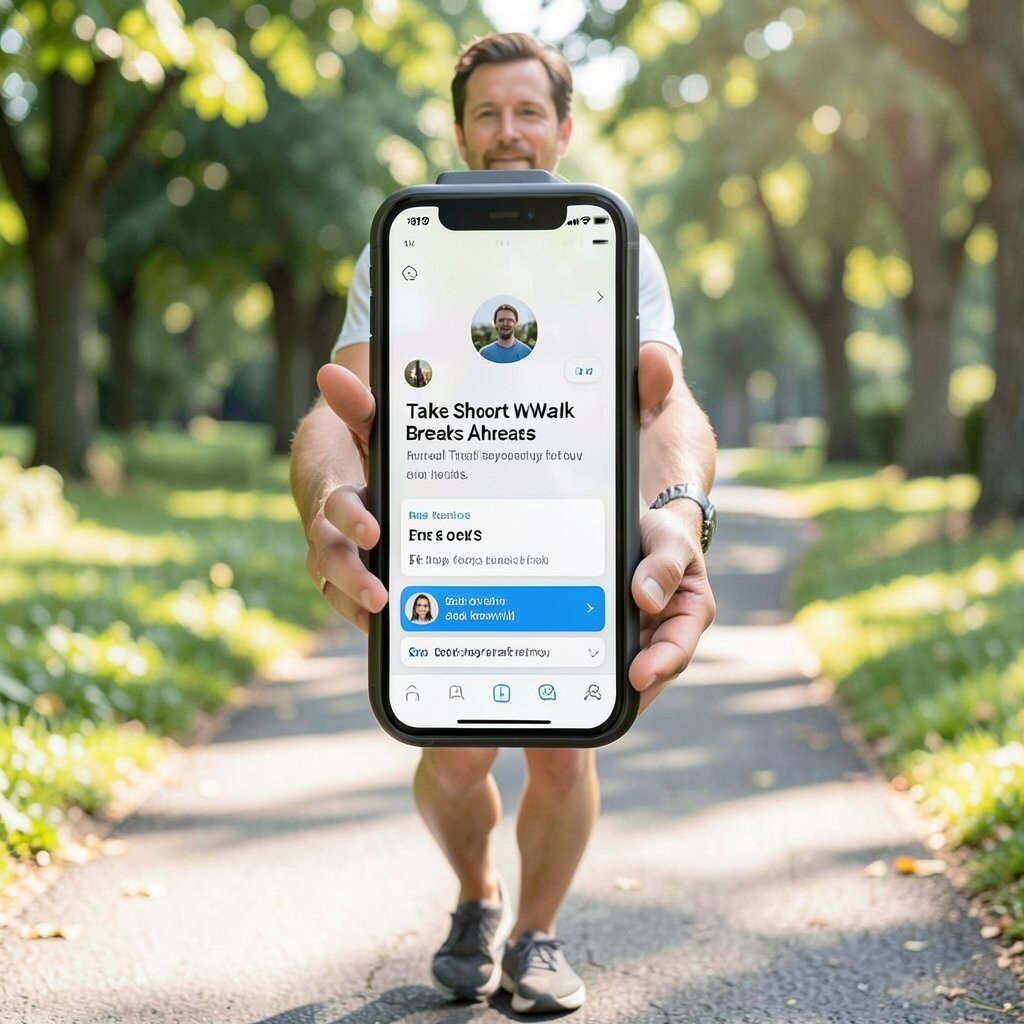
Choose a few easy stretches you can do anywhere. Use your tracker’s movement prompts or set your own timer. Then do the stretches for about two minutes when you see low activity.
This idea works well for desk days. It helps your body feel better and may lower how tired you feel. It is also a quick reset between tasks.
For personalization, track which time of day feels best. Some people like morning stretches, while others like afternoon ones. Use the tracker data to find your best time.
4. Turn Your Commute Into a Movement Plan
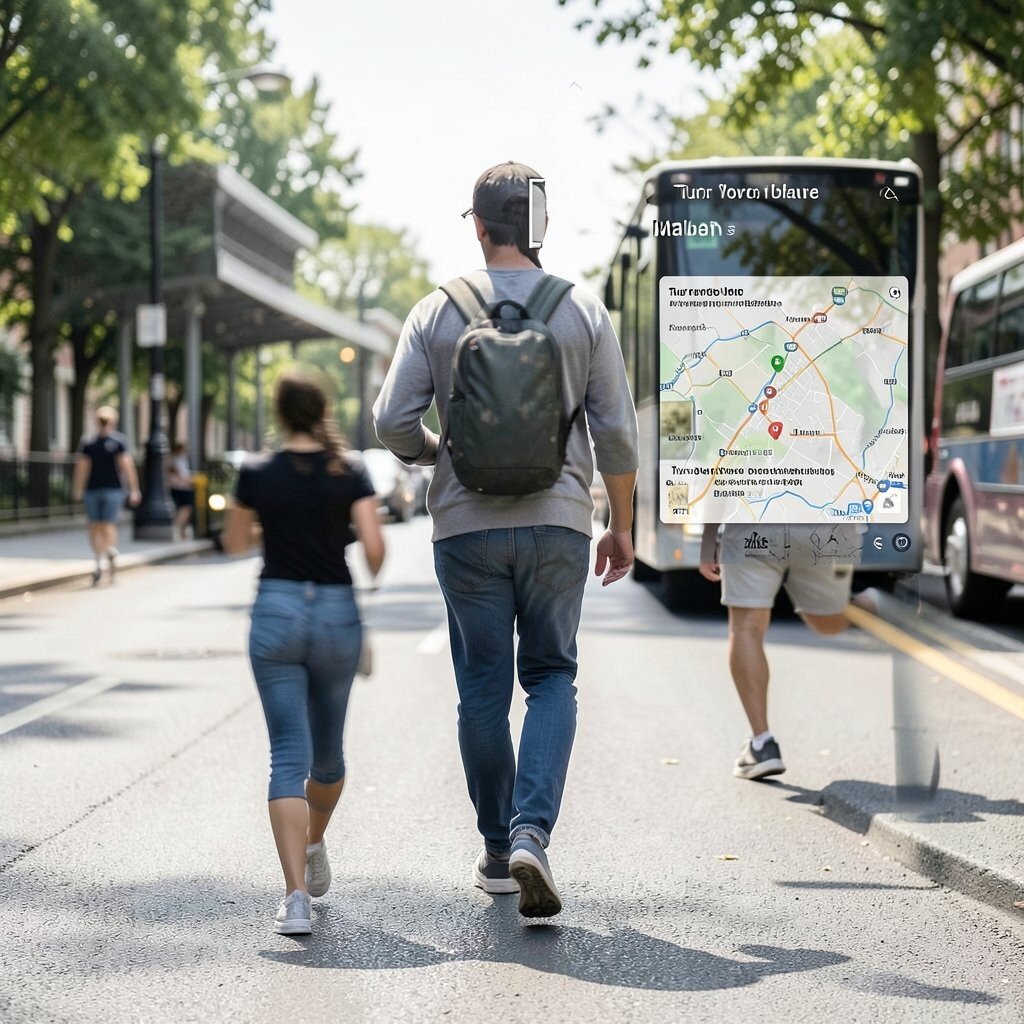
If you take bus, train, or car, you can still add steps. Use your tracker to see how much you move before and after the ride. Then add a short walk segment where you can.
Make it easy by using the same start point each day. If you can, park a bit farther or get off one stop earlier. Small changes add up over time.
Try to look at your route map in the app if it has one. You get a clear visual of your path. This can help you choose the most walkable option.
5. Use Heart Rate Zones During Easy Workouts
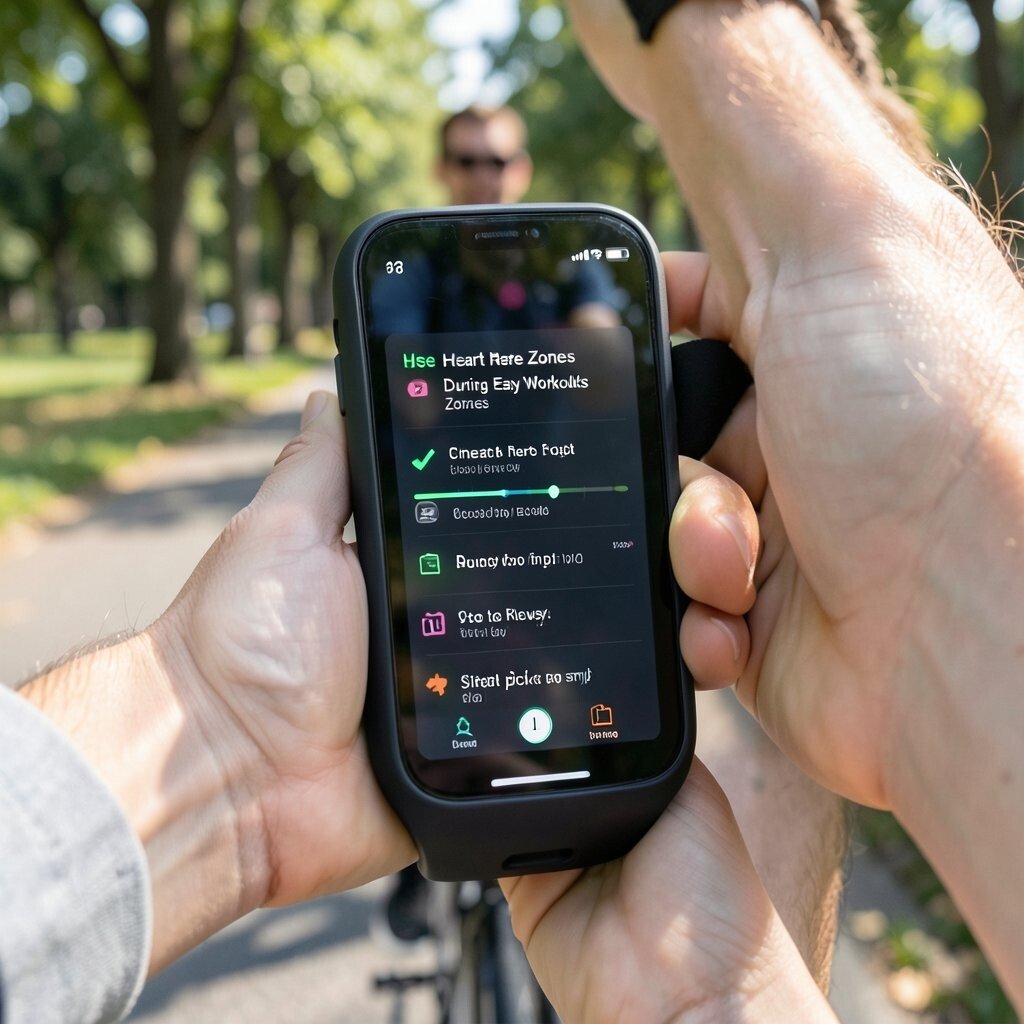
Many trackers can show your heart rate and training zones. Use this feature when you walk, cycle, or do light training. It helps you keep the effort in a safe range.
Start with an easy pace and watch if the heart rate feels steady. If it jumps too high, slow down. If it stays low, you can pick a small boost.
This is a good way to fit trends into daily life. Heart rate features are common now, and many apps share simple summaries. Use that summary to plan your next workout.
6. Try a Daily “Activity Ring” Challenge
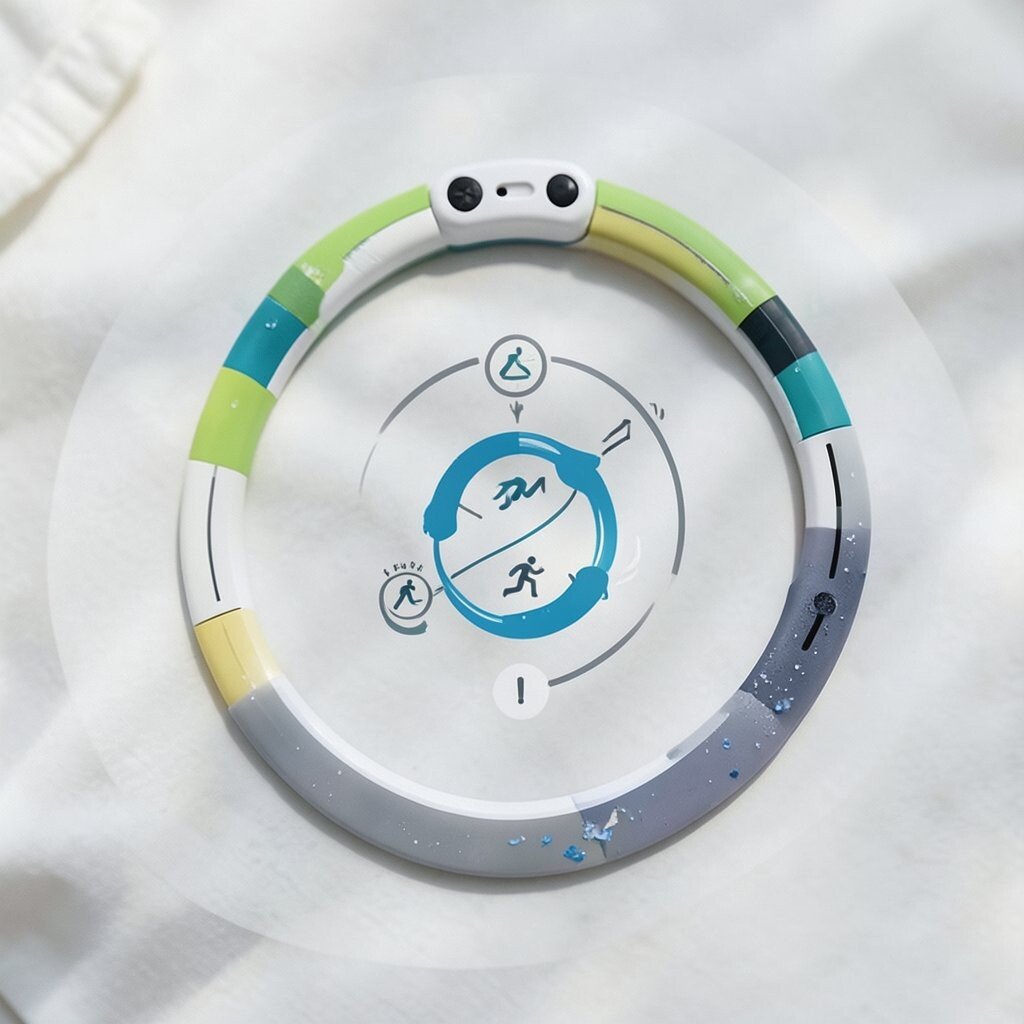
If your tracker uses activity rings, treat each ring as a small job. Aim to close the rings each day by doing short bursts of movement. It can feel like a game that gives you feedback fast.
You can personalize the goal by focusing on the ring that you miss most. If you often do not reach the move ring, add one extra walk session. Keep it simple so you can keep the habit.
For a visual description, imagine a circle that fills little by little. Each filled part shows you did something active. Watching it fill can make you want to keep going.
7. Add Hydration Checks With Activity Reminders
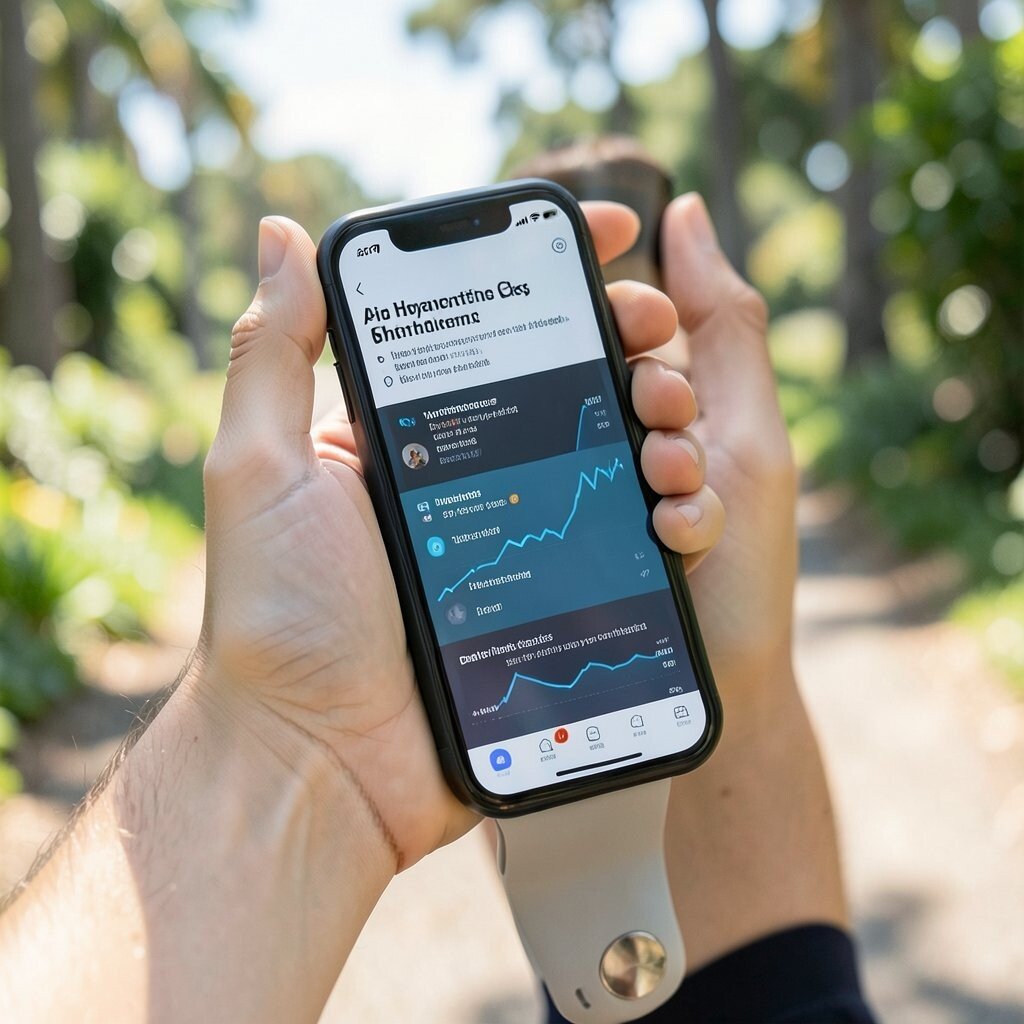
Use your tracker app to send you gentle reminders. Pair movement days with water breaks so you do not forget. When you move, drink some water and note how you feel.
Hydration can help you stay focused and avoid headaches. It also helps you feel less worn out during walks. Pick a cup size you can handle, then keep it steady.
Some trackers share daily habits in one view. Use that dashboard to link water timing with your activity level. This kind of trend view can show patterns over weeks.
8. Track Your “Low Activity” Times and Fix One
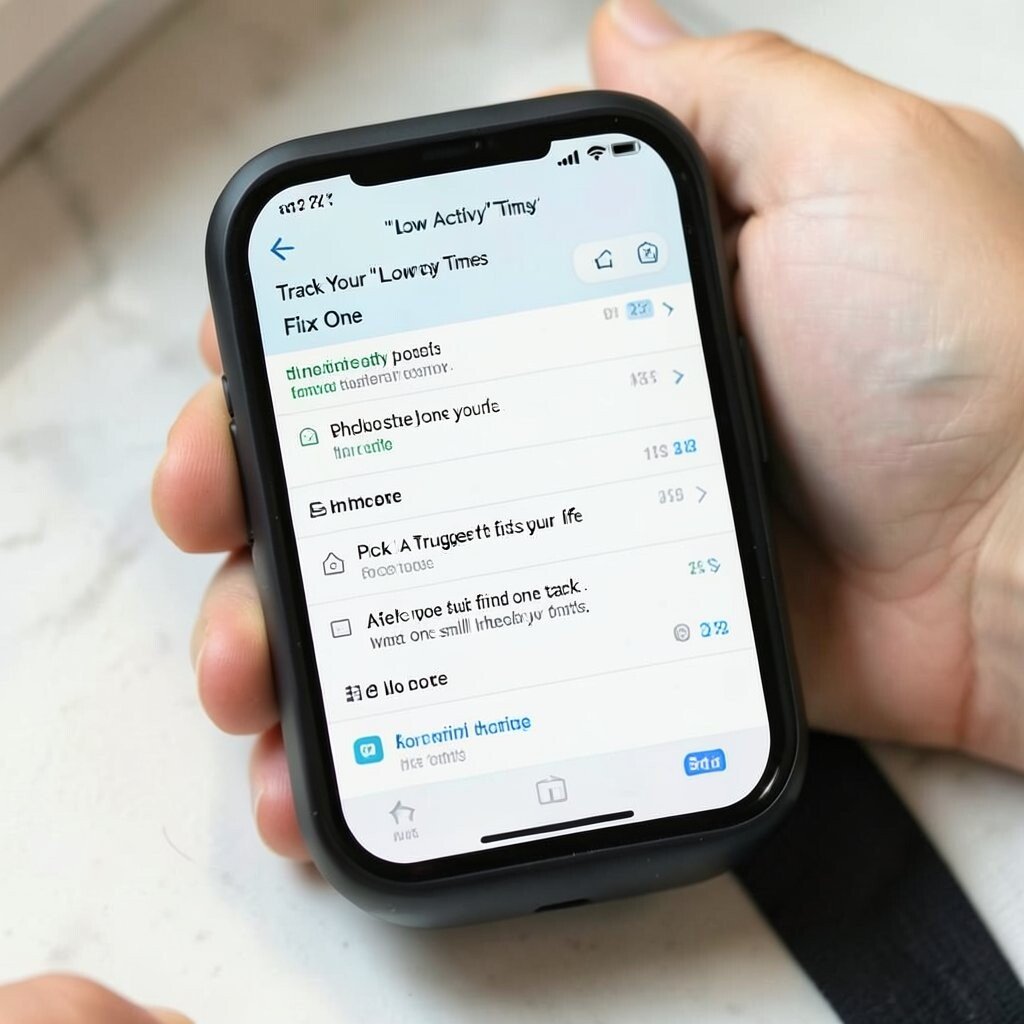
Check the daily chart and find times when you sat most. Then choose just one time to improve. For example, you can move for a few minutes during a common slump.
Pick a trigger that fits your life. You might move when you start cooking, after you finish one task, or after a TV show ends. Then you can keep the plan without extra effort.
Personalization matters here because schedules differ. What is low activity for one person may be normal for another. Use the tracker data to make one small change at a time.
9. Use Guided Breath Sessions for Stress Time
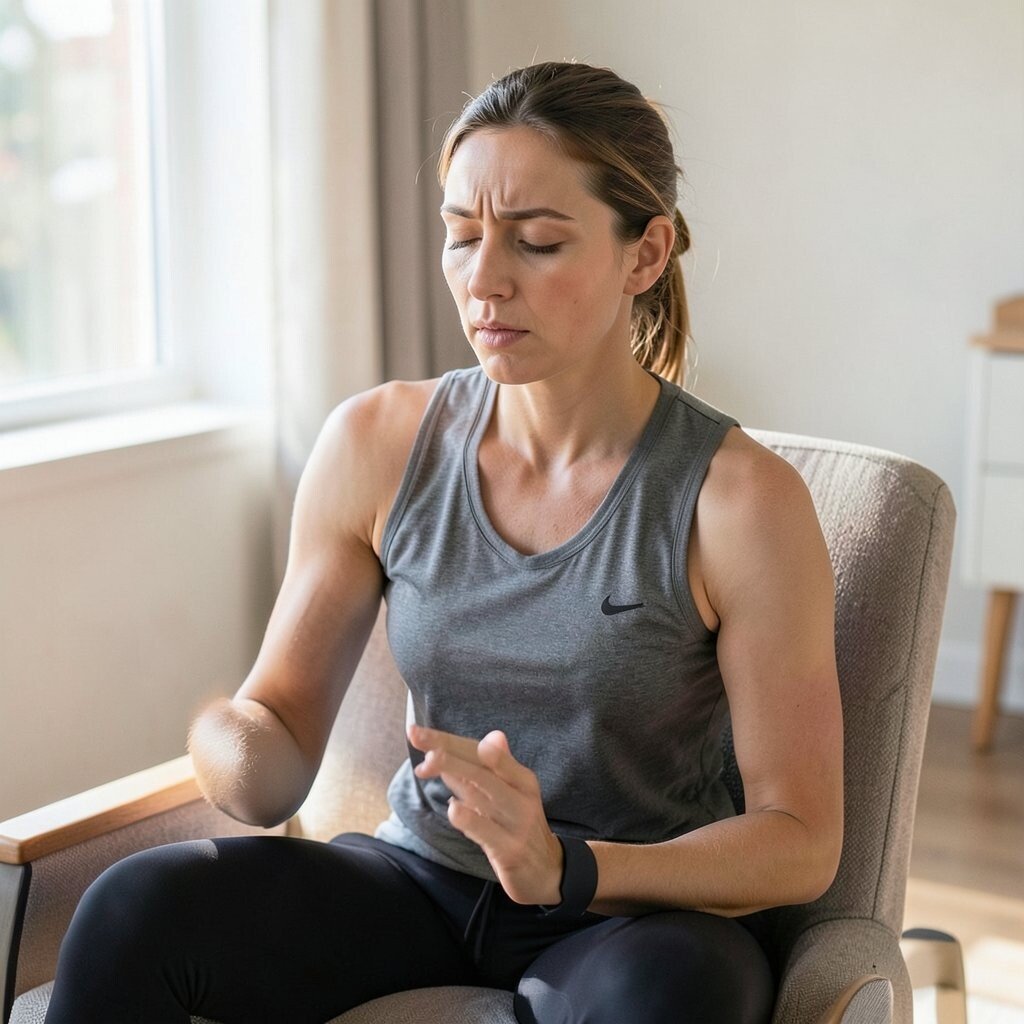
Many trackers now offer guided breathing. Use it when you feel stressed, not only at night. You can do a short session while you sit in a chair.
This helps your body slow down a bit and may lower worry. It can also support recovery after longer walks or workouts. Pair it with a calm routine like sitting, then breathing slowly.
For visuals, look at how your resting heart rate or stress score changes. The app may show small shifts after you do breathing. Use those trends to learn what helps you most.
10. Make a “Stairs Plus Steps” Routine
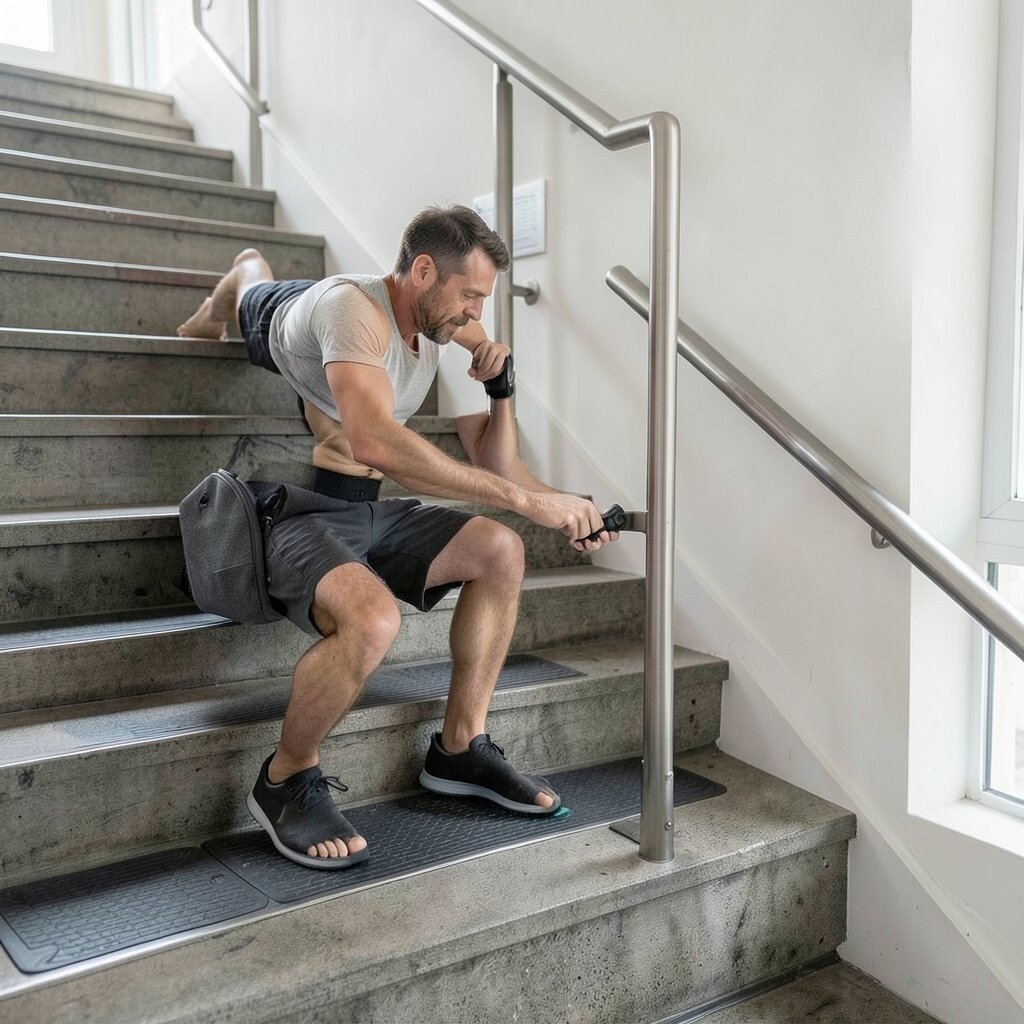
If you see stairs, add them to your day. Use your tracker to count steps and see your total move. You can do a small stairs set when you take a break.
This idea can work in homes, offices, and buildings. Start small so it feels safe. Then build up if it feels good for your body.
Some trackers include floor or stair metrics. Watch that count and personalize your goal based on your space. If stairs are limited, focus on steps instead.
11. Do a “Laundry Walk” for Light Movement
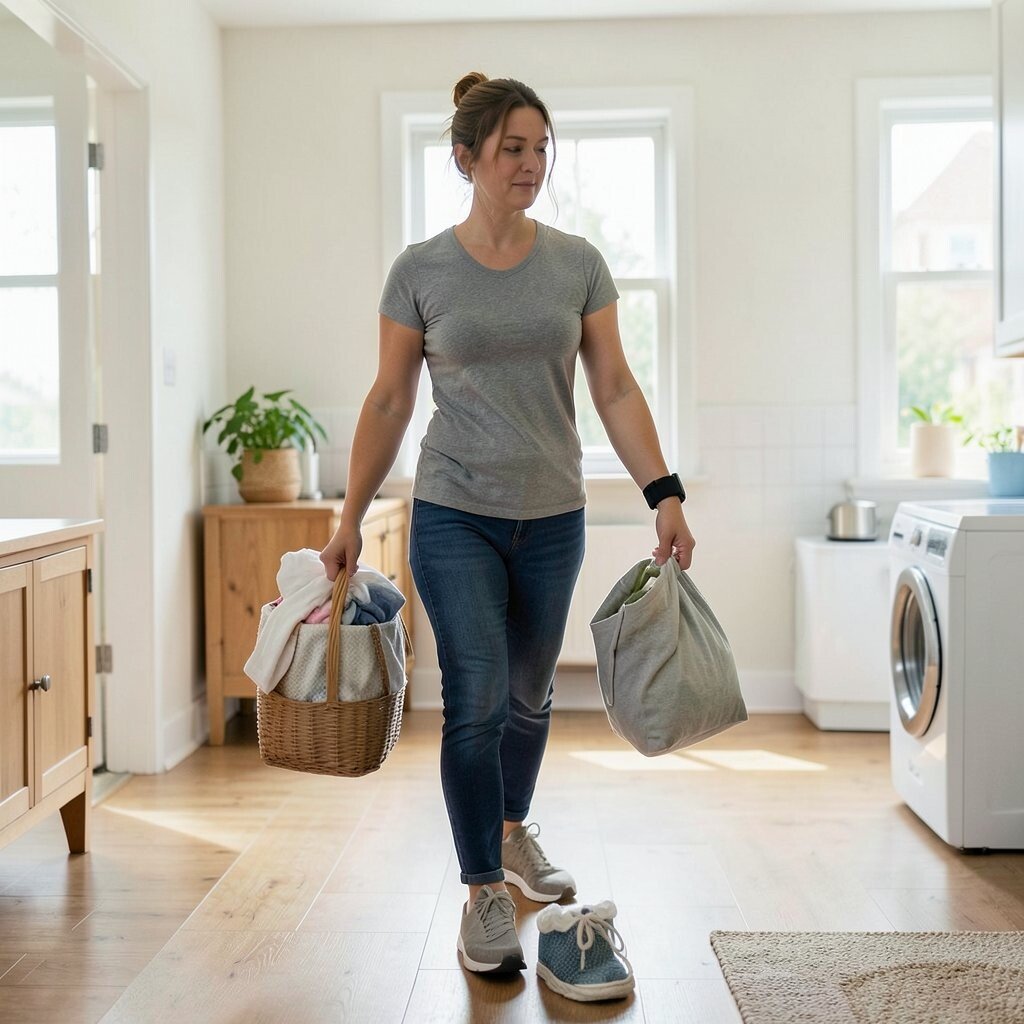
You can add movement to a normal chore. Carry small loads and pause to walk a bit more each time. Use the tracker to see how much this adds to your daily steps.
This idea is easy because it uses a task you already do. It also keeps your day moving in a natural way. You can even do it room to room.
Try to watch the app for spikes in activity. You will see movement in short bursts. That is still good, and it may help you avoid long sitting.
12. Set a Personal “No-Sit” Reminder

Use your tracker’s inactivity alert or a phone reminder. Stand up and move for a few minutes after sitting. Keep the goal simple so you can keep it every day.
Try light actions like pacing, stretching, or going outside briefly. This helps your body feel less stuck. It can also support better sleep later.
For personalization, choose times you know you sit most. If you work at a desk, set the alerts during work hours. If you sit at night, adjust the reminders to the earlier part of the evening.
13. Plan a Weekly “Active Day” With a Low Cost Goal

Pick one day each week for a longer walk or light workout. Use your tracker to set a target that matches your time. Keep it low cost by choosing things you already have access to.
You can walk a new neighborhood, visit a park, or do a simple outdoor loop. Cost stays low because you use public places. If you want gear, start with good shoes instead of new tech.
Look at your weekly trend view in the app. You will see how often you meet your goals. If your “active day” is skipped, pick a new time that fits better.
14. Track Sleep and Use It to Plan Your Day
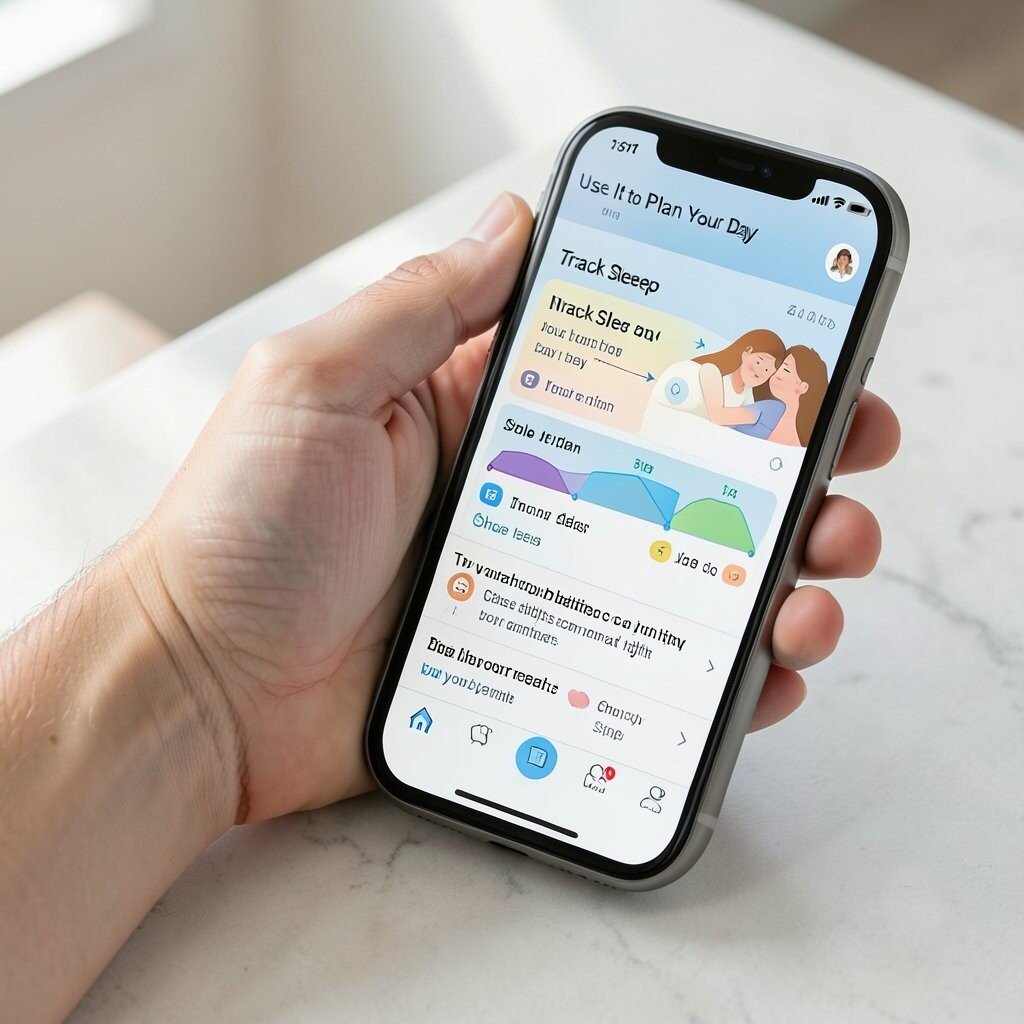
Use the sleep tracking feature to learn your usual pattern. Then plan your next day based on how you slept. If you had less sleep, choose easier tasks and more gentle movement.
Sleep tracking can also show bedtime trends in the app. Try to keep your bedtime close to your usual time. Small shifts can help your body settle.
For visuals, check the sleep stages chart if your tracker has it. It shows rest and movement at night. Use that picture to see what helps you feel better in the morning.
15. Try a Daily Strength Set With Simple Times
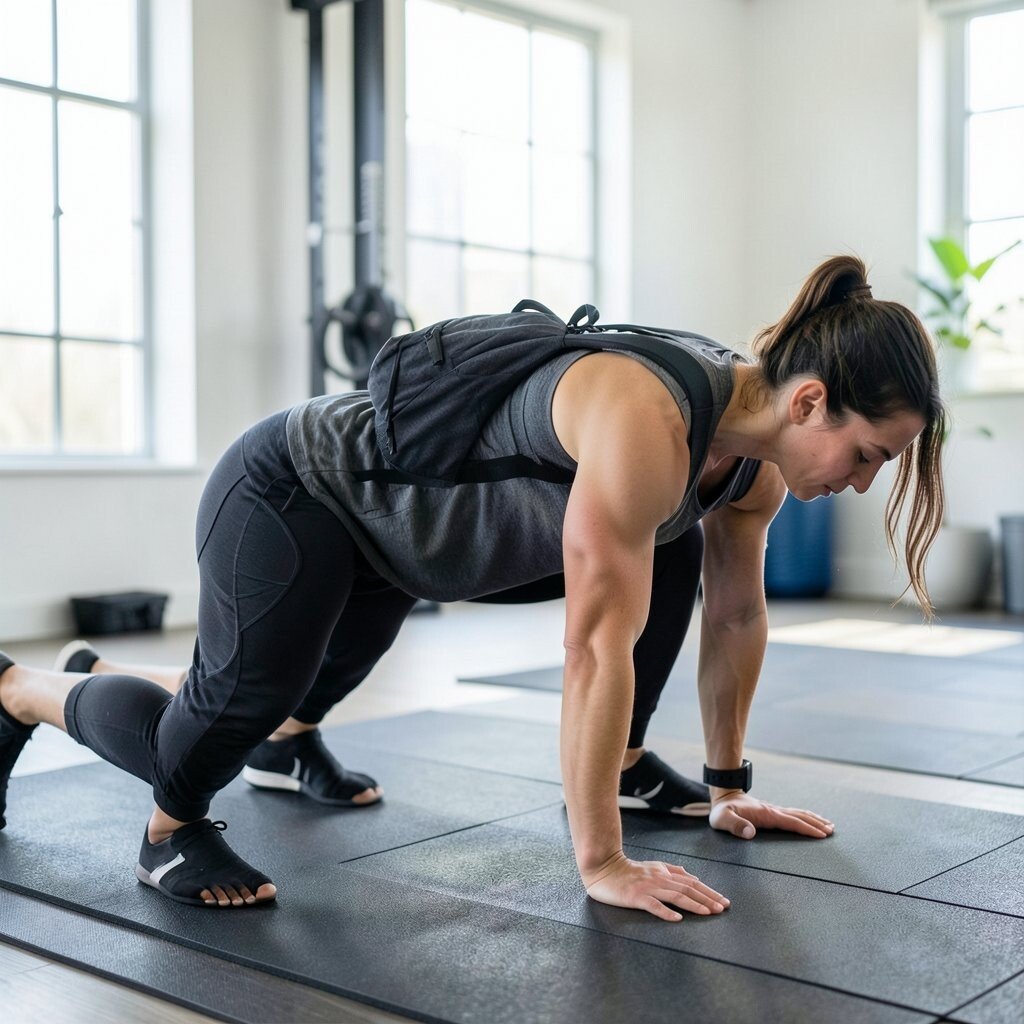
Some trackers can log workouts, but you can also use manual time tracking. Do a short strength set like squats, wall push-ups, or light lifting. Use the tracker to count the time so you do not skip it.
Start with a routine you can repeat. Keep rest time short and form clean. If you feel pain, stop and change the move.
Personalize the set based on what equipment you have. You can use a backpack for weight or bodyweight for most moves. Trends in many apps show workout frequency, so watch how often you do your set.
16. Choose the Right Tracker for Your Budget and Needs
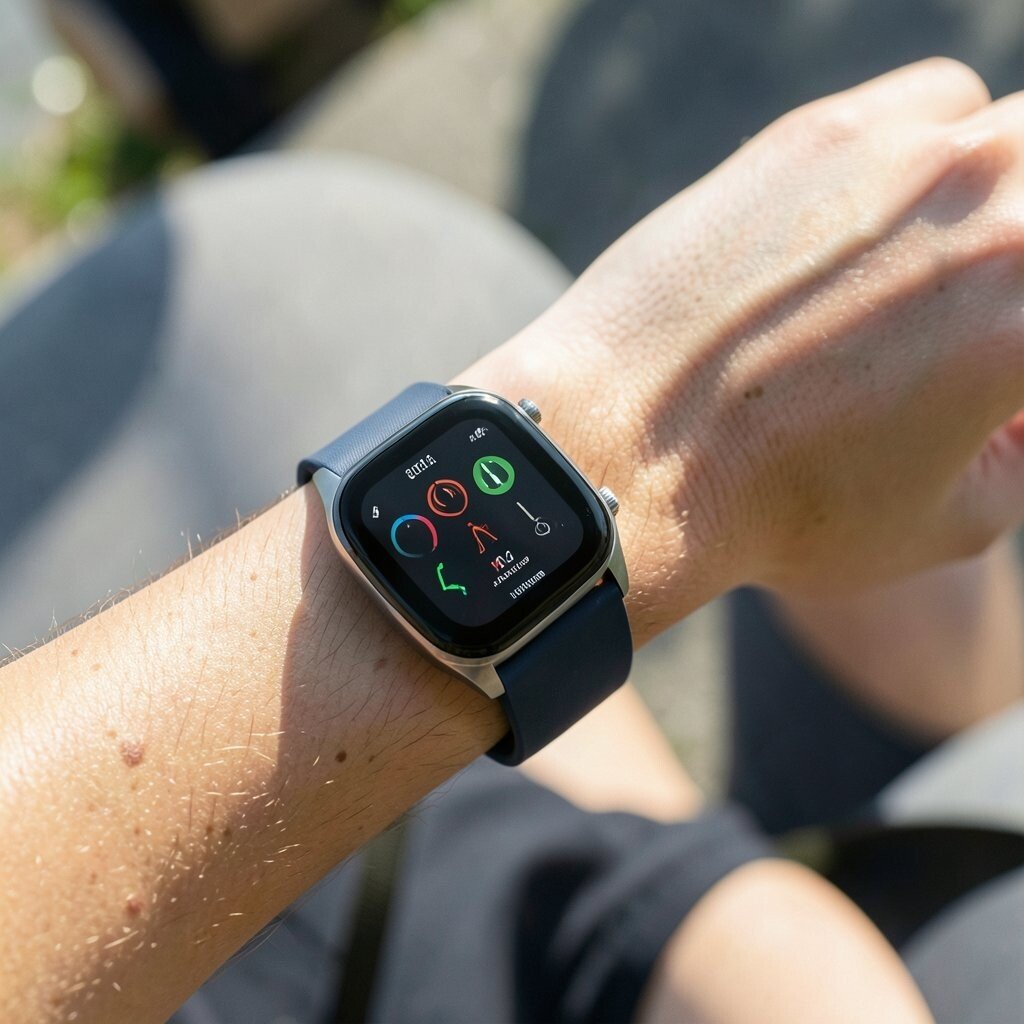
Before you buy or switch devices, think about what you want most. Some people need steps and sleep, while others want heart rate and training plans. Match the features to your real routine.
Cost can vary a lot between basic bands and smartwatches. A simpler tracker may be enough if your main goal is daily activity. If you want more detail, pick a tracker that includes the metrics you will actually use.
Watch for app support and battery life trends in reviews. A device that loses charge quickly can get ignored. Choose a style that is comfy on your wrist or clip, so you will keep wearing it.