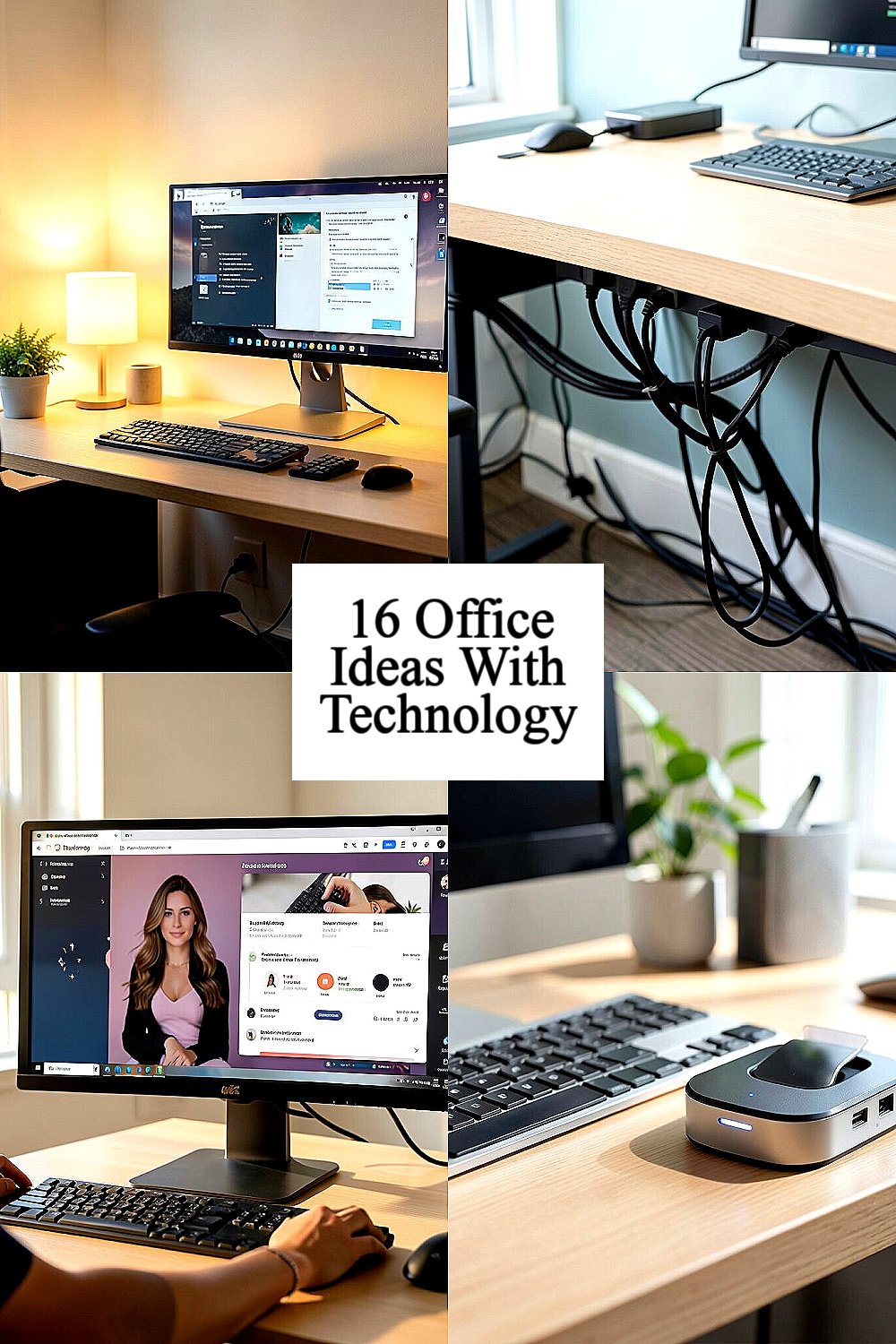
Your office can feel brighter without spending a fortune. Small tech choices can make your day calmer and more inspiring.
1. Motion-Light Desk Setup

Picture stepping into your workspace and having a soft lamp glow as soon as you move. Motion-activated lighting helps you avoid fumbling for switches and keeps the room feeling welcoming.
Start by choosing a warm light color so your desk looks cozy, not harsh. Place the light so it washes the wall behind your monitor, which reduces glare on your screen. Many people find they feel more focused when the area around them looks steady and well-lit.
2. Smart Cable Management That Stays Neat
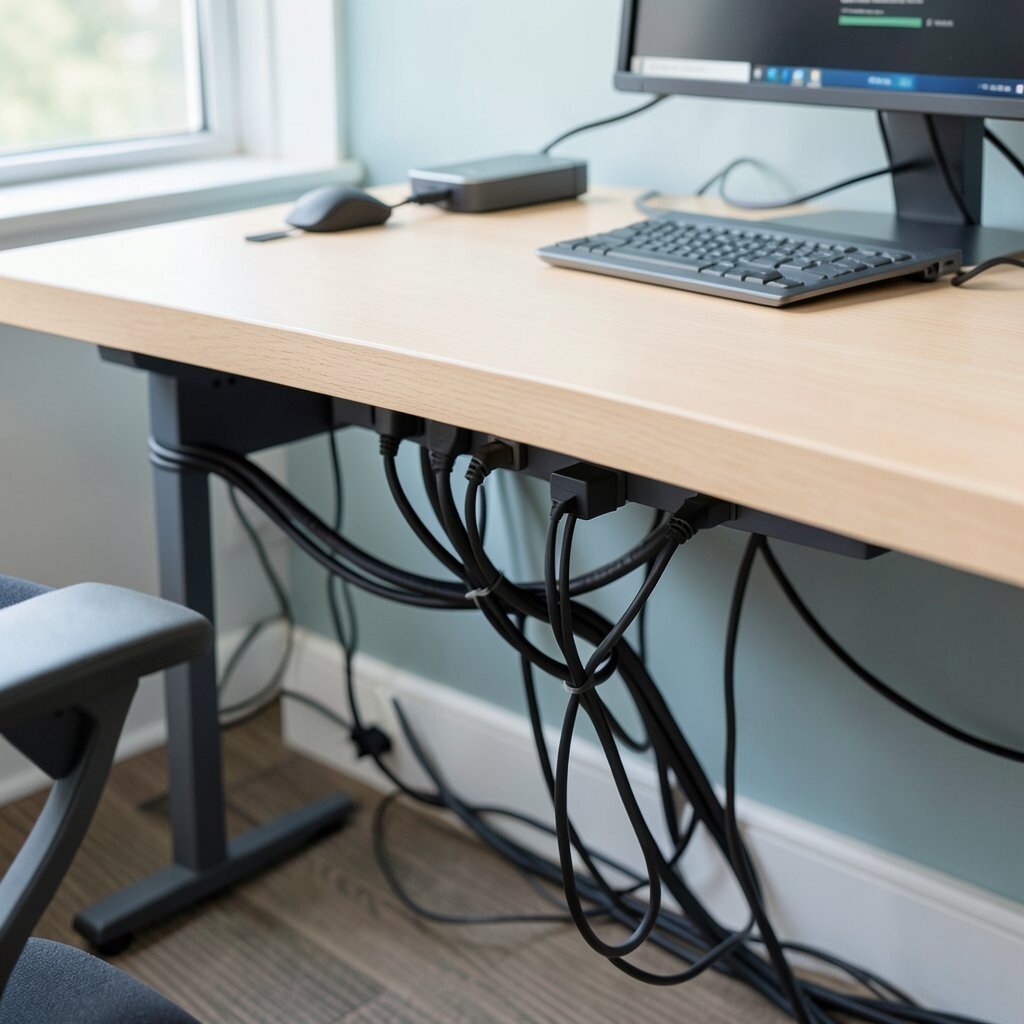
Cables love to tangle, but a tidy desk can feel instantly brighter. Use smart cable ties, under-desk channels, and label sleeves to keep power cords and charging cables from creeping everywhere.
When your charging stations sit in one clean zone, you waste less time searching for cords. Consider using a small multi-port charger so fewer adapters crowd the floor and desk edges. A neat setup also looks more professional when coworkers stop by for quick questions.
Try routing cables along the back edge, then bundling them under the desk in one or two tidy loops. If you share a workspace, choose removable clips so you can adjust the layout without frustration. You can personalize the look by matching the cable clips to your desk color or using a subtle matte finish.
3. Personalized Monitor Calibration for Eye Comfort
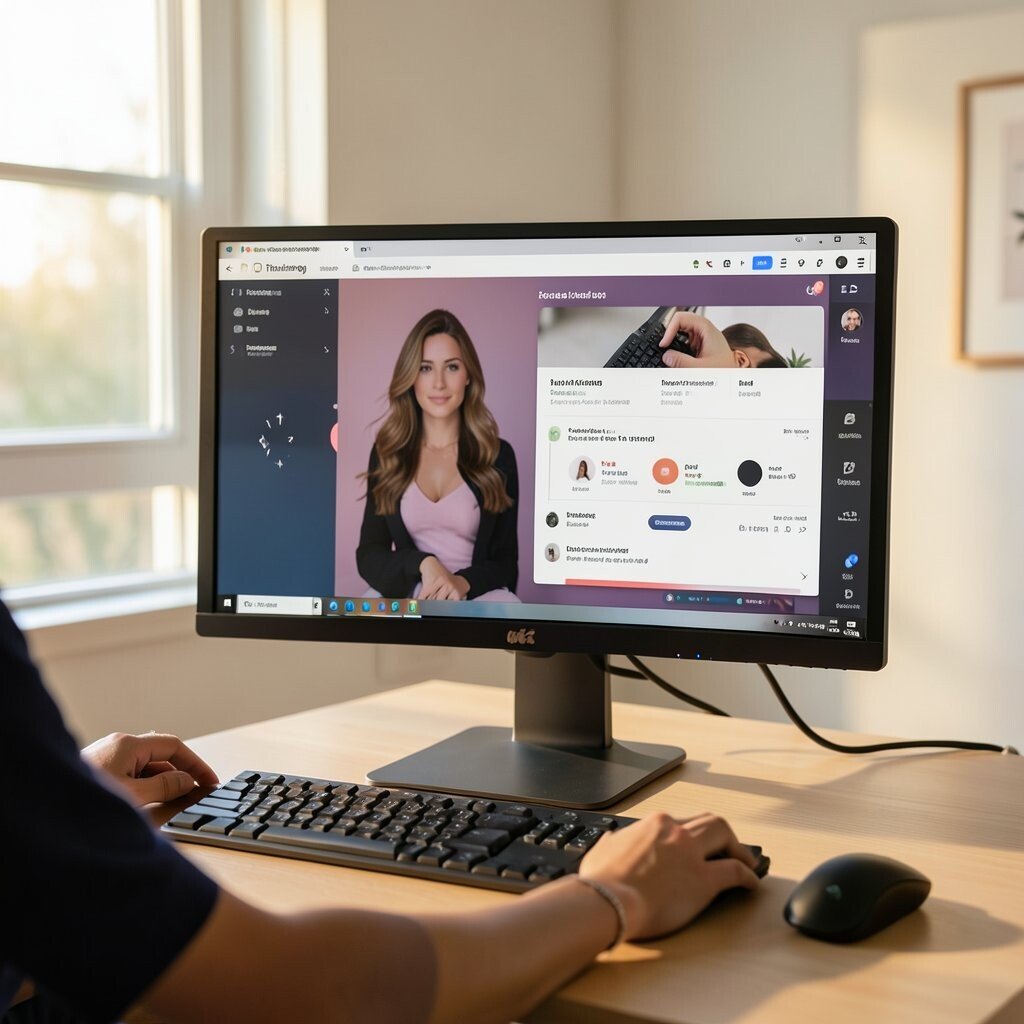
Think about how often your eyes work harder than they should while you read and review files. Simple monitor calibration can make text feel sharper and colors look more natural, which makes the whole room feel better.
Many built-in display settings let you adjust brightness, contrast, and color temperature without buying anything. Use warmer tones in the evening so your screen looks gentle, and set a consistent brightness level during the day. When the screen feels comfortable, you’ll notice fewer headaches and less squinting.
Choose a desktop wallpaper that matches your color palette, but keep it simple so it doesn’t distract you. If you work with design or photos, aim for accurate color so your drafts feel trustworthy. This is a low-cost change that can feel like a major upgrade.
To make it practical, set a schedule for display settings so it changes automatically. When your team shares a workstation, store your preferred settings in your account. Personalization here is mostly about comfort, which makes it easy to stick with.
4. Quiet Charging Dock with Clear Status Light
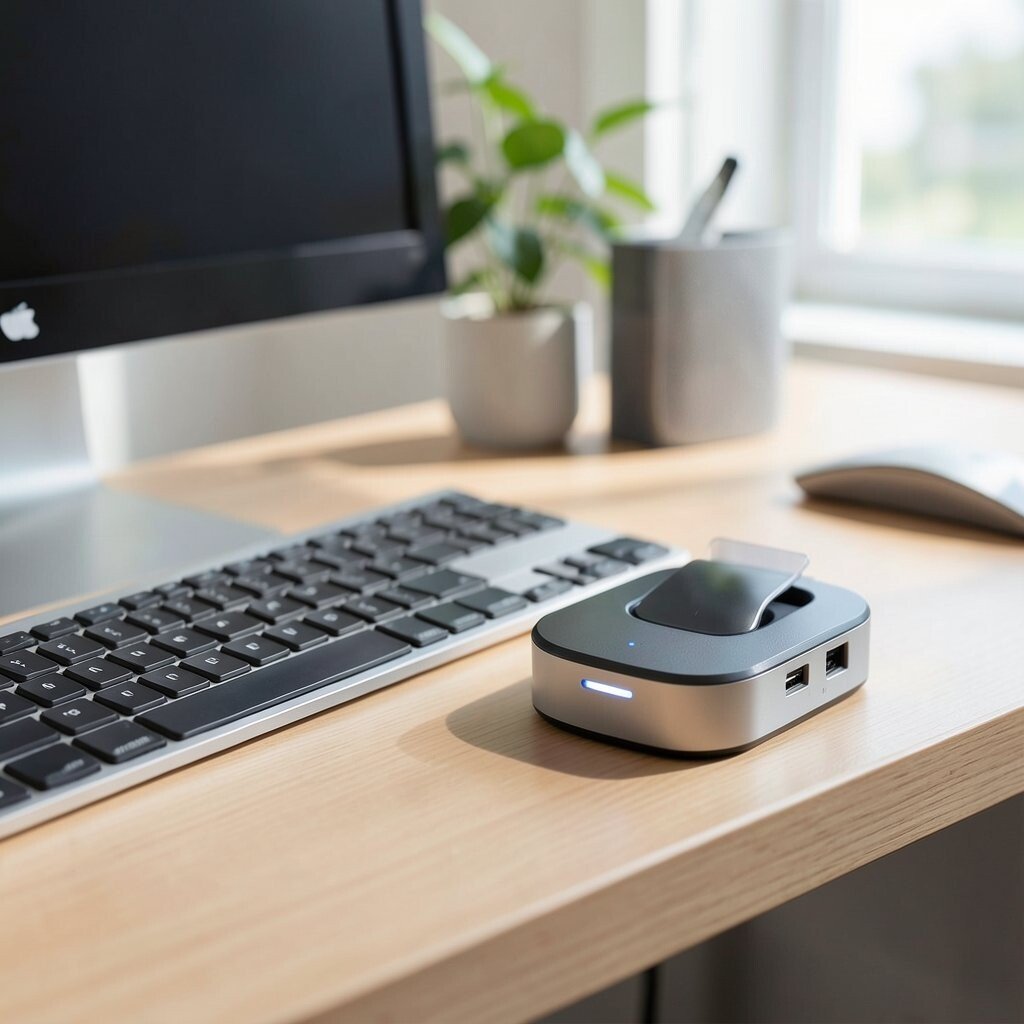
A charging dock that looks clean can make your desk feel calm. It also helps you keep phones, tablets, and earbuds ready without leaving random chargers scattered.
Pick a dock with a simple indicator light so you can tell at a glance that everything is charging. Place it where you naturally look before you sit down, like near your keyboard side. Clear visibility reduces the small daily stress of wondering whether your device is actually ready.
Some docks offer multiple ports, which cuts down on extra bricks and messy cable trails. If you commute or switch devices often, choose a dock with a layout that fits your habits. You can personalize the dock by selecting a finish that matches your desk hardware and by keeping only the essentials on top.
Since this is a practical purchase, set a budget and compare number of ports rather than brand hype. Look for safety features like surge protection, especially if your workspace has frequent power changes. A tidy charging station can be a surprisingly bright moment every time you arrive.
5. Ambient Background Sound With Smart Volume
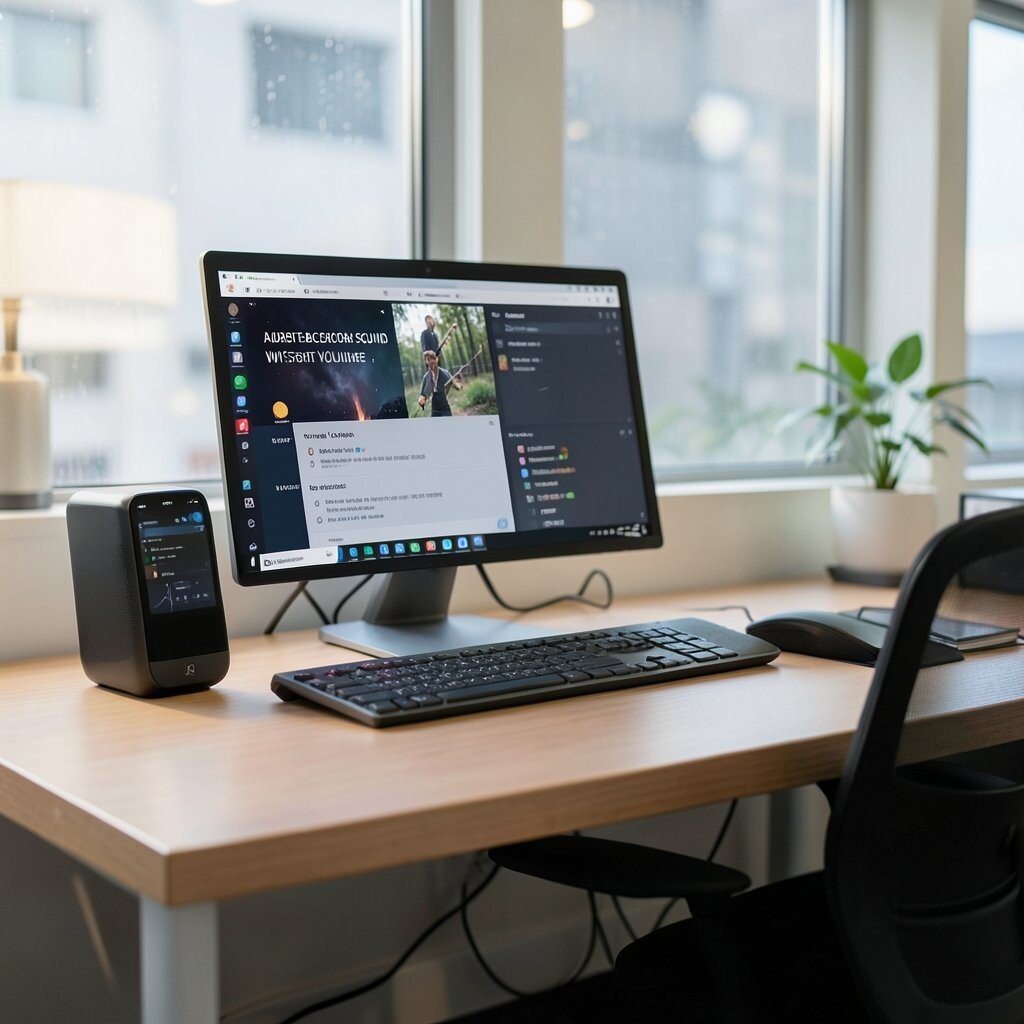
Imagine the hum of a gentle soundscape instead of sudden office noise. Background audio can help you concentrate, especially in open spaces where conversations come and go.
Use a smart speaker or app to play calming sounds and adjust volume automatically based on your environment. Many tools offer schedules, so you can start softer music during deep work and lower it during calls. The right audio level makes your attention feel steadier, which is a real workplace benefit.
Try mixing options like light rain, soft instrumental, or classic “focus” playlists for variety. Keep speakers facing away from your desk so the sound feels like it fills the space rather than hits your ears. You can personalize your setup by saving a few favorite sound themes for different tasks.
6. Ergonomic Tech Stand for Better Posture
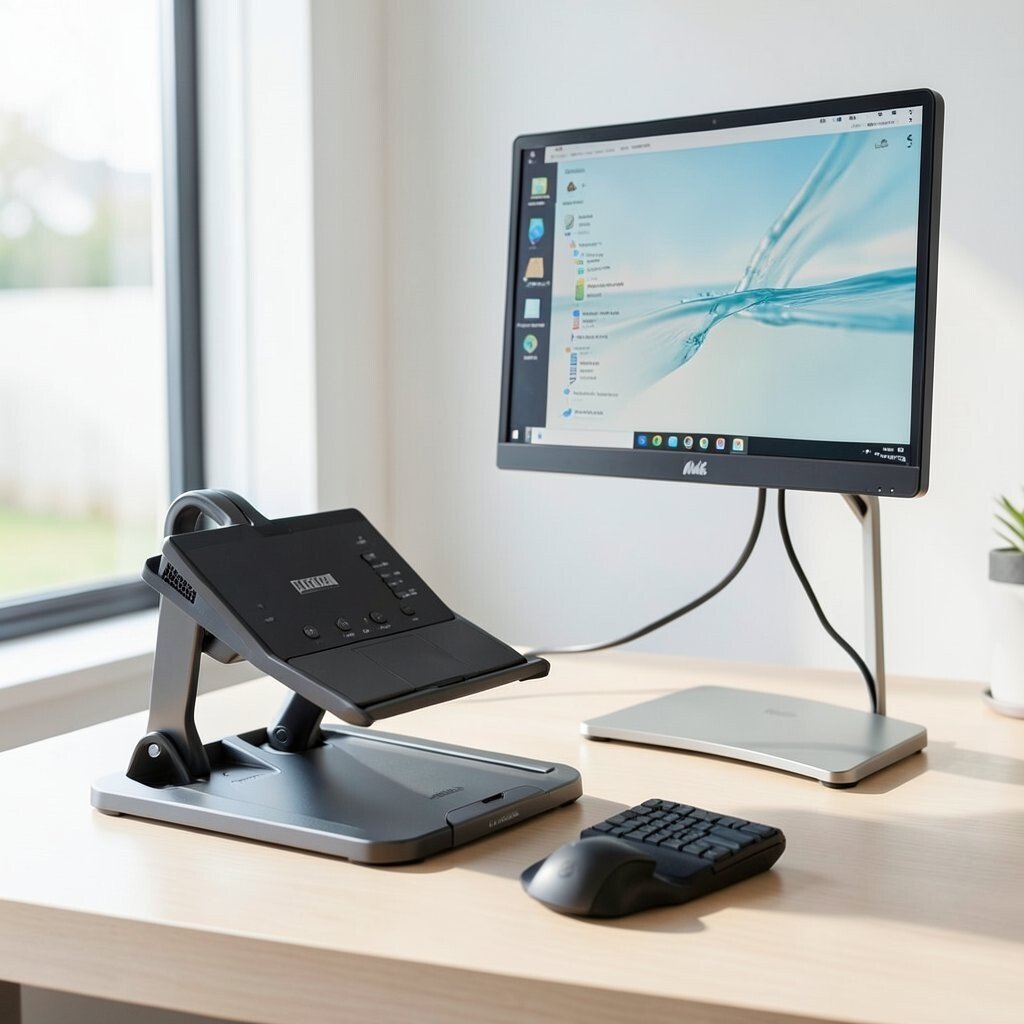
A screen at the right height can make your whole day feel easier. When you stop bending your neck, your workspace instantly feels more supportive.
Choose an adjustable monitor stand or laptop riser so you can lift the screen and improve sightlines. Pair it with a document holder or a slim keyboard tray to create a comfortable triangle for your body. This change often helps you move less awkwardly and concentrate longer without fatigue.
To keep it bright and tidy, aim for a stand with a clean cable pass-through. If you work in a hot or humid area, look for breathable materials or stable bases that don’t wobble. Budget matters, so prioritize adjustability and stability over flashy features.
7. Smart Desk Sensor for Consistent Comfort
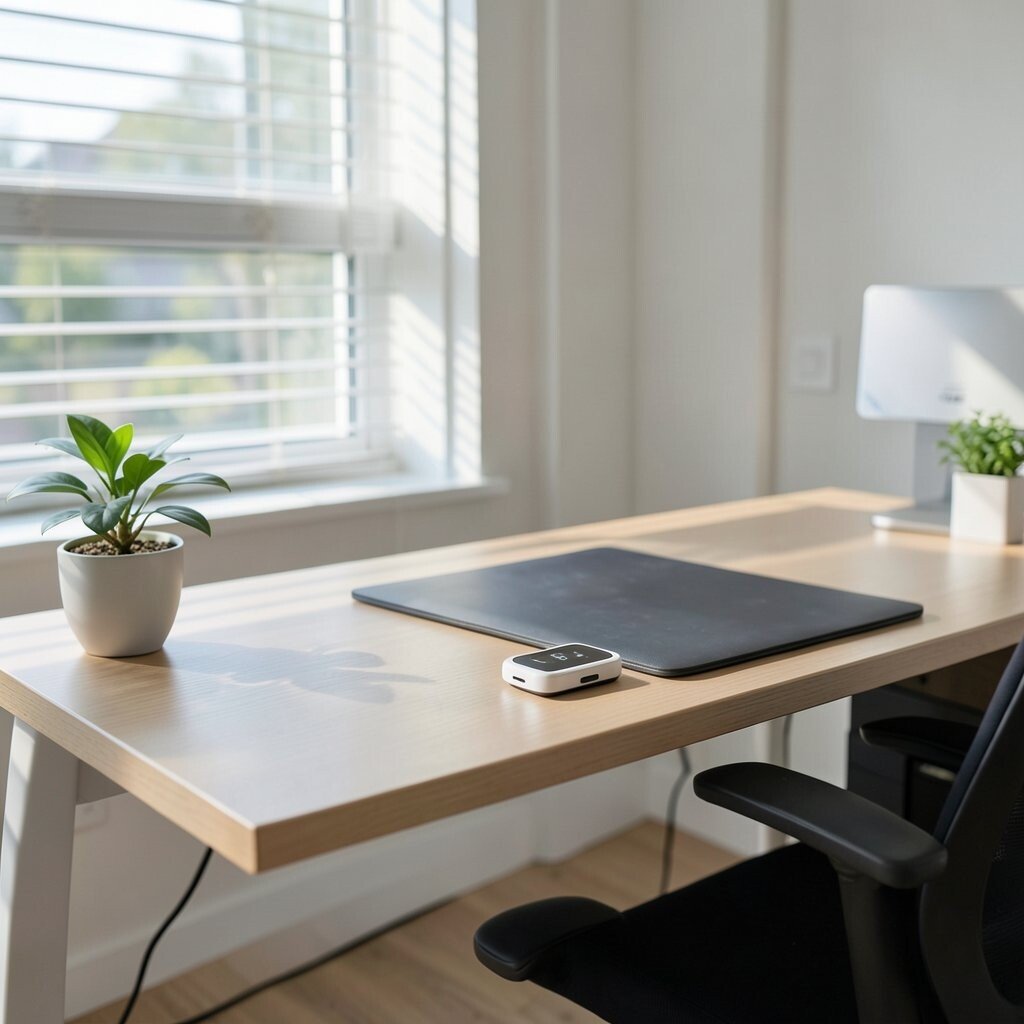
Sometimes your office feels off before you can explain why. A smart desk sensor can track comfort factors like temperature, light, and even air quality signals.
When you see patterns, you can fix them, like raising blinds, adjusting a fan, or moving away from a glare spot. Many sensors connect to apps, so you can check trends without doing manual guesswork. This kind of awareness makes your workspace feel more controllable and bright in a practical way.
Place the sensor near where you sit, not inside a drawer or behind a computer tower. If your room has sunlight swings, monitor changes across the day and adjust your lighting routine. Personalize the experience by setting your own preferred comfort ranges so the alerts match your habits.
8. Digital Whiteboard for Quick Team Ideas
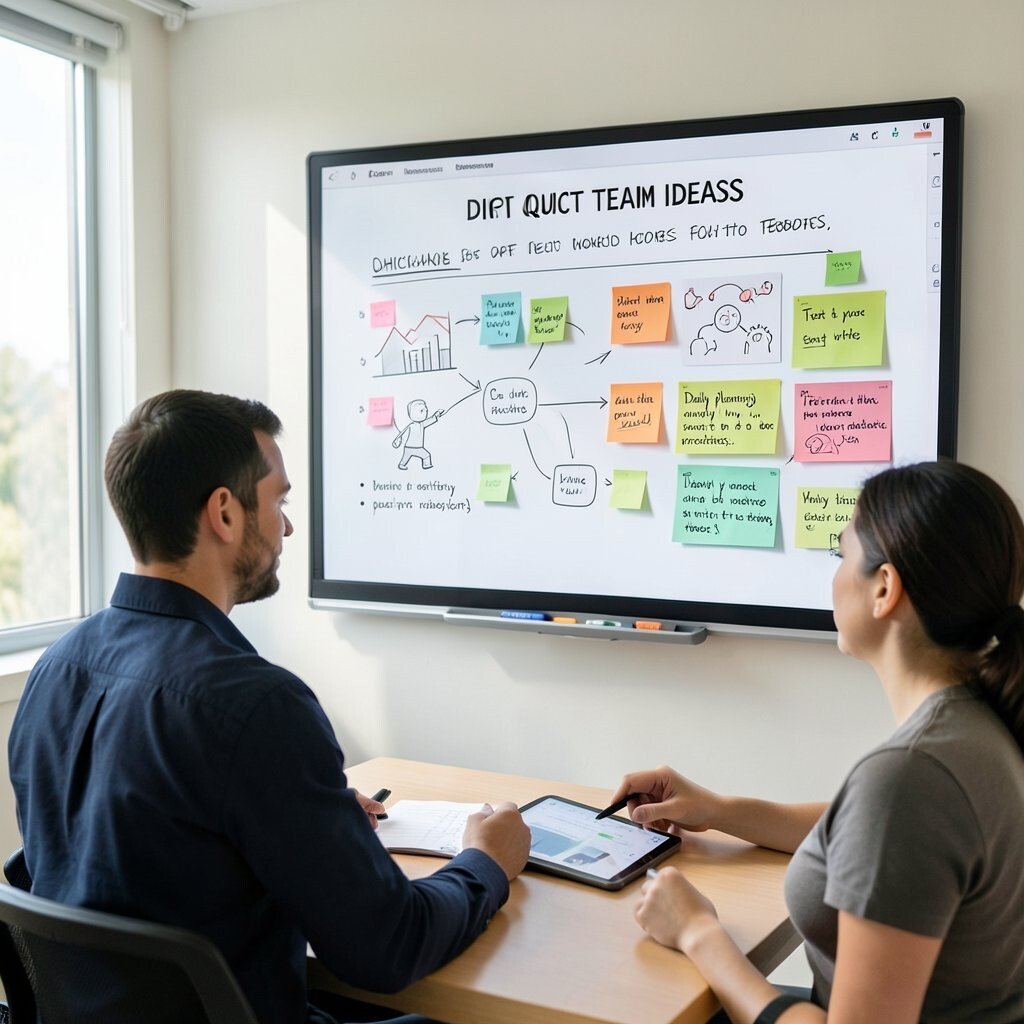
Have you ever watched a brainstorming session stall because everyone forgets what they wrote. A digital whiteboard keeps ideas visible and easy to rearrange.
Use a tablet with a stylus or a smart board to capture notes, sketches, and sticky-style ideas right on the screen. Images and text can be organized quickly, so you spend less time rewriting and more time solving. The visual layout also makes your workspace feel more energetic and alive.
For practical success, keep a template for daily planning so you always know where to place priorities. Many boards support exporting images or sharing links, which helps when you work with remote teammates. Consider cost by starting with a tablet option if a full smart board setup feels too big.
9. Smart Privacy Screen for Confident Focus
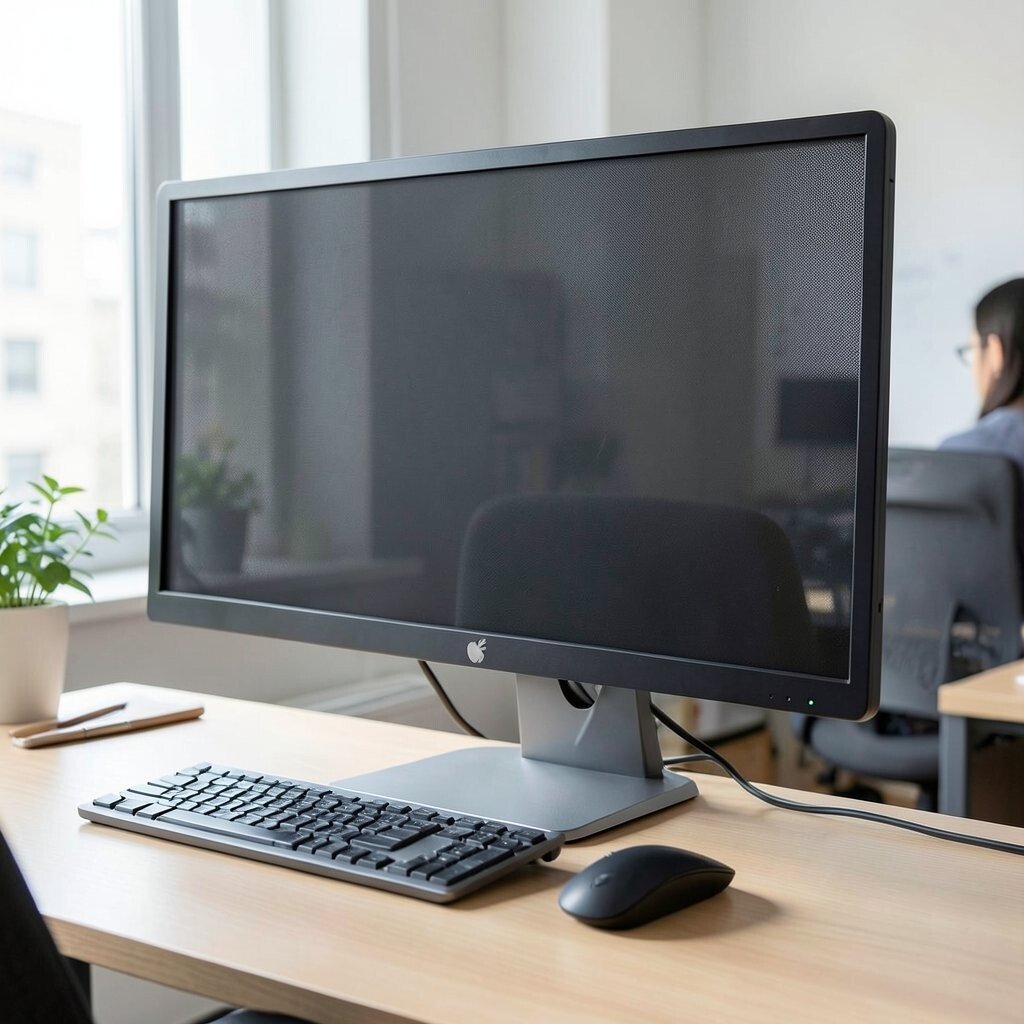
Sometimes brightness comes from feeling safe and undistracted at your desk. A privacy screen can reduce glare and make it harder for people nearby to read what’s on your monitor.
Choose a privacy filter matched to your monitor size so it sits cleanly and doesn’t peel edges. You’ll enjoy more comfortable screen viewing from different angles, and your work feels more personal. In busy offices, that sense of control can support focus and calm.
Pair the screen with a consistent brightness setting so the colors stay comfortable. If you share your desk, consider a removable filter that can move with you. Personalize your workspace by selecting a frame style that blends with your monitor stand.
Cost-wise, privacy filters range widely, so compare both fit and thickness. Look for ones that reduce side visibility without making the screen too dim. The best choice feels like added clarity, not added frustration.
10. Smart Keyboard Shortcuts and Layout Memory
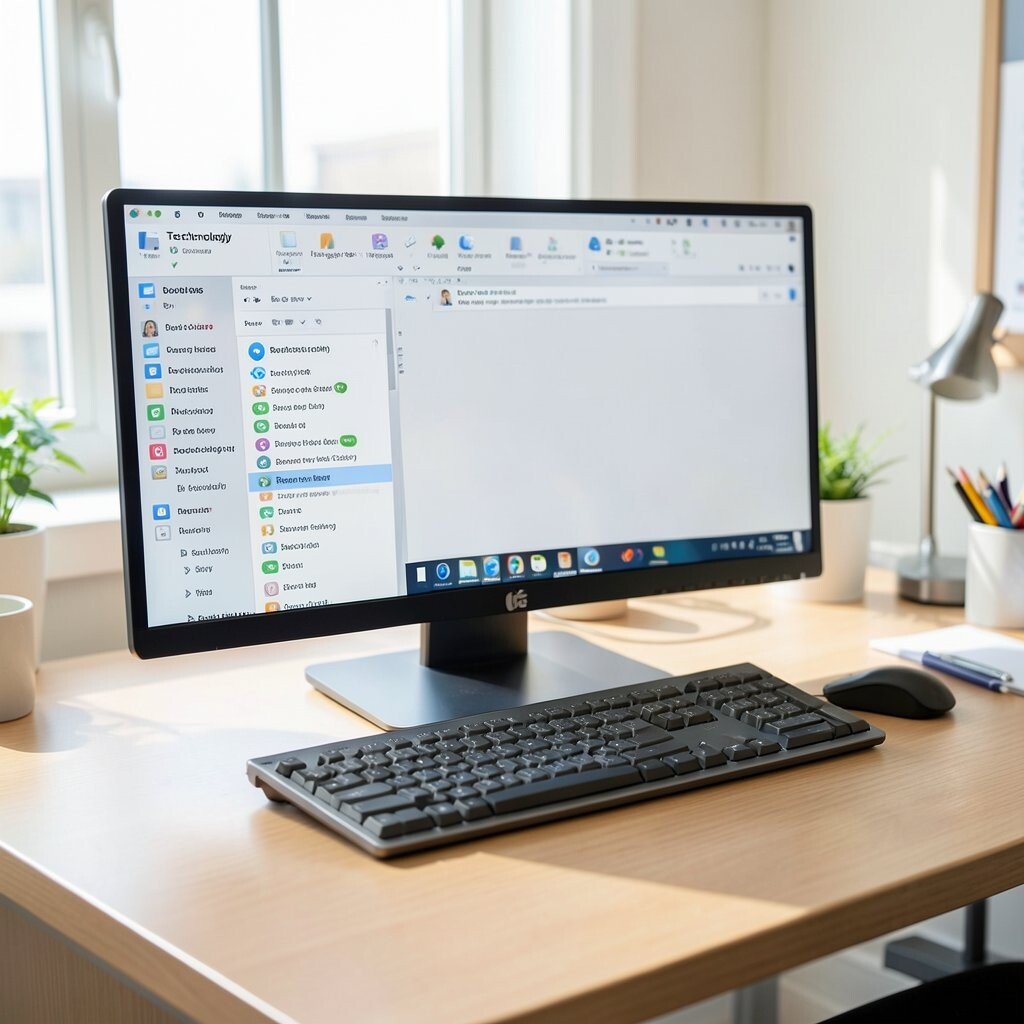
Your office can feel brighter when your tasks flow smoothly. Smart shortcut tools help you work faster without hunting through menus.
Set up custom shortcut keys for the actions you repeat daily, like switching apps, starting calls, or opening commonly used folders. Some keyboards also allow profile switching, which is great if you use different workflows for different work types. When you stop wasting tiny moments, your desk feels more efficient and less stressful.
Try creating a consistent layout rule, such as keeping the same app pinned or grouped on the left side. Many operating systems support saved keyboard layouts, so switching tasks stays simple. You can personalize it by choosing shortcut names that match your own routine language.
11. LED Desk Lamp With Color Scenes
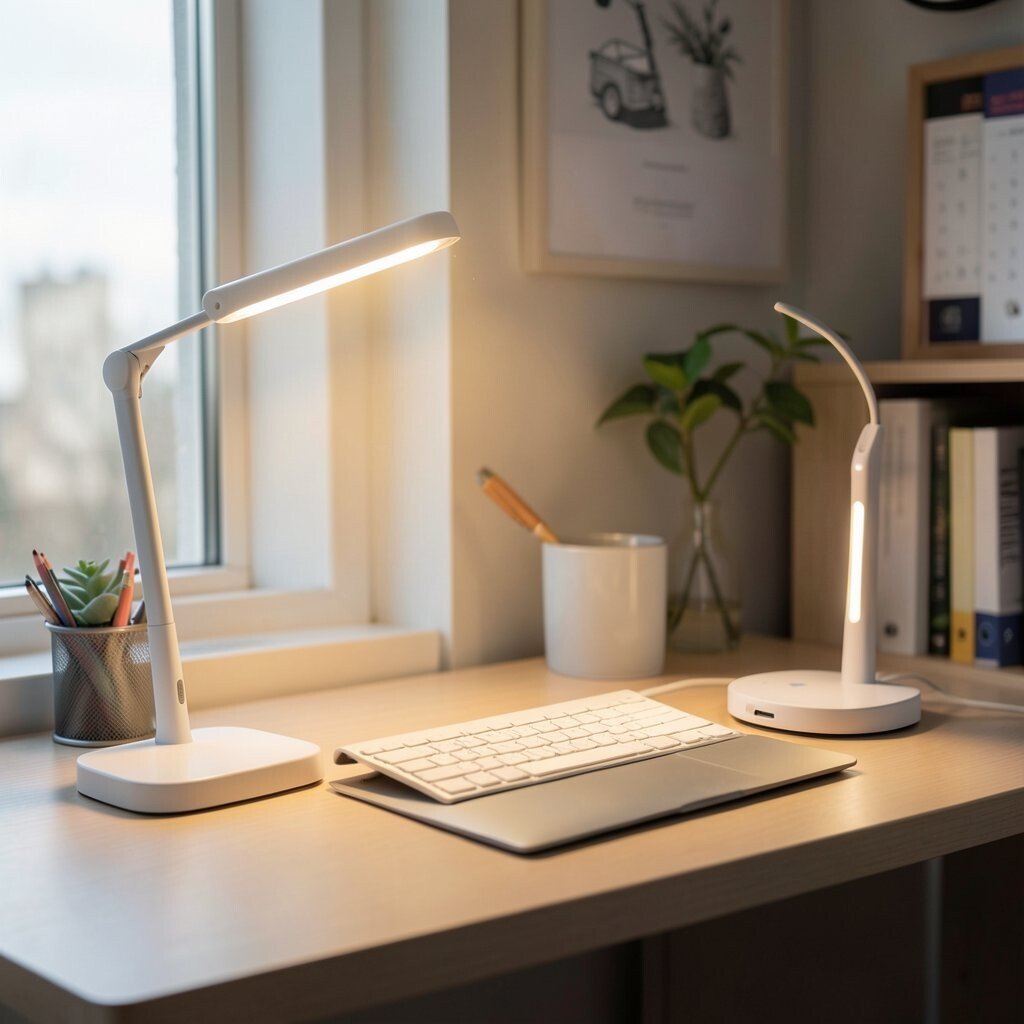
A lamp that changes mood can make your workspace feel like it has personality. LED desk lights with color scenes let you match the vibe to your task.
Use a neutral white for focused writing and a softer amber for calls or late afternoons. Many lamps include timers and brightness steps so you don’t have to keep adjusting throughout the day. The visual payoff is big, and the benefit is real because lighting affects comfort.
Position the lamp to reduce direct glare on your screen, ideally slightly to the side. If your office has shared lighting, a personal lamp helps you keep your preferred look without arguing about overhead settings. Cost considerations are easier here because you can choose a simple lamp first and upgrade later if you love the effect.
Personalize by syncing your colors with your calendar goals, like brighter tones for planning sessions. Keep the choices consistent so your eyes learn what “focus mode” feels like. A small change can make your desk feel brand new.
12. Smart Lighting for Meeting Mode
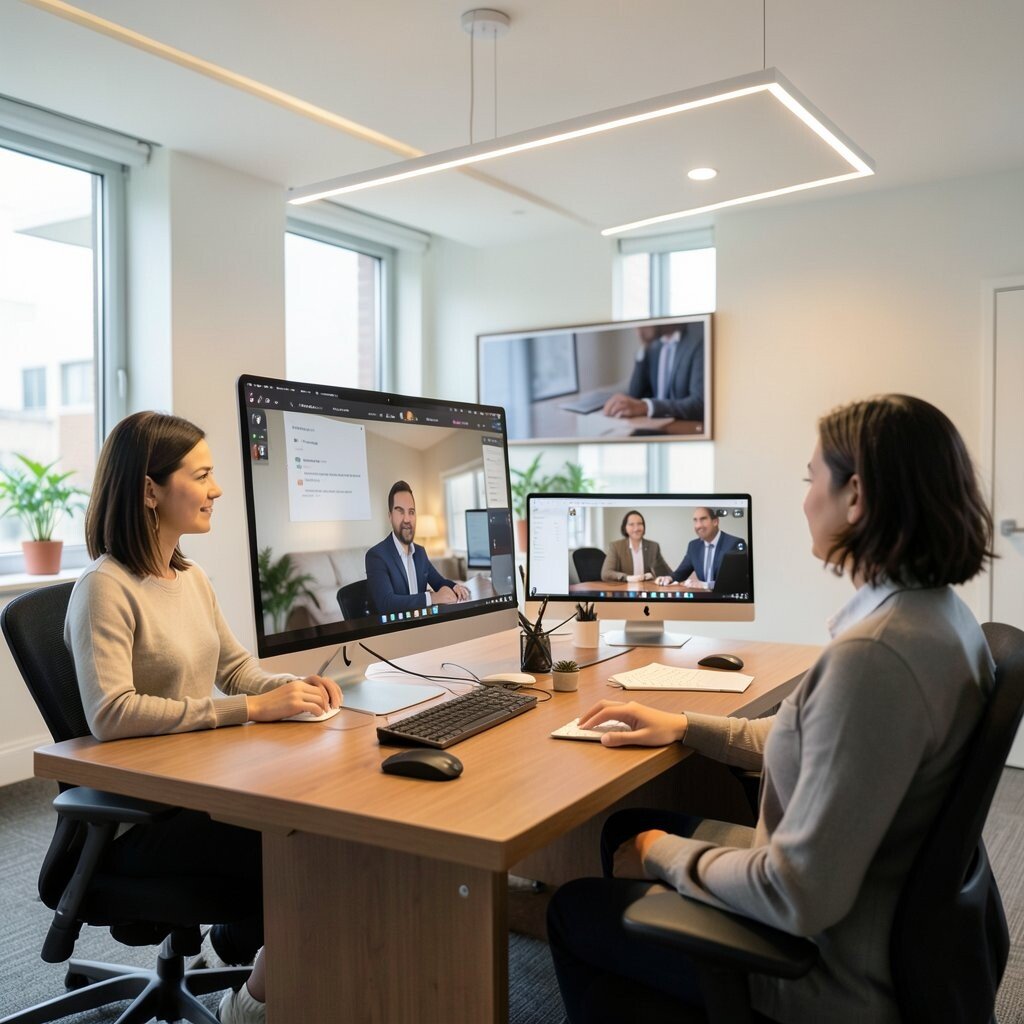
When meetings start, your workspace should feel ready in seconds. Smart lighting can shift to a flattering, professional look so you don’t scramble with dim lamps.
Use routines so your desk lights brighten when you join video calls and soften when you end them. Many smart systems let you set brightness levels per app, which means your workspace responds to your day. This keeps you comfortable and makes your room look polished on camera.
For visual description, imagine your screen reflection changing smoothly, with no harsh spots. Better lighting also improves video quality, which helps when remote coworkers notice details. This is a practical way to look confident while staying relaxed.
If you want to stay within budget, start with one light source and one preset scene. Add more later if you feel the difference right away. Personalization can be as simple as choosing a warm scene for interviews and a neutral one for team check-ins.
13. App-Based Task Boards on a Second Screen

A second screen can make your office feel less cramped. When your tasks stay in view, you’re less likely to forget what matters.
Set up a lightweight task board on a monitor or tablet so you can glance at your priorities without opening multiple apps. Many apps pull in due dates, reminders, and progress, which keeps your workflow organized. This visual stability is one of the easiest ways to brighten the mental side of your work.
Try placing your task board where you naturally look while switching from writing to referencing. Keep it clean with a small set of tasks so it doesn’t become clutter. You can personalize by using colors that match your project types or by choosing a theme that feels calm.
Cost-wise, a used monitor or older tablet can work great, especially if you already have a display cable. If buying new hardware isn’t in reach, consider using a cheap stand and mirroring your phone. The benefit comes from clarity, not from expensive gear.
14. Smart Plants or Grow Lights for a Living Vibe
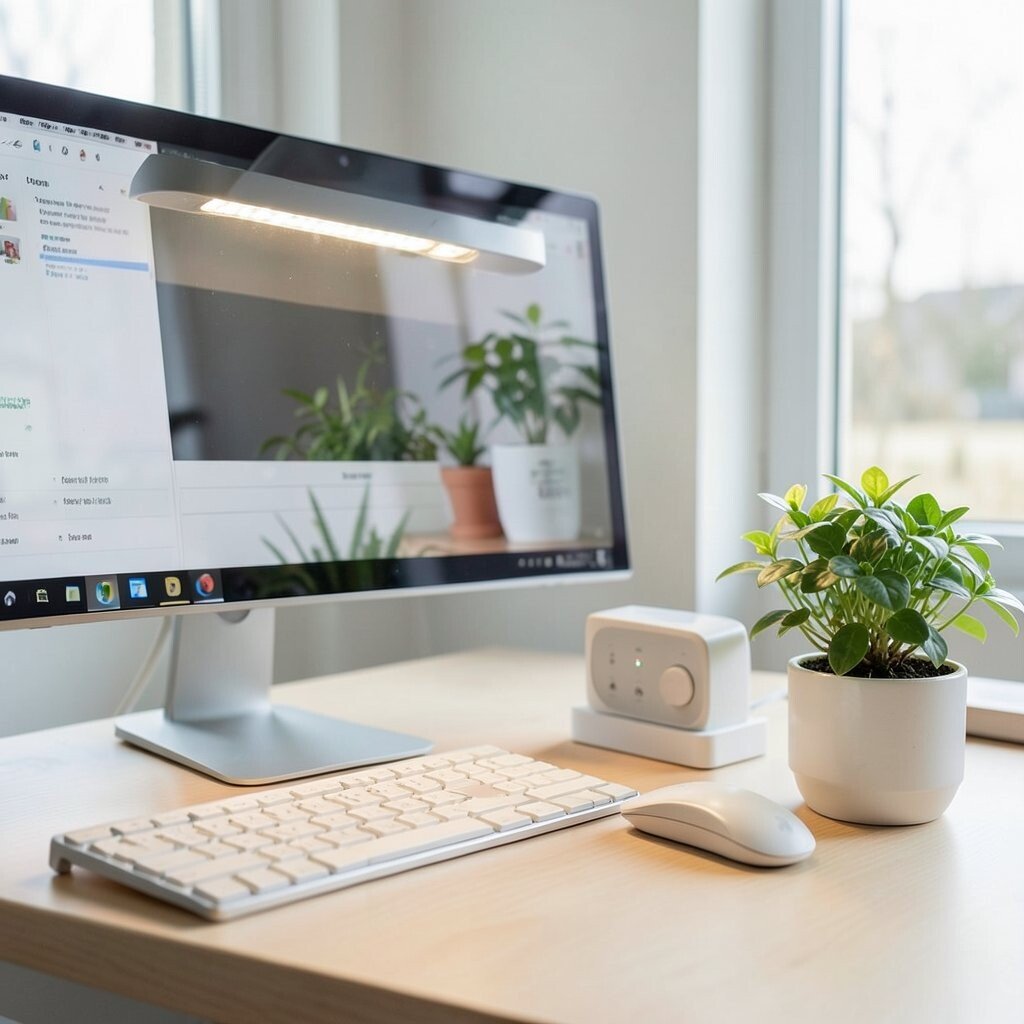
Plants bring a soothing brightness that tech can never fully replace. With smart grow lights, you can keep them healthy even if your office has limited sunlight.
Choose a small plant that fits your desk footprint and pair it with a light timer. Many systems adjust brightness based on schedules, which makes plant care feel effortless. Watching new leaves appear can make your day feel more hopeful and grounded.
For visual description, picture a small green cluster next to your monitor, softly lit like a tiny indoor garden. The benefit is both mental and practical because greenery can make the space feel fresh. Personalize the setup by selecting plant types you enjoy and keeping a simple weekly watering plan.
Cost considerations depend on whether you already own plants, but starting with one hardy option is usually affordable. Look for grow lights with safe temperature control and clear timer settings. This trend is popular because people want a workspace that feels alive without a lot of extra work.
15. Interactive Projection or Display for Focus
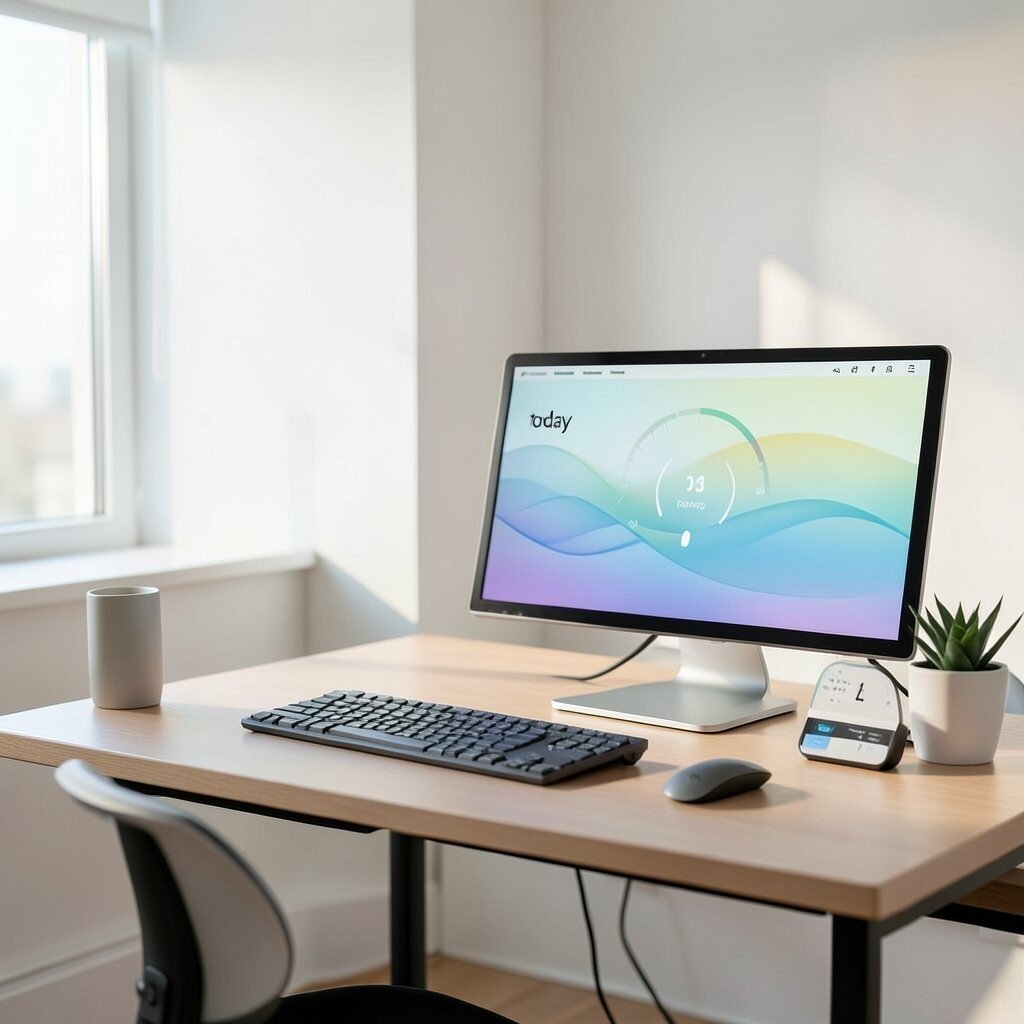
Sometimes you want your workspace to feel inspiring, not busy. An interactive display or simple projection can add movement and visual calm.
Try a small smart display that shows a calming loop, such as gentle animations or a progress meter for your work timer. Some tools connect to calendars and show a “today” view that keeps you oriented. This can make the room feel bright in a unique way while still keeping attention on your work.
For practicality, keep the visuals subtle so they don’t compete with your text. Place it at an angle where you can glance without distracting your main screen. Personalize by choosing motion that feels relaxing, like slow waves or soft gradient shifts.
Cost can be managed by starting with a compact smart display rather than a big setup. Compare resolution, brightness, and how easily it fits your desk. The best option is one that creates mood without becoming another distraction to manage.
16. Desk-Friendly Scan and Organize Workflow

Paper can make a workspace feel cluttered even when you stay organized. A simple desk-friendly scanning workflow helps you keep documents digital and easy to find.
Use a compact scanner or a phone scanning app to capture receipts, notes, and forms quickly. Then organize them into folders by client, project, or month so your search becomes fast. This visual tidiness reduces stress because you stop seeing stacks of paper every day.
Make it practical by scanning immediately after you receive documents, then clearing the physical pages right away. Many apps can auto-crop and improve readability, which helps you avoid messy images later. Personalize your system by naming files in a style that matches how you think, like short project codes and dates.
Cost considerations are flexible because you can start with an app and upgrade to a scanner if you scan often. If you work with sensitive info, choose tools that support secure storage and strong device locks. A cleaner desk usually feels brighter, and your workflow becomes smoother at the same time.