Some tools turn practice into something you actually look forward to. The trick is picking formats that make your brain stay awake and engaged.
When learning feels active, progress starts to show up faster in your daily habits.
1. Skill-Drill Flashcards That Adapt to You
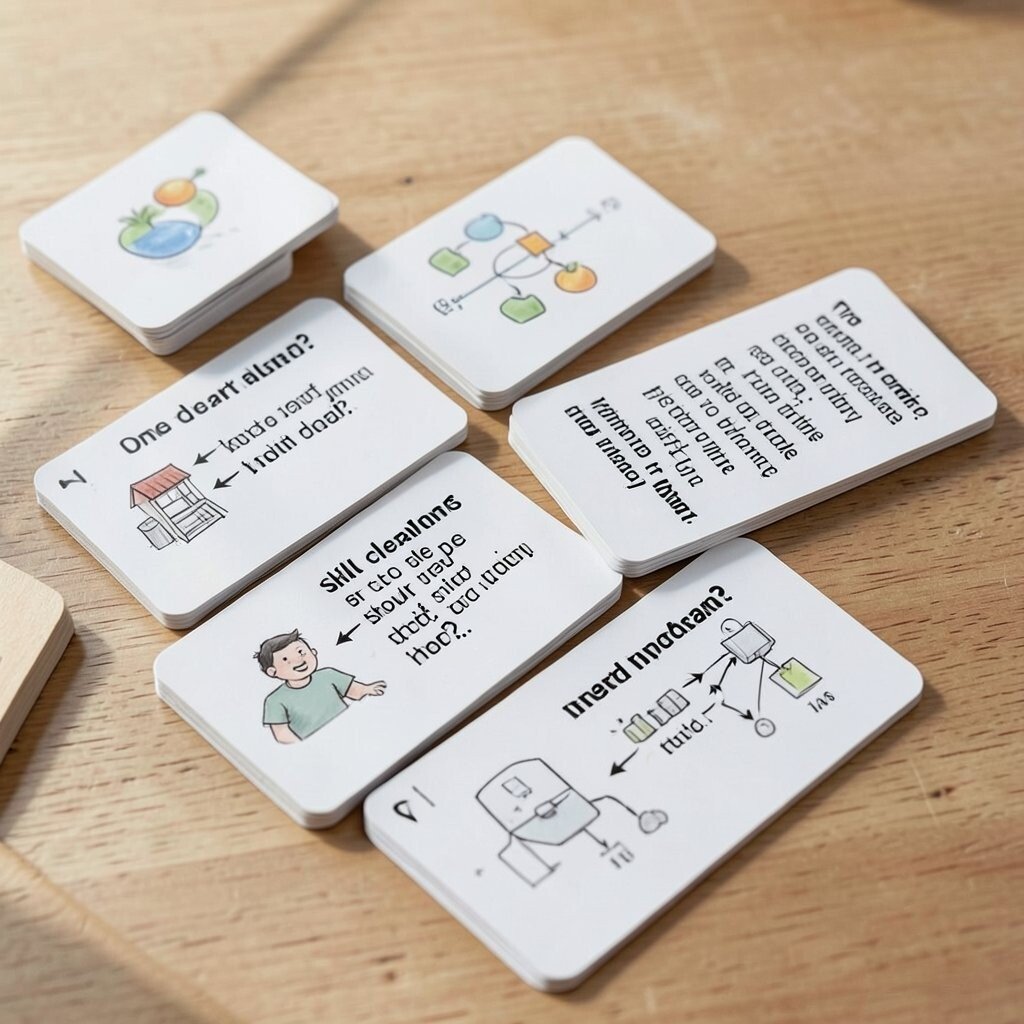
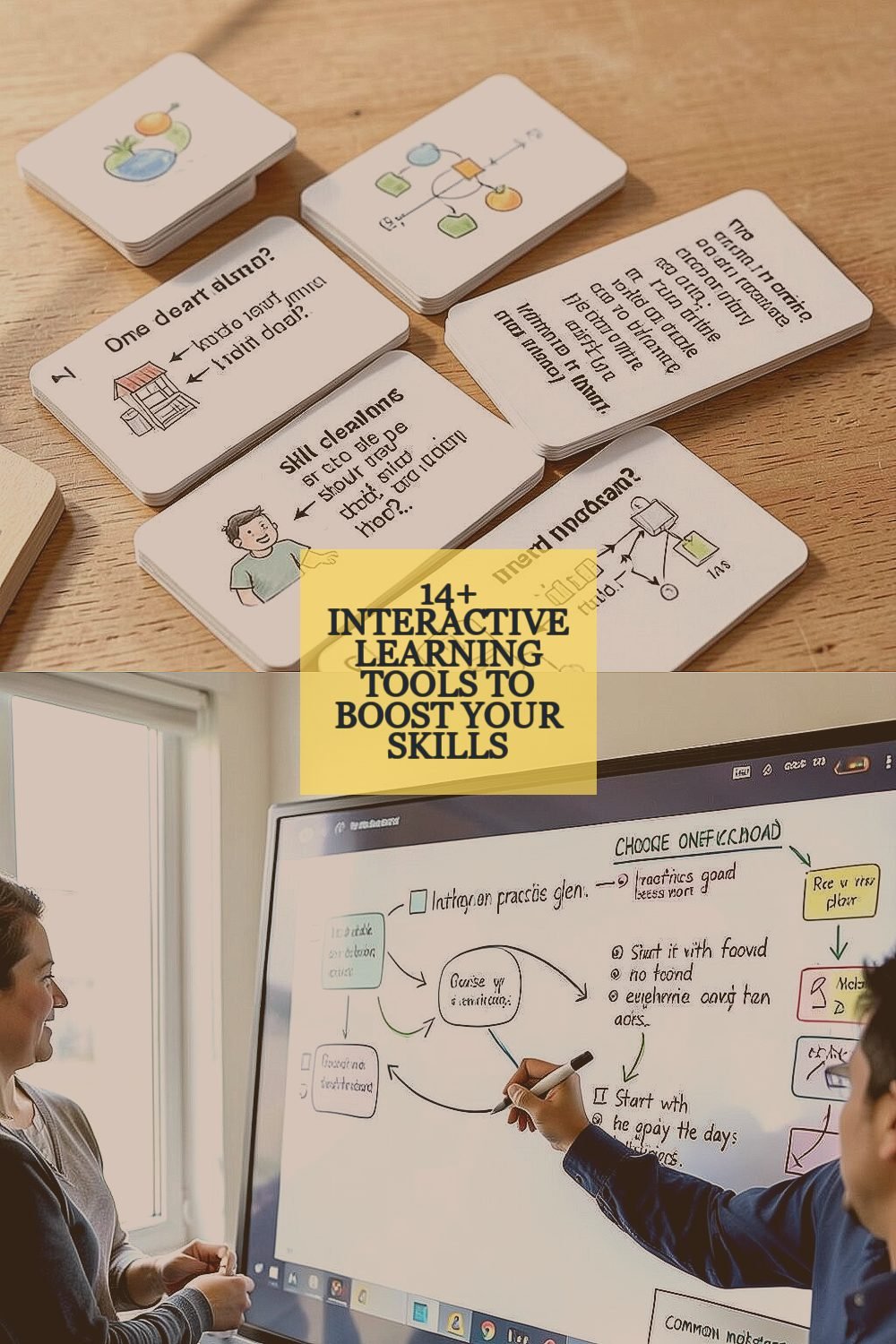
Picture a deck of cards that feels like a friendly quiz, popping up at just the right time. As you answer, the cards quietly adjust, so tough items show up more often.
That steady rhythm helps memory build in a real, usable way. For best results, break big topics into small cards with one clear question per card. Keep images in mind too, like a tiny diagram of a process or a sketch of a concept.
2. Interactive Whiteboards for Group Practice
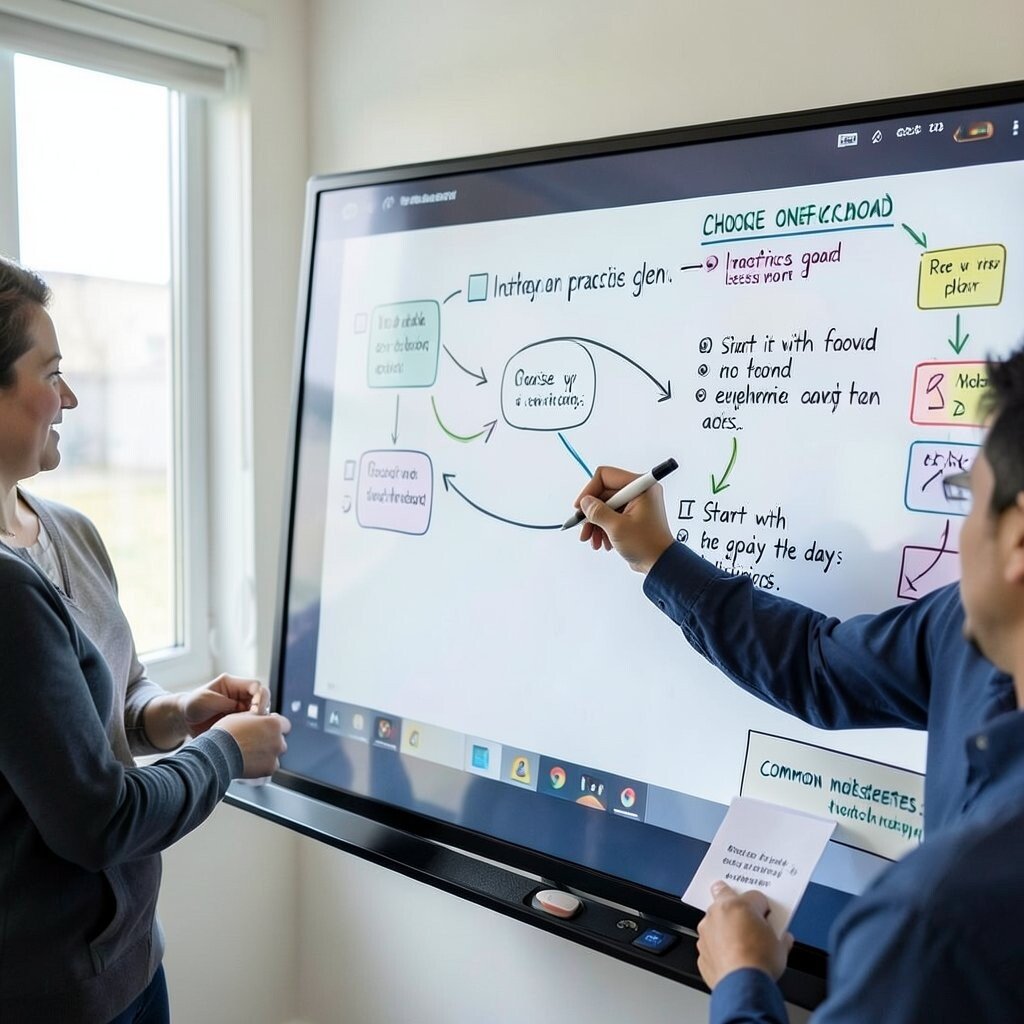
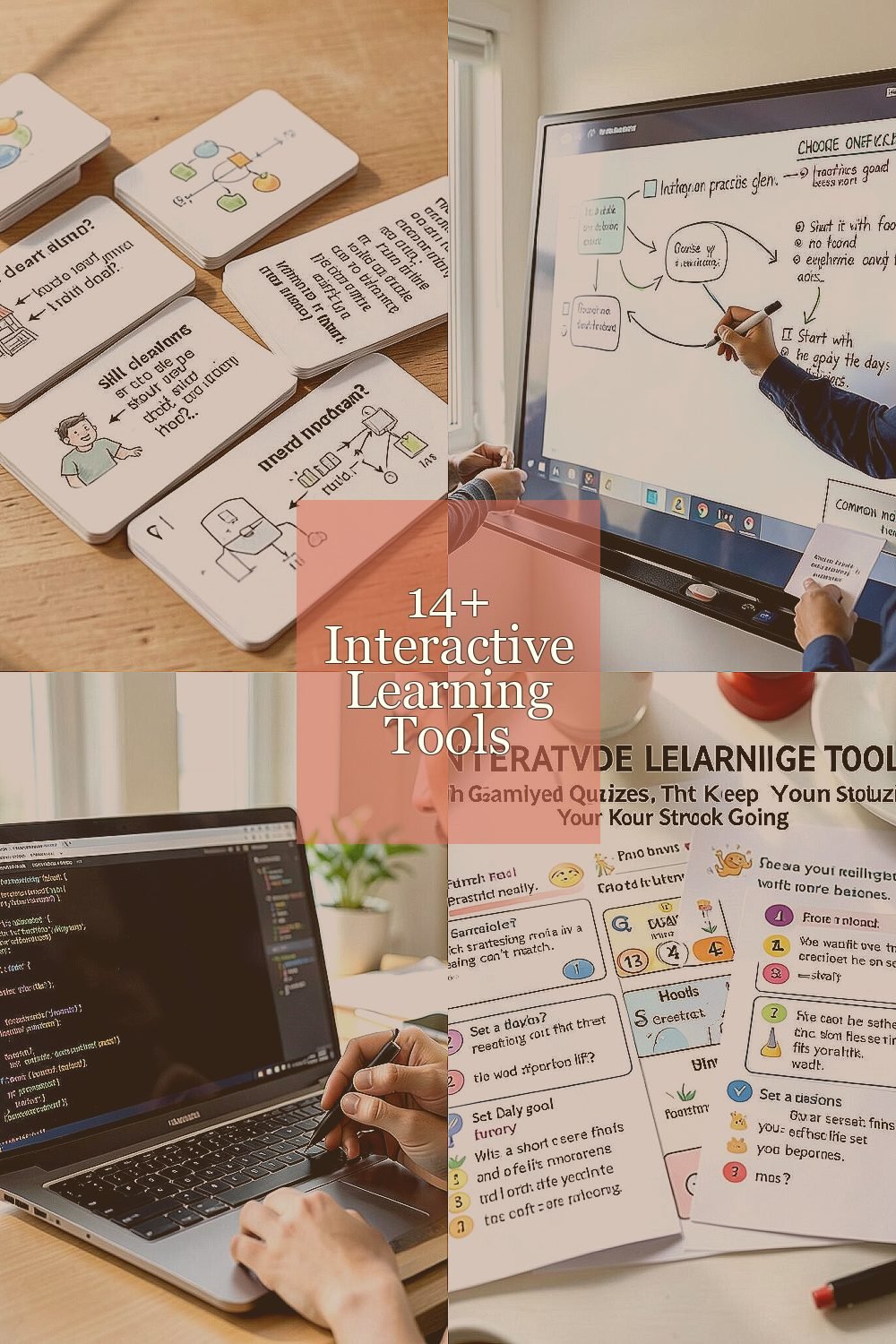
Imagine writing with a digital pen and watching your ideas appear crisp and bright on a shared canvas. You can drag notes around, draw arrows, and build a flow that others can edit in real time.
This tool makes discussion feel hands-on, which helps you learn faster through seeing other people’s thinking. Choose one practice goal, like improving a lesson plan, and start with a simple outline everyone can add to.
If you work alone, record your board session and replay it the next day to spot gaps. For personalization, use colors for categories, and keep a small “common mistakes” corner where you add quick reminders.
3. Live Coding Sandboxes for Instant Feedback

Think of a coding space where you can type a few lines and immediately see what happens. The screen responds right away, like a coach who marks corrections in the same moment.
This kind of instant feedback trains your problem-solving muscles, because you learn by trying. Use small experiments instead of long projects at first, and change one thing at a time so your brain can track cause and effect.
For practical use, write short “tests” by running the code with different inputs and watching what breaks. You can also save versions of your work as you improve them, which makes reflection easier. Many platforms offer free tiers, but you may choose a paid plan if you need advanced features or private projects.
4. Gamified Quizzes That Keep Your Streak Going
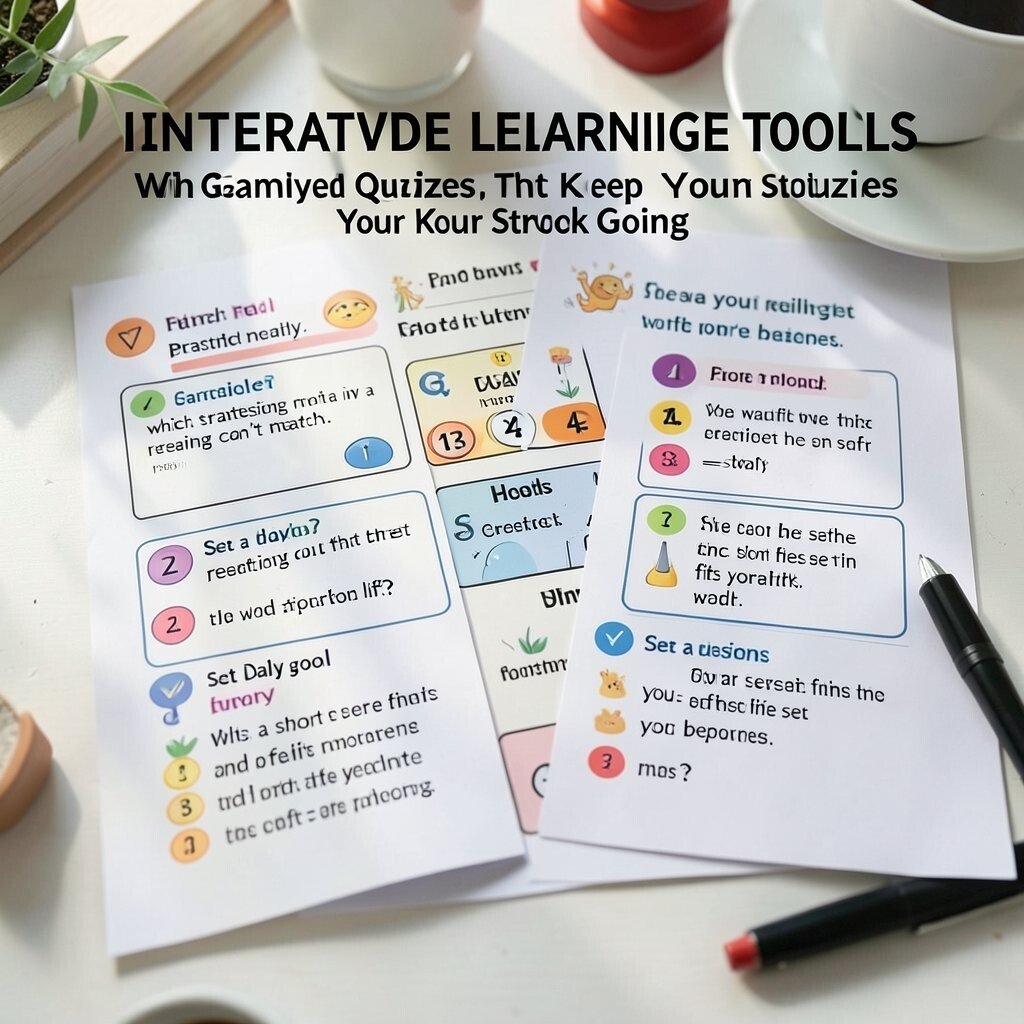
Picture a set of questions laid out like a game board, with timers, points, and cheering animations. Your learning feels lighter because you’re motivated by momentum, not just pressure.
These quizzes help you practice retrieval, which strengthens memory in a way rereading can’t match. Set a daily goal that fits your life, like a short session after breakfast, and focus on finishing the set rather than perfect scores.
5. Interactive Video Lessons With Clickable Checks
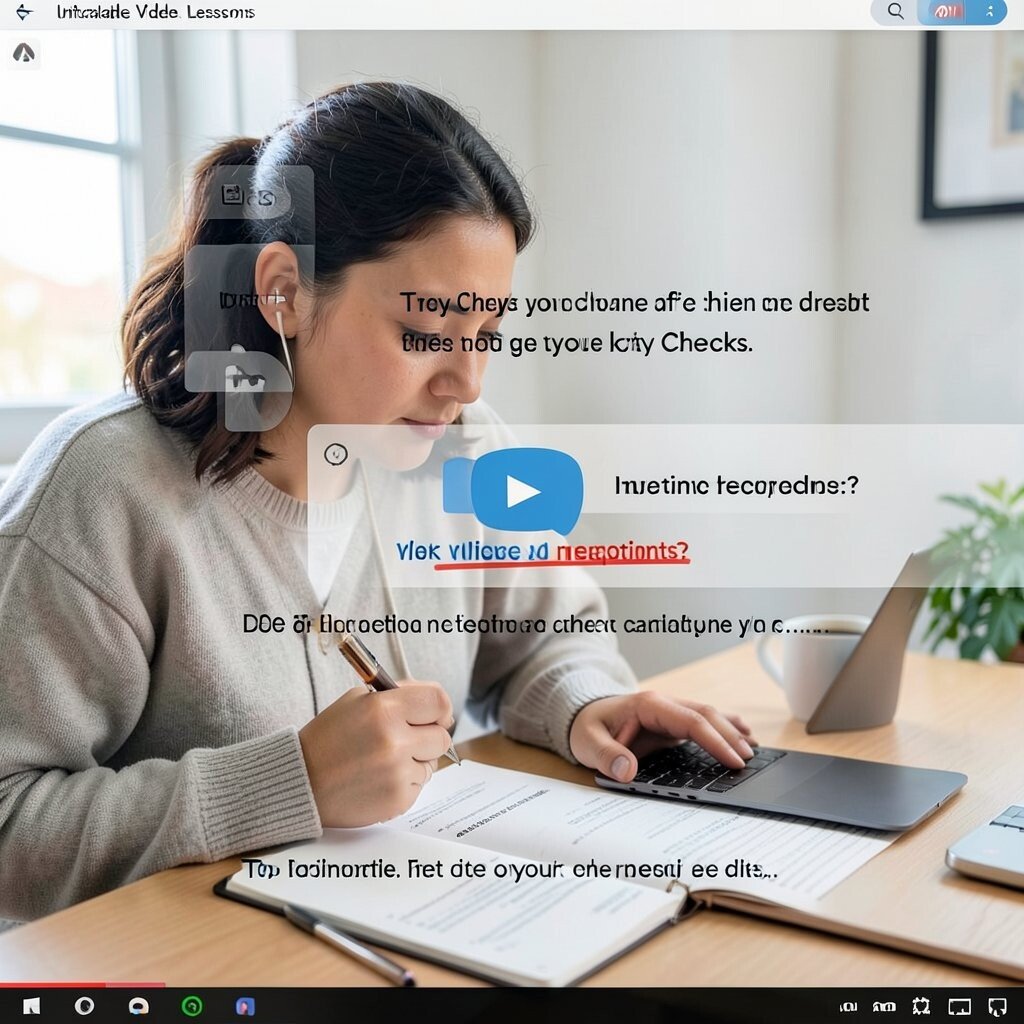
Imagine watching a lesson where the video pauses and asks you a question before you drift off. You get to click, choose, and respond while the content is still fresh in your mind.
That interruption trains attention and helps you catch misunderstandings early. Try pausing on purpose and predicting the answer before you click, then read the feedback carefully.
To personalize, take notes on your own misconceptions, not every detail. Some platforms let you build custom playlists, which is useful if you want to learn a specific skill path rather than a random set of videos.
6. Chatbots for Practice Conversations and Explanations

Picture a conversation partner that responds in real time, using your words and asking you follow-up questions. You can practice explaining ideas, answering questions, and rewriting your thinking on the fly.
Using a chatbot this way builds confidence because it gives you immediate chances to try again. Start by setting a clear goal for the chat, like summarizing a topic in simple language, then ask it to quiz you.
For practical tips, paste a rough draft of your explanation and request a clearer version, then compare. You can personalize by using the same style you like, such as short answers, examples, or friendly tone.
Cost considerations matter here too, since some options are free and others require a subscription for higher limits. If you only need casual practice, start with a free plan and upgrade only when you hit a wall on usage.
7. Collaborative Docs for Writing With Real-Time Edits
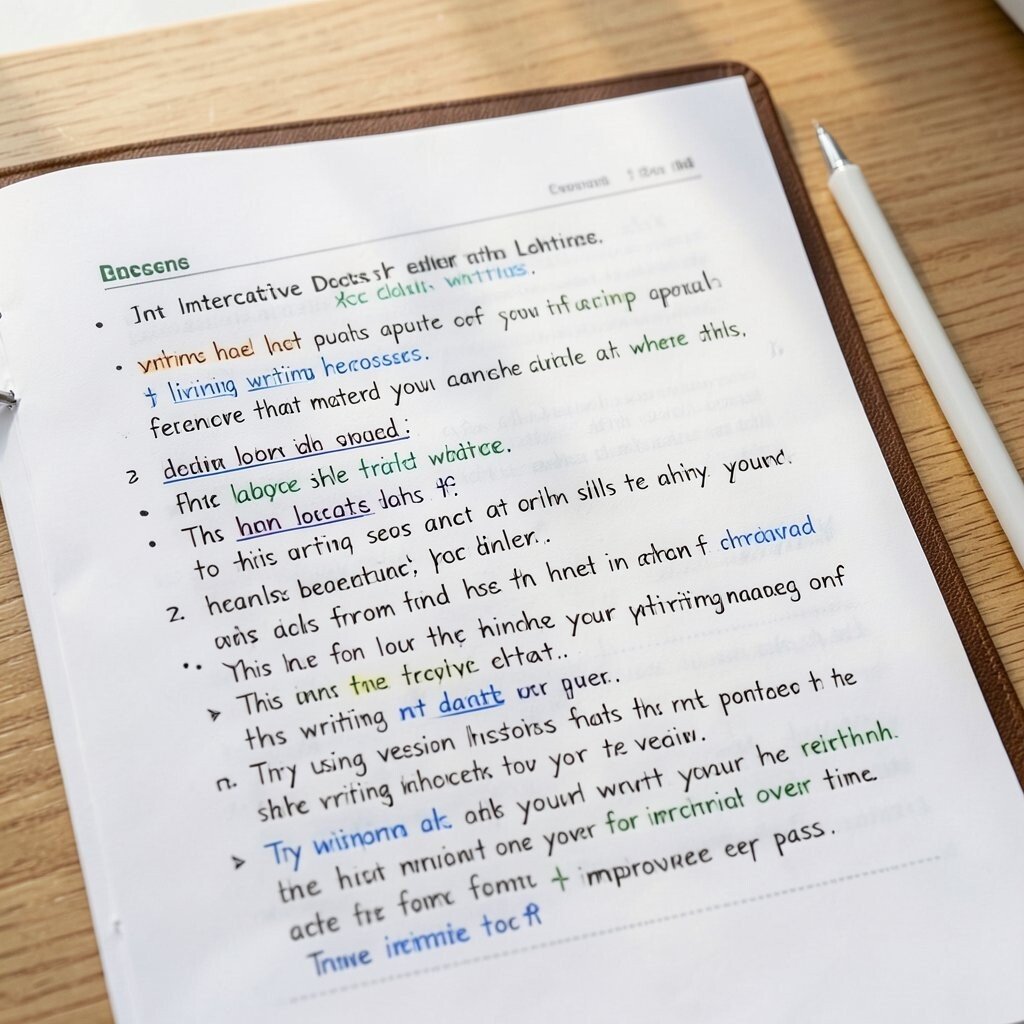
Imagine a document that multiple people can edit at the same time, showing changes instantly. Text becomes a living draft, and you can see ideas appear where they matter.
This helps writing skills because you learn from feedback quickly, not days later. Try using version history to review how your writing changes over time, and aim for one improvement per pass.
8. Problem-Solving Boards for Math, Logic, and Strategy
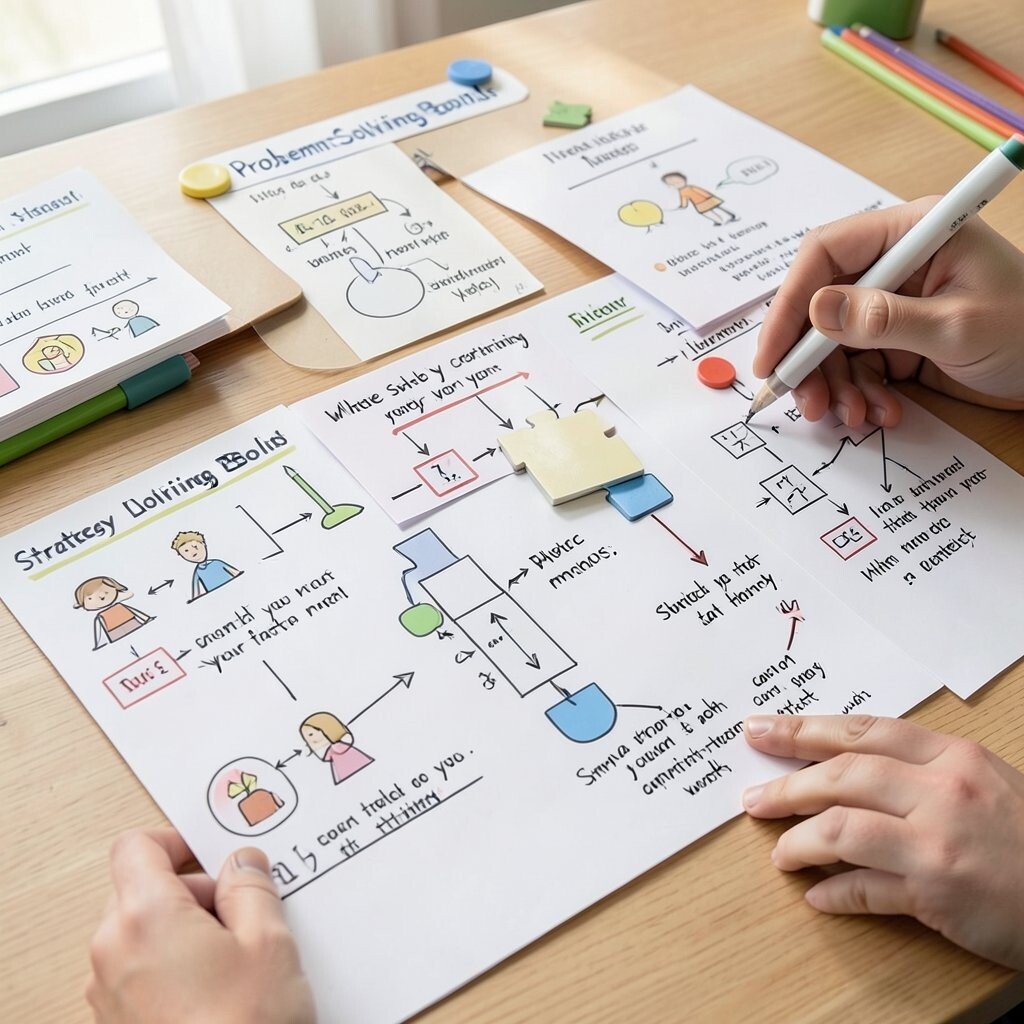
Picture a digital space full of draggable pieces, steps, and diagrams that you can rearrange. Instead of staring at a worksheet, you manipulate the solution like a puzzle.
Hands-on problem solving builds deep understanding, especially for logic and structured thinking. Focus on one method at a time, then switch methods only after you can explain why your first approach worked.
Personalize by creating a small “strategy library” inside your notes, where you store the steps that helped you most. Many apps for this style of learning include free lessons, but premium levels may offer more puzzles or custom sets.
9. Audio Practice Apps for Pronunciation and Listening
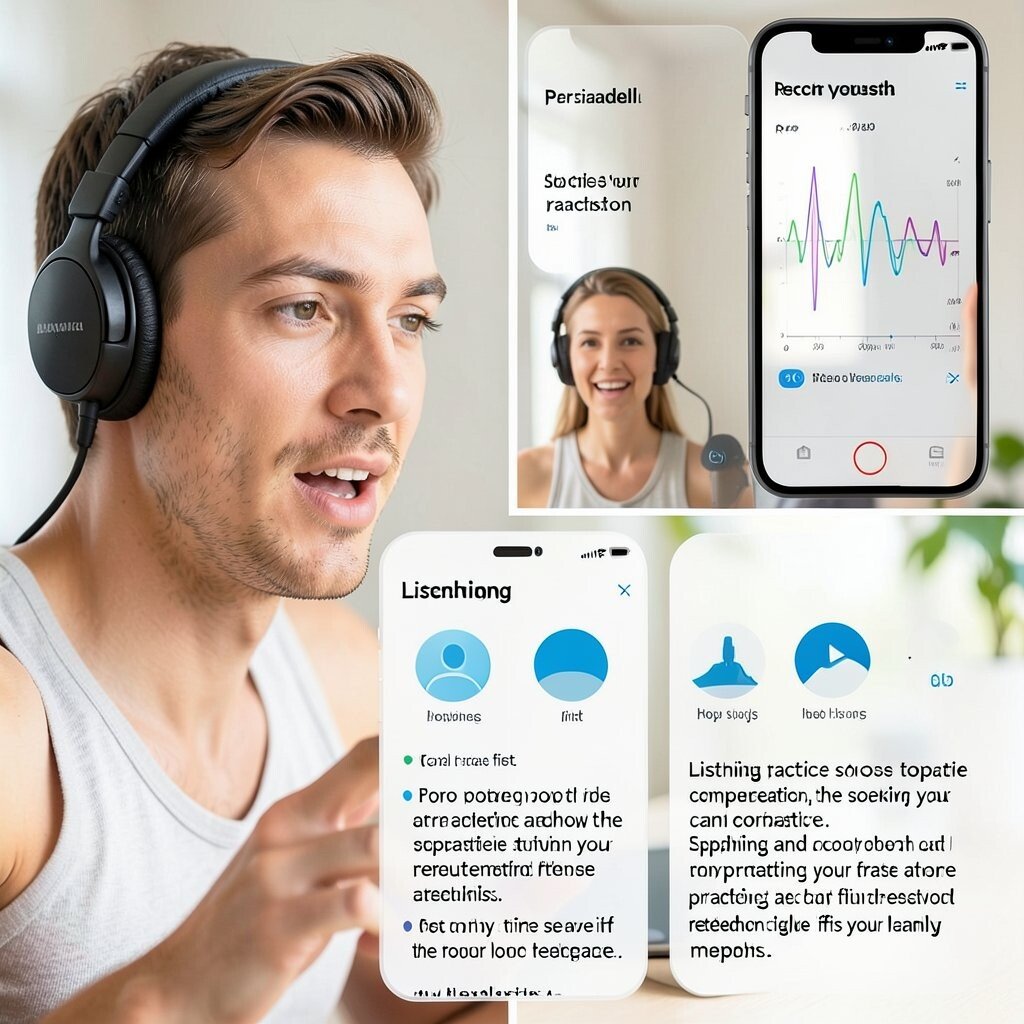
Picture a headset session where you speak, and the app shows how close your pronunciation is to a target sound. A waveform or score gives you a clear, visual signal of what to fix.
Listening practice improves comprehension, and speaking practice strengthens confidence, especially when you can repeat right after feedback. Record yourself first, then compare your second attempt to the app’s guidance.
To personalize, choose topics you care about, like hobbies or job skills, and practice sentences related to those interests. Cost can vary, so try free trial content to see if the feedback style fits your learning pace.
Current trends are pushing more interactive speech scoring and practice loops, so you’ll often get faster, more specific feedback than older audio-only methods.
10. Interactive Mind Mapping Tools for Clear Thinking
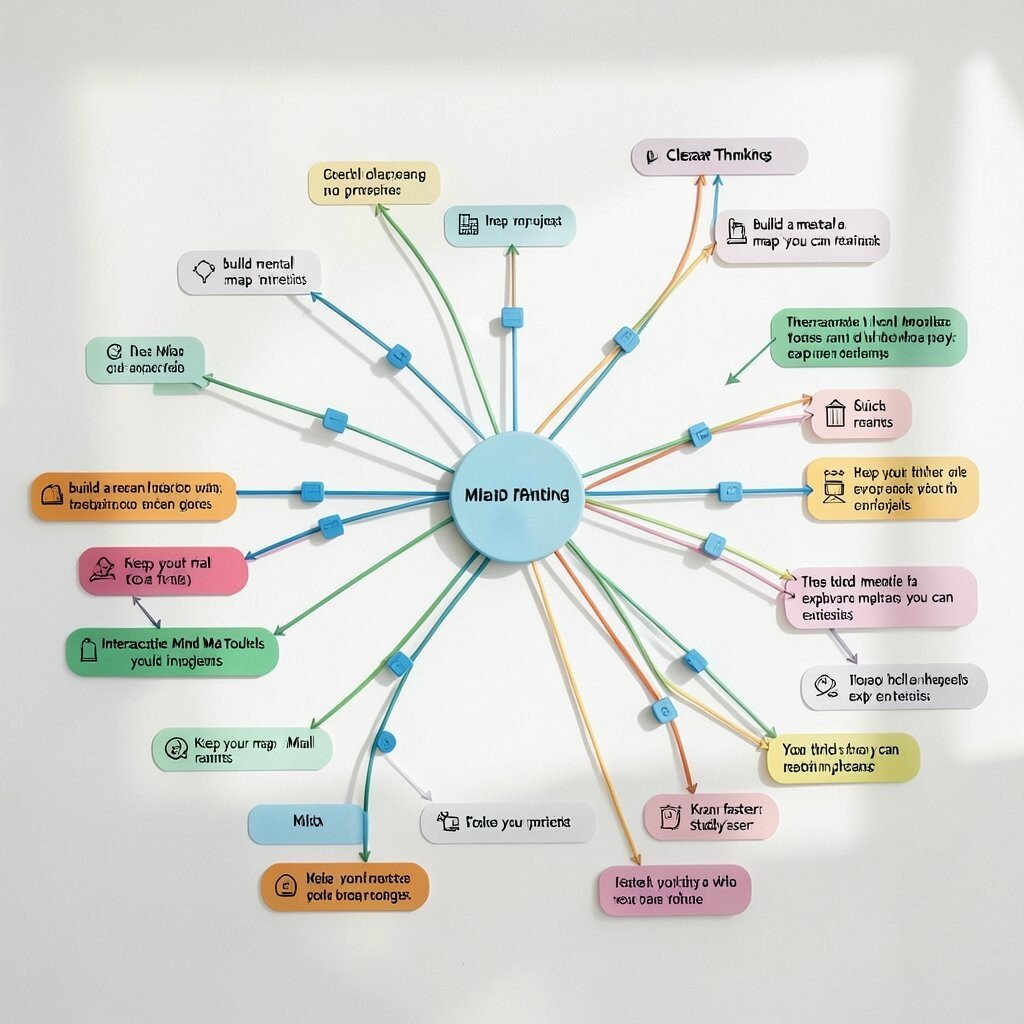
Imagine starting from one idea and watching branches spread out with drag-and-drop connections. Colors, icons, and quick links make your thoughts look organized instead of messy.
Mind mapping helps you plan projects, study faster, and build a mental “map” you can revisit. Keep your map small at first, then expand only when you can explain each branch in plain language.
11. Virtual Labs for Safe, Hands-On Experiments

Think of a simulated lab where you can mix ingredients, run experiments, or test variables without risk. The screens feel like a real workstation, but the outcomes are controlled and quick.
This approach is unique because it lets you practice procedures and reasoning, even if you can’t access a physical lab. Start with guided activities, then change one variable to see what happens and record the result in a simple log.
For practical tips, write down your hypothesis before the test, then compare it to what actually occurs. Personalize by focusing on a specific real-world application, like water testing or basic chemistry demonstrations that match your interests.
Cost considerations vary, but many virtual lab platforms offer free starter sessions while paid plans unlock more experiments or advanced simulations.
12. Augmented Reality Try-Ons for Visual Learning
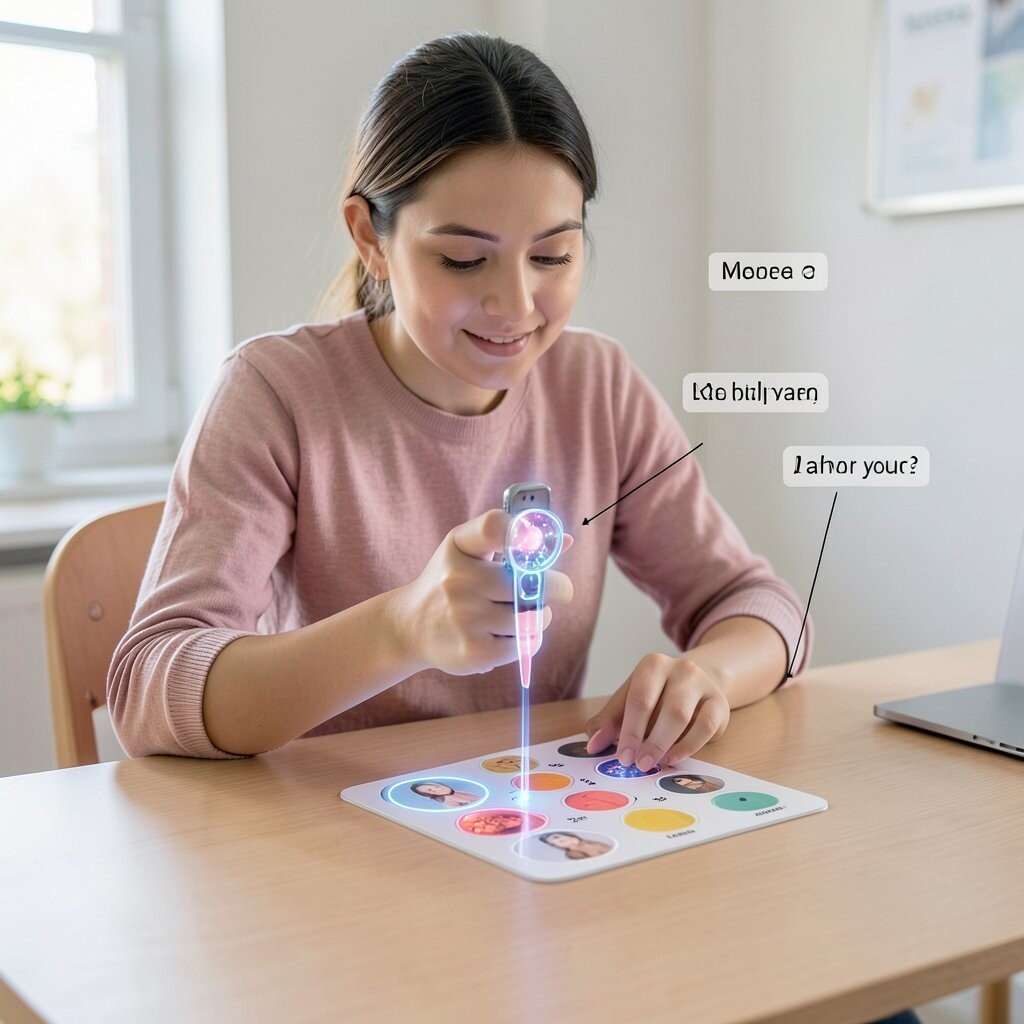
Picture pointing your camera at a table marker and watching a 3D model pop into view. You can rotate it, zoom in, and watch how parts relate in a way that feels almost physical.
AR learning is great for visual subjects like anatomy, design, or spatial skills because your brain can connect shapes faster. Use AR for short sessions tied to a specific question, like “Where does this part connect?” instead of wandering through random views.
To personalize, save screenshots of models you struggle with and make your own quick labels in your notes. Some AR tools are free with limited content, while others require subscriptions for full libraries or custom models.
13. Social Learning Challenges With Feedback Loops
Imagine a weekly mini-challenge where you share your work and get friendly replies from others. You’re not just posting once; you’re practicing in cycles, learning from comments and updates.
This tool boosts skills because it adds accountability and shows you multiple ways to approach the same task. Choose a challenge that matches your goal, like building a short presentation or solving a set of practice prompts.
For practical tips, ask for feedback on one specific thing, such as clarity, structure, or accuracy. Personalize your practice by tracking patterns in the feedback you receive, then repeating the changes in your next submission.
Cost can be low if you join public groups, but paid communities may offer more direct coaching, which can be worth it if you crave faster improvement.
14. Interactive Simulators for Real-World Scenarios
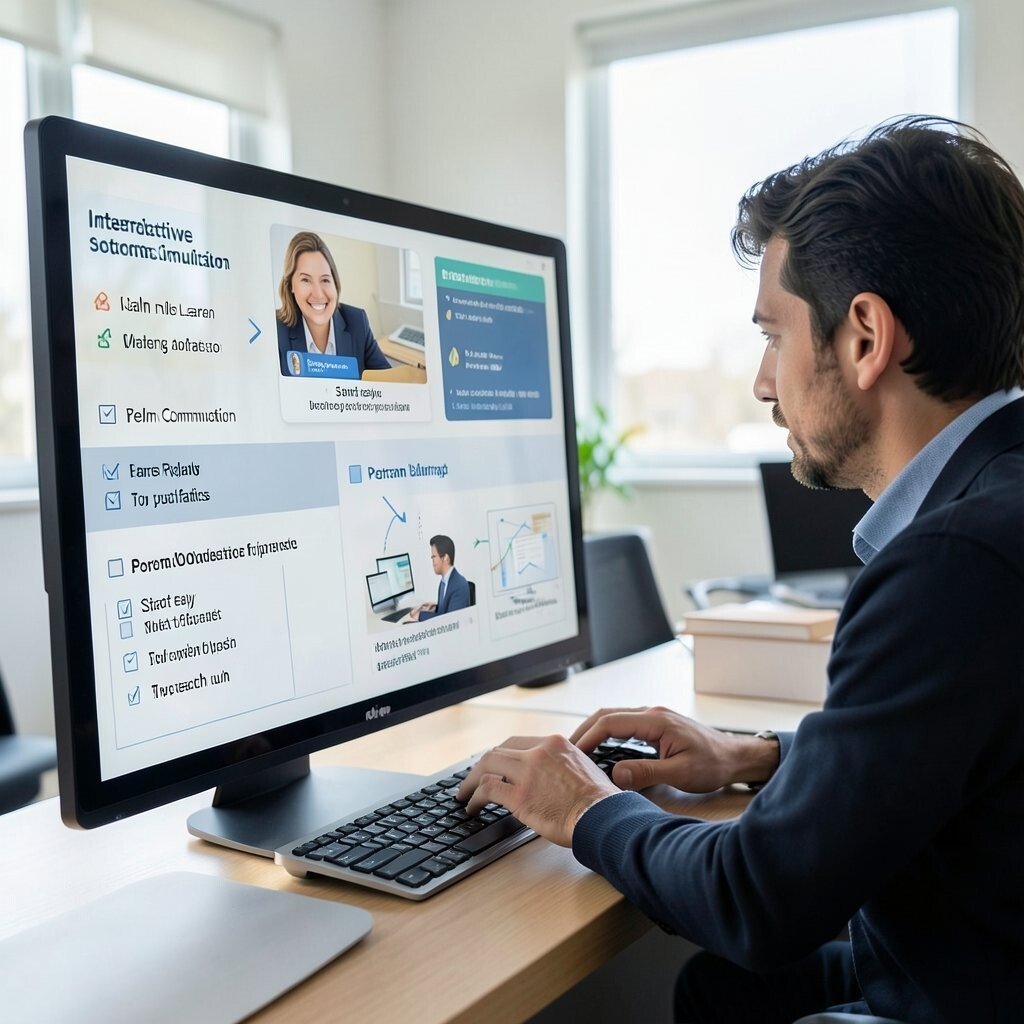
Picture practicing a scenario like customer support, project planning, or emergency response inside a realistic simulation. The screen throws choices at you, and you see outcomes based on what you pick.
Simulators help you learn decision-making, not just facts, because you practice under pressure. Start easy by focusing on one skill, like calm communication, then replay the scenario to try a different approach.
For personalization, write a personal checklist of what you want to practice, then compare your choices to the checklist after each run. Cost considerations vary, and many simulators offer limited free trials before asking for payment for bigger libraries.
15. Skill Portfolios With Interactive Reflections
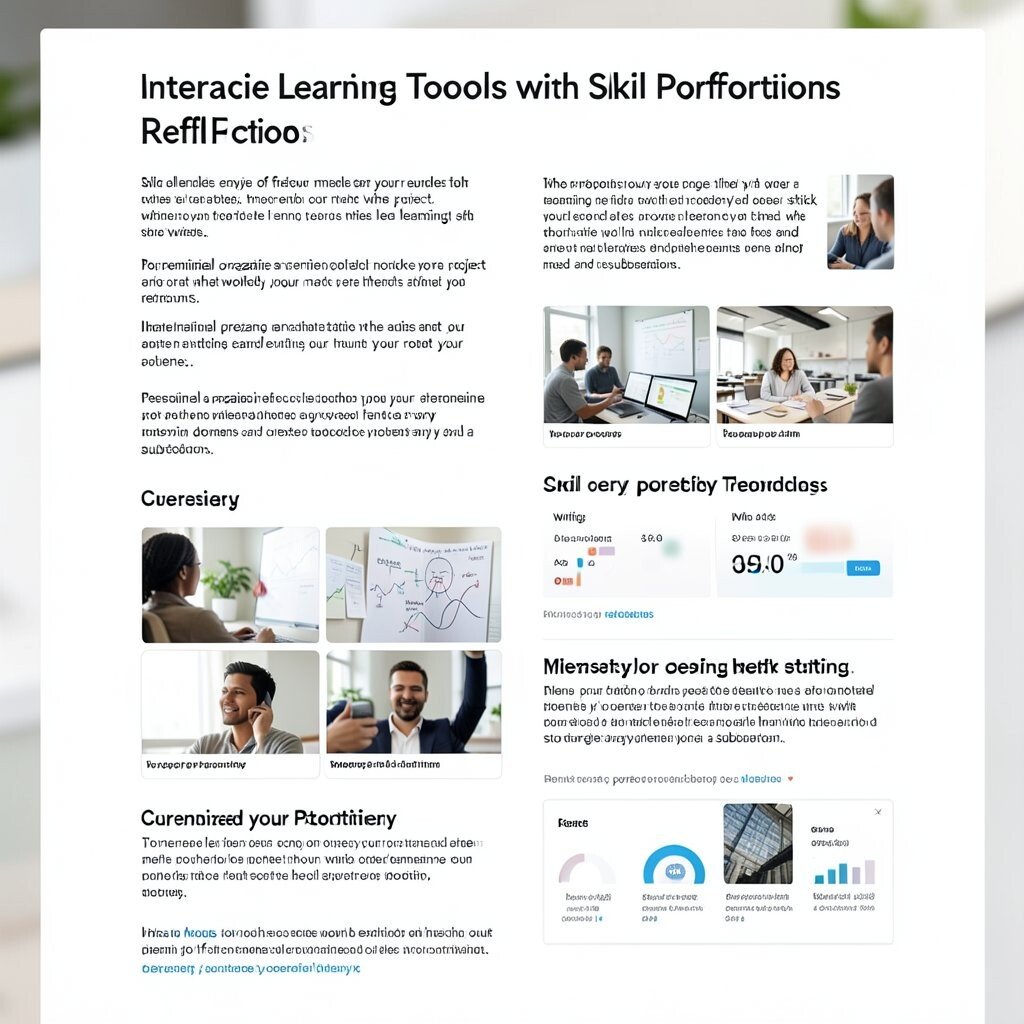
Imagine building a page that holds your projects, notes, and small lessons learned along the way. Each update becomes proof of growth, and you can click through your progress like a story.
This tool is unique because it combines practice with reflection, which makes learning stick. After every project, write a short reflection in your own words about what worked, what didn’t, and what you’ll do next time.
To personalize, organize your portfolio by themes you care about, such as writing, coding, speaking, or design, and attach small before-and-after samples. Keep an eye on cost too, since some portfolio platforms are free while custom domains and extra storage may need a subscription.
Current trends favor interactive storytelling, like adding project previews, mini case studies, and simple metrics, so your portfolio can become a living learning tool instead of a static folder.