The best teams feel like they’re in the same conversation, even when they’re working on different tasks. A thoughtfully designed space makes that effortless.
When people can see options, move smoothly, and share ideas without friction, collaboration stops being a slogan. It becomes the default rhythm of the day.
1. Welcome Zones That Signal Safety
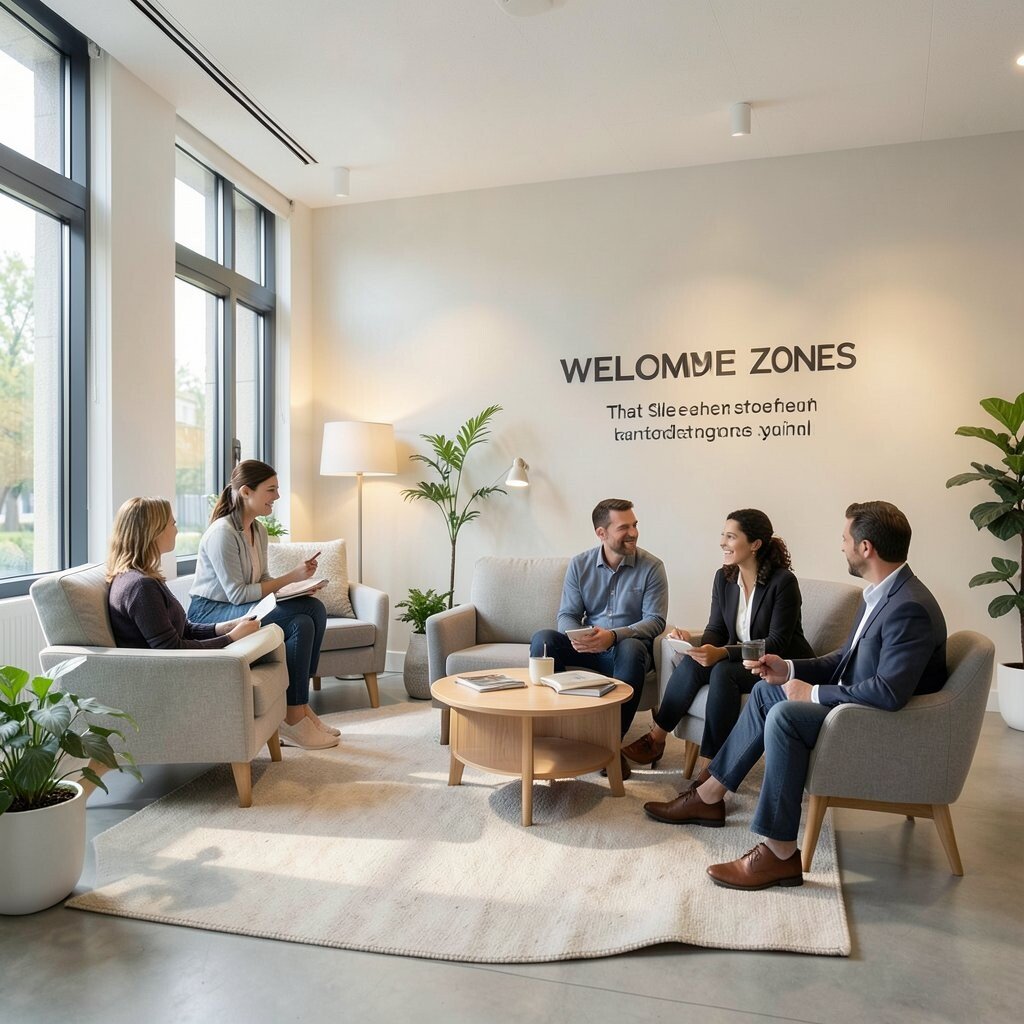
Start with a small welcoming area near the entrance where people naturally slow down and notice each other. Soft seating, warm lighting, and a simple welcome wall with team values make the space feel friendly right away.
Add a low table for quick chats and give team members a comfortable spot to share thoughts before meetings. When the zone feels safe and calm, people ask questions sooner, and misunderstandings shrink.
2. Clear Neighborhoods With Open Visibility
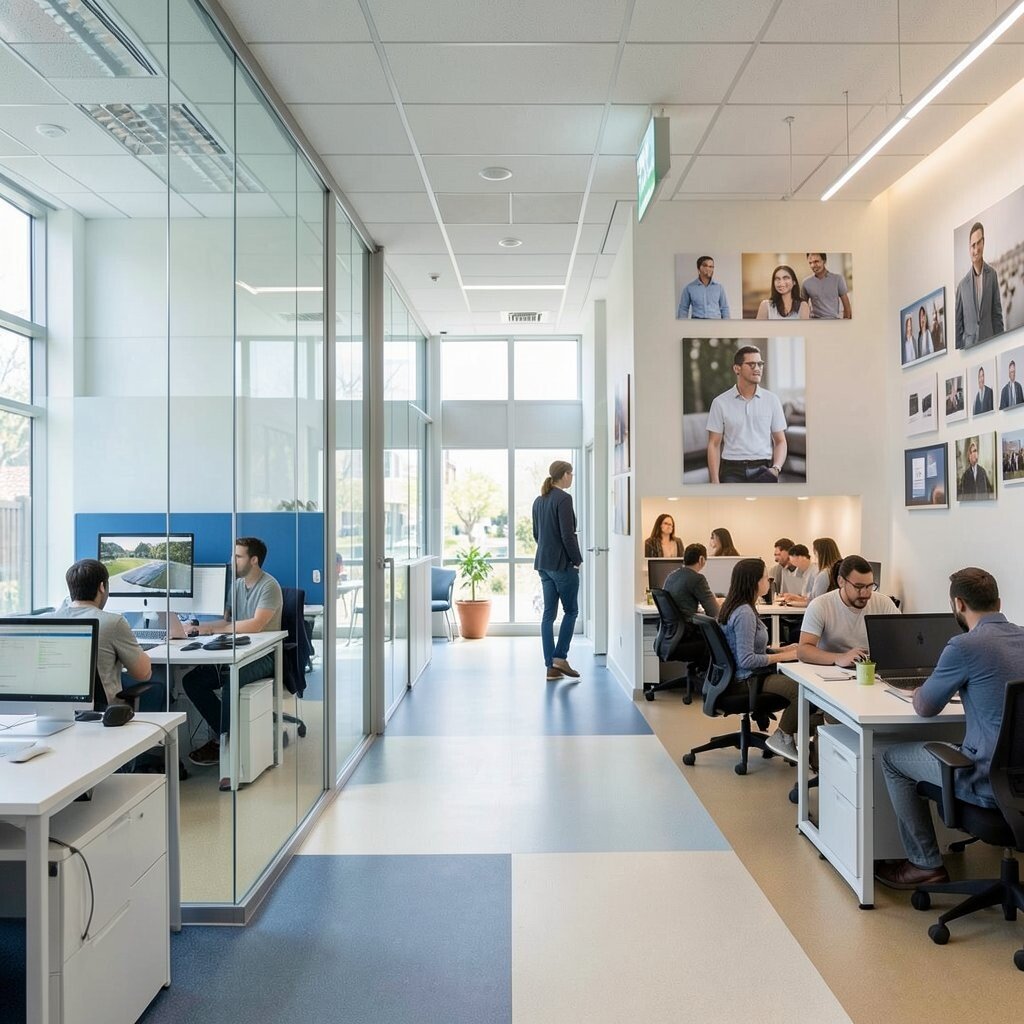
Divide the office into “neighborhoods” so work types feel different but connected. Use glass panels, partial-height dividers, and consistent floor colors so teams can find each other quickly without roaming.
Open sightlines help people notice when help is needed, and that kind of visibility reduces waiting. Keep pathways wide and straight so movement stays smooth during busy days.
For practical setup, place quiet desks near the edges and group collaborative teams closer to shared tables. Personalize each neighborhood with team photos or small rotating displays to keep the space human.
3. A Project Wall That Makes Work Visible
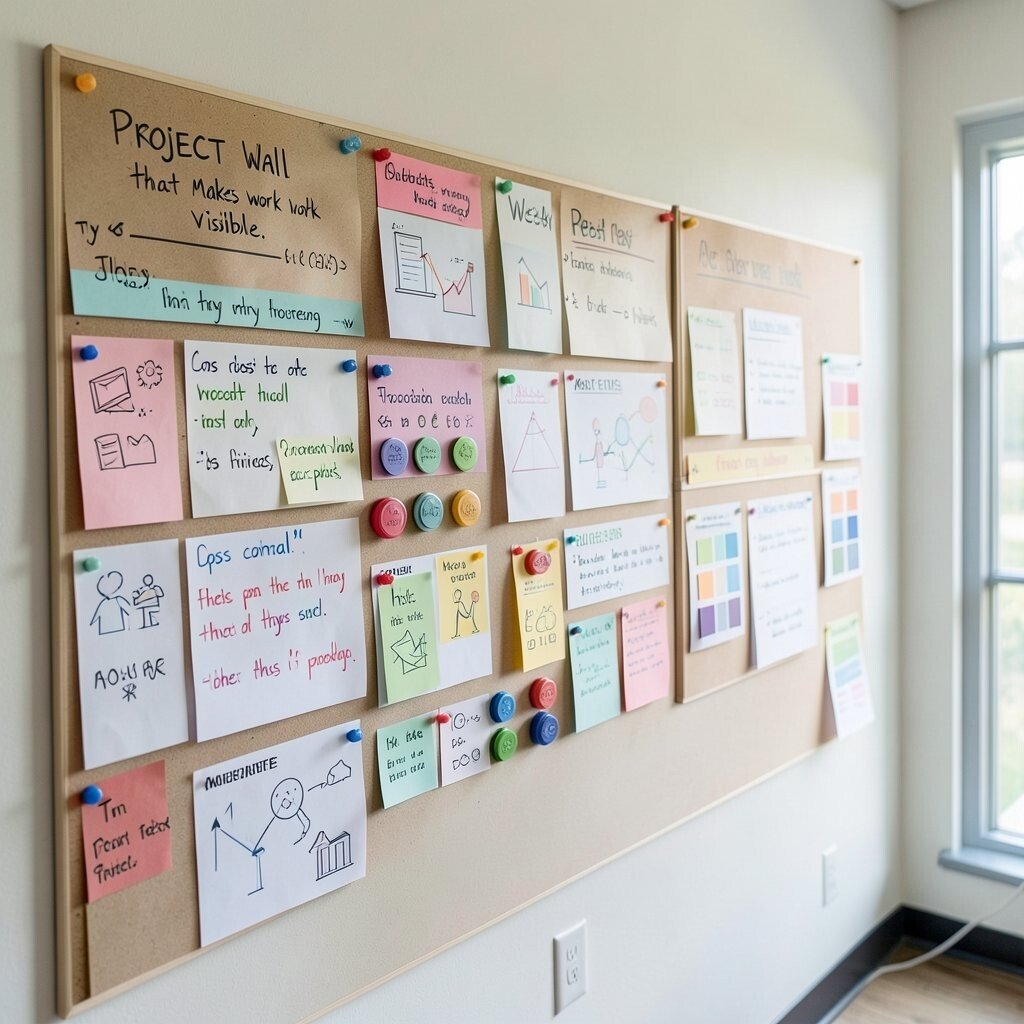
Give each project a home on a wall where progress can be seen at a glance. A mix of writable surfaces, color-coded notes, and simple icons turns planning into something everyone can read instantly.
This design reduces follow-up questions because updates don’t live only in chat threads. Add a weekly reset habit so the wall stays fresh instead of turning into a clutter museum.
Try magnetic markers and reusable labels for practical speed, and choose durable boards that can handle constant updates. For cost control, start with one strong wall and expand after the team proves the workflow.
To personalize, let teams choose a visual theme for each quarter, such as a set of icons or a small palette of colors. When people build the wall together, they also take ownership of the work.
4. Flexible Tables That Reconfigure Fast
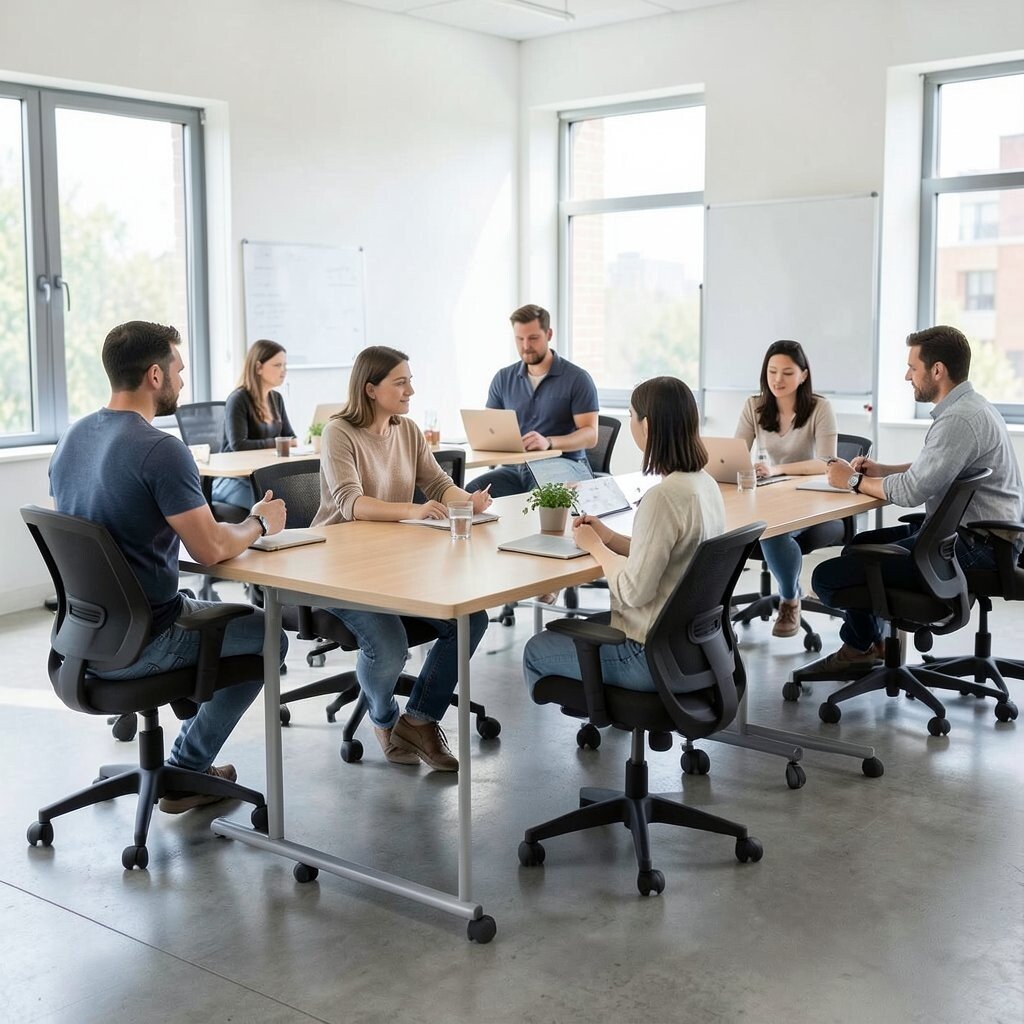
Use lightweight, movable tables so the room can shift from pairs to groups without a big effort. Rounded corners and rolling chairs make the space feel inviting and reduce collisions during quick changes.
When tables can rearrange, collaboration becomes easier than holding on to fixed seats. That flexibility supports brainstorming, pairing, reviews, and impromptu planning.
5. Quiet Rooms for Deep Work and Reset
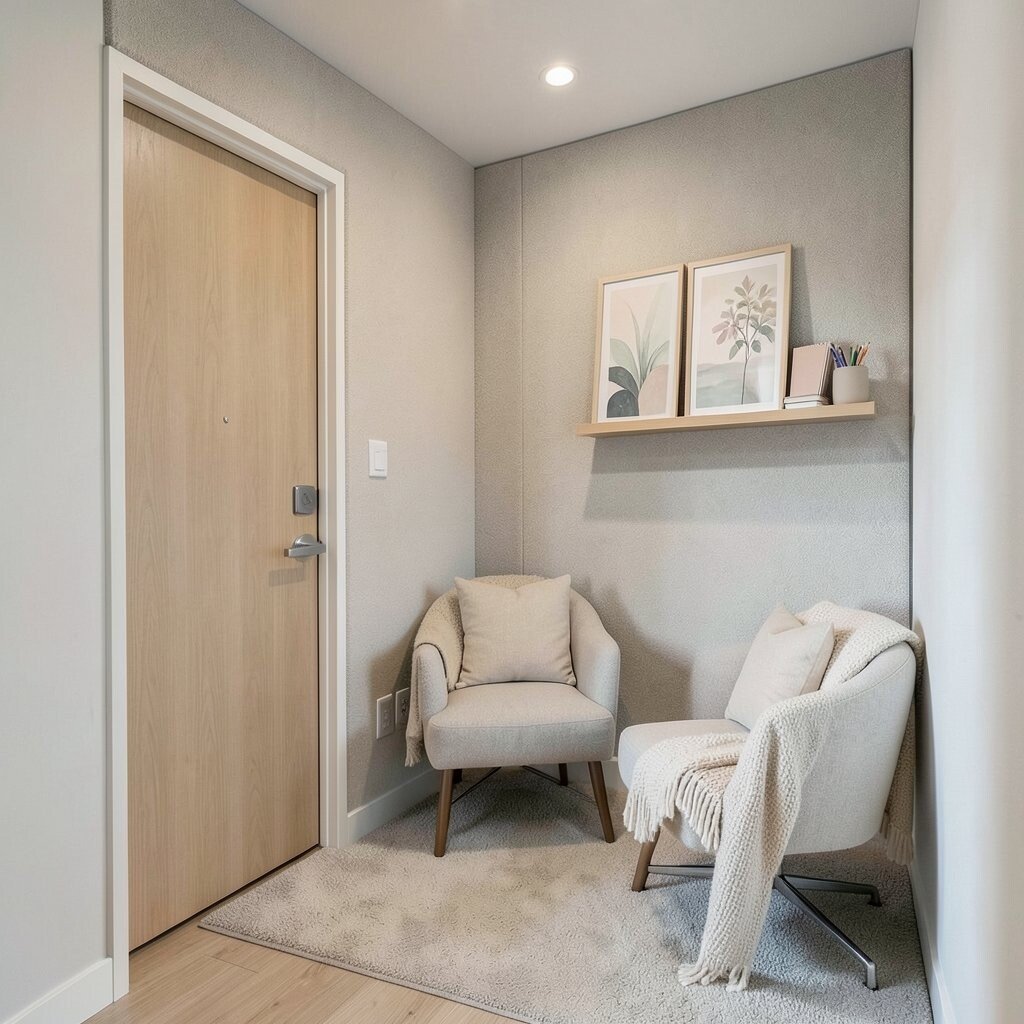
Create a small quiet room that acts like a reset button for focus. Sound-absorbing panels, a door with good sealing, and cozy seating help people recharge between meetings.
This balance matters because strong collaboration also needs deep thinking. When quiet space exists, people feel permission to slow down without leaving the team behind.
For practical use, provide simple booking rules and set a clear time window for the room. Personalize with calming artwork or a small shelf of neutral desk items like pens and notepads.
6. Whiteboards Everywhere, But With Rules
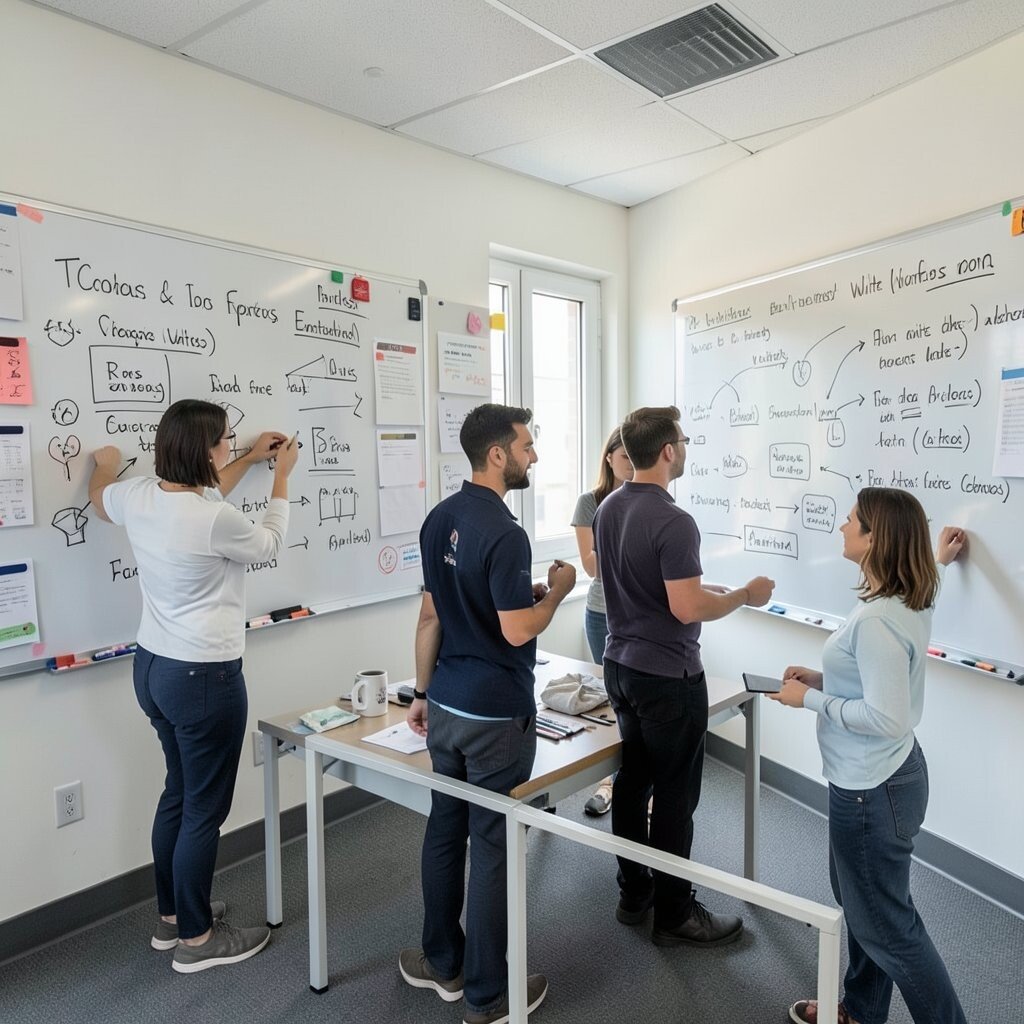
Place whiteboards across common areas so ideas can appear instantly as conversations grow. Make sure they’re reachable from standing height and include marker holders so nothing gets lost.
Whiteboards support teamwork because people can sketch, test logic, and align faster. To prevent noise from getting out of hand, create a simple routine for clearing boards after each day.
For practical flexibility, use removable tape borders and magnetic accessories. Choose low-odor markers and durable surfaces to keep maintenance easy and cost predictable.
7. A Dedicated Collaboration Library Corner
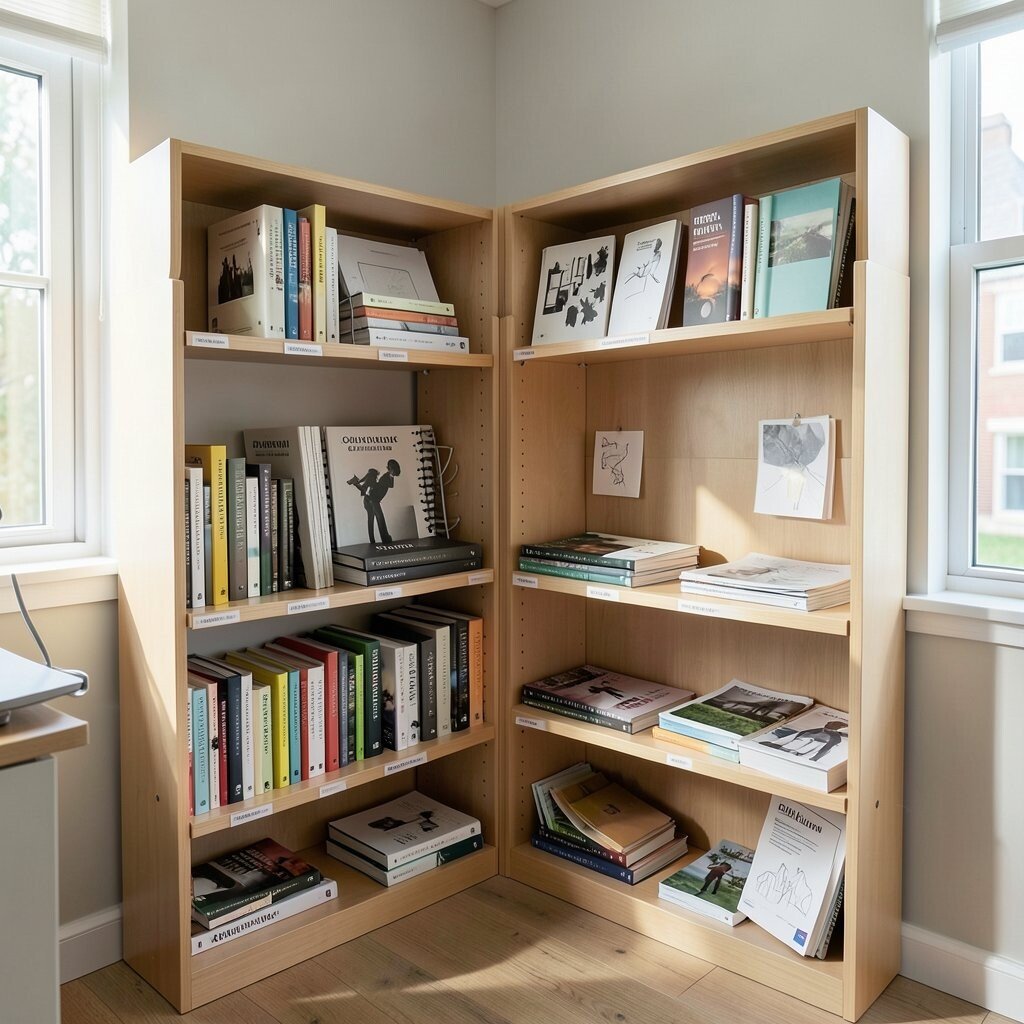
Set up a small corner with shared resources like reference books, templates, and sample work. A clear shelf system with labeled sections helps people find what they need without asking every time.
This library boosts consistency across teams and reduces time spent hunting for documents. It also supports mentorship because new team members can learn from the real examples nearby.
8. Huddle Nooks for Short Sessions
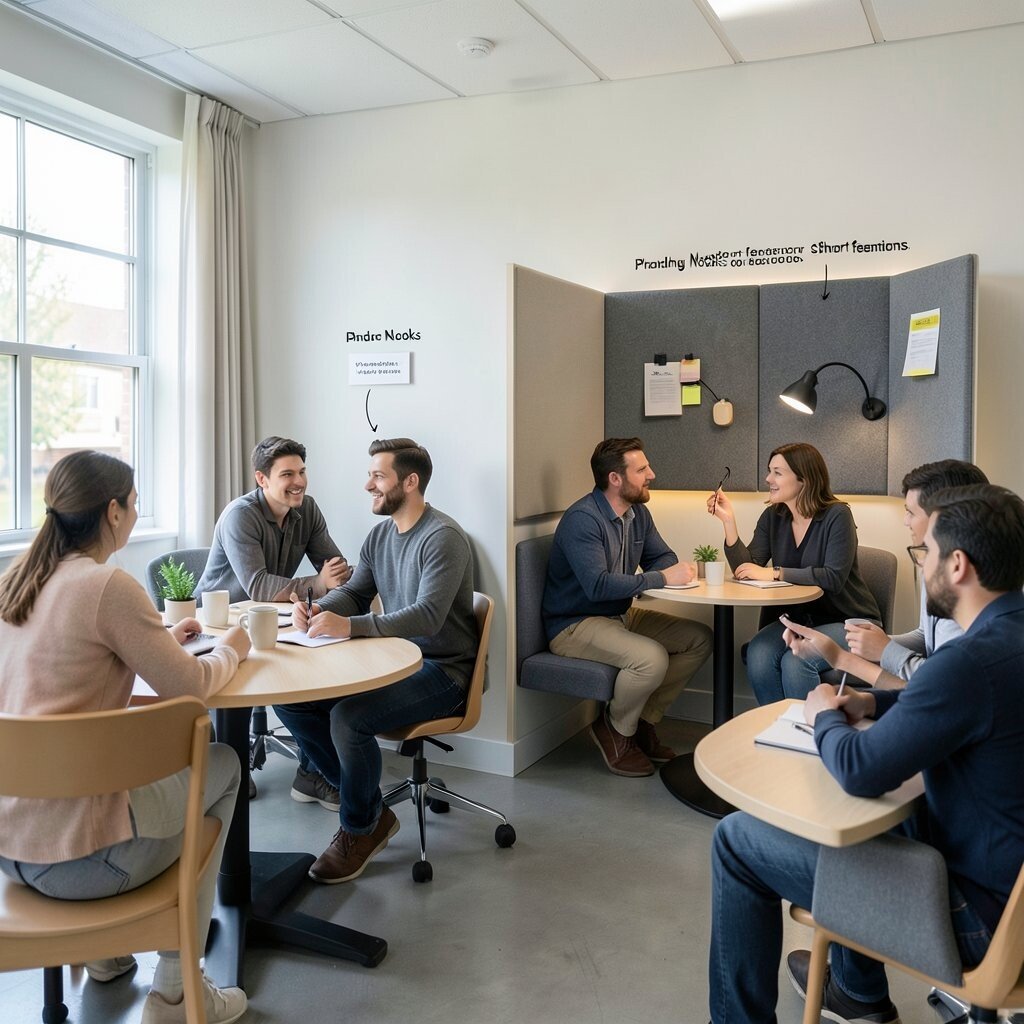
Add cozy huddle nooks where small groups can meet without taking over the whole room. Think compact tables, acoustic screens, and wall-mounted seating that feels comfortable for quick talks.
These spaces speed up decisions because people can meet close to their work. When huddles happen in the same area, teams stay coordinated instead of scattering across floors.
For practical tips, mark each nook with a simple purpose like planning or feedback. Personalize with a small set of prompts or sticky pad holders so people know how to start a conversation.
9. Sound Control That Makes Speech Easy
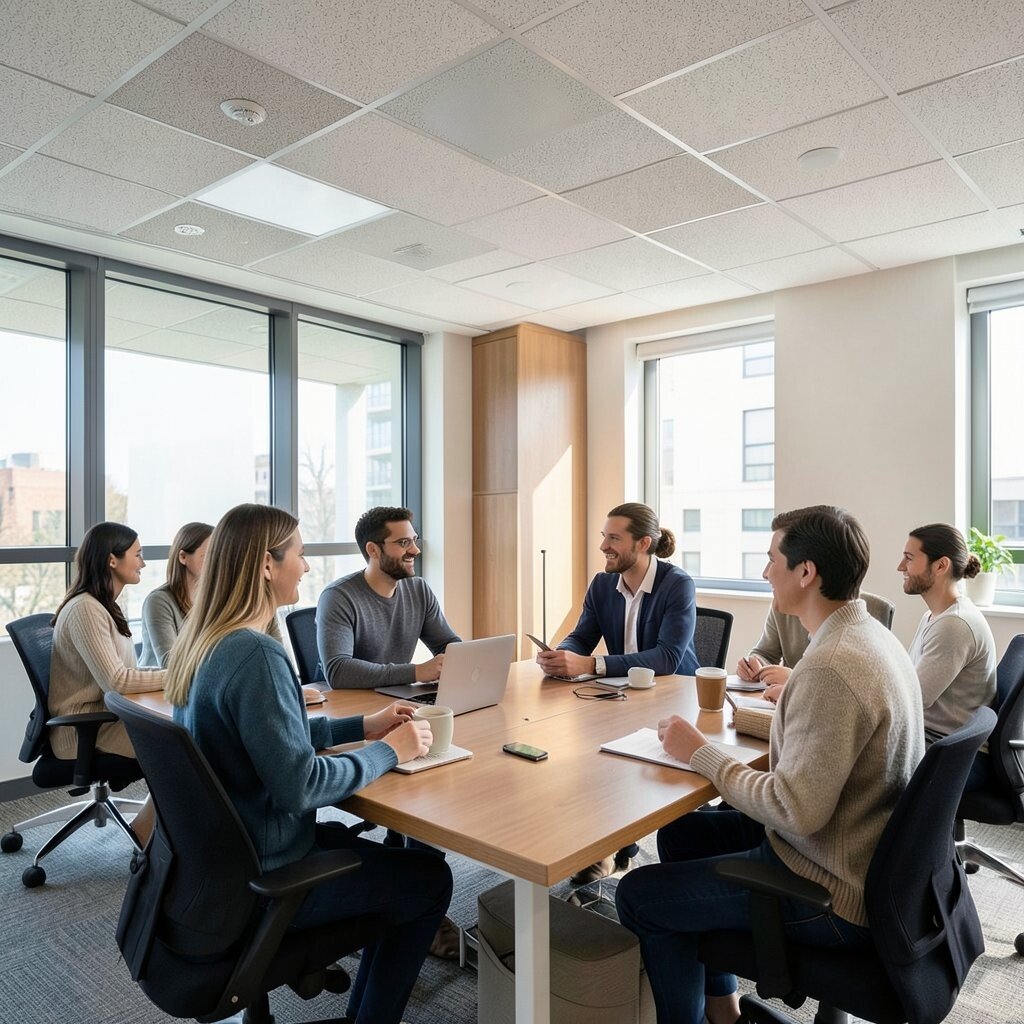
Use acoustic ceiling tiles, wall panels, and soft furnishings to cut harsh echo. You can often feel the difference in just a few minutes, because voices become clearer and calmer.
Better sound control improves collaboration by making it easier to hear ideas and capture details. When the room feels comfortable, people stay longer in discussions and conflict drops.
Start with the areas where sound bounces most, like near glass and hard flooring. For cost considerations, mix higher-impact treatments with targeted upgrades rather than trying to fix everything at once.
To personalize, choose colors that match team energy, such as muted blues for calm or warm tones for creativity. That subtle look makes the room feel owned rather than generic.
10. Natural Light With Smart Glare Management
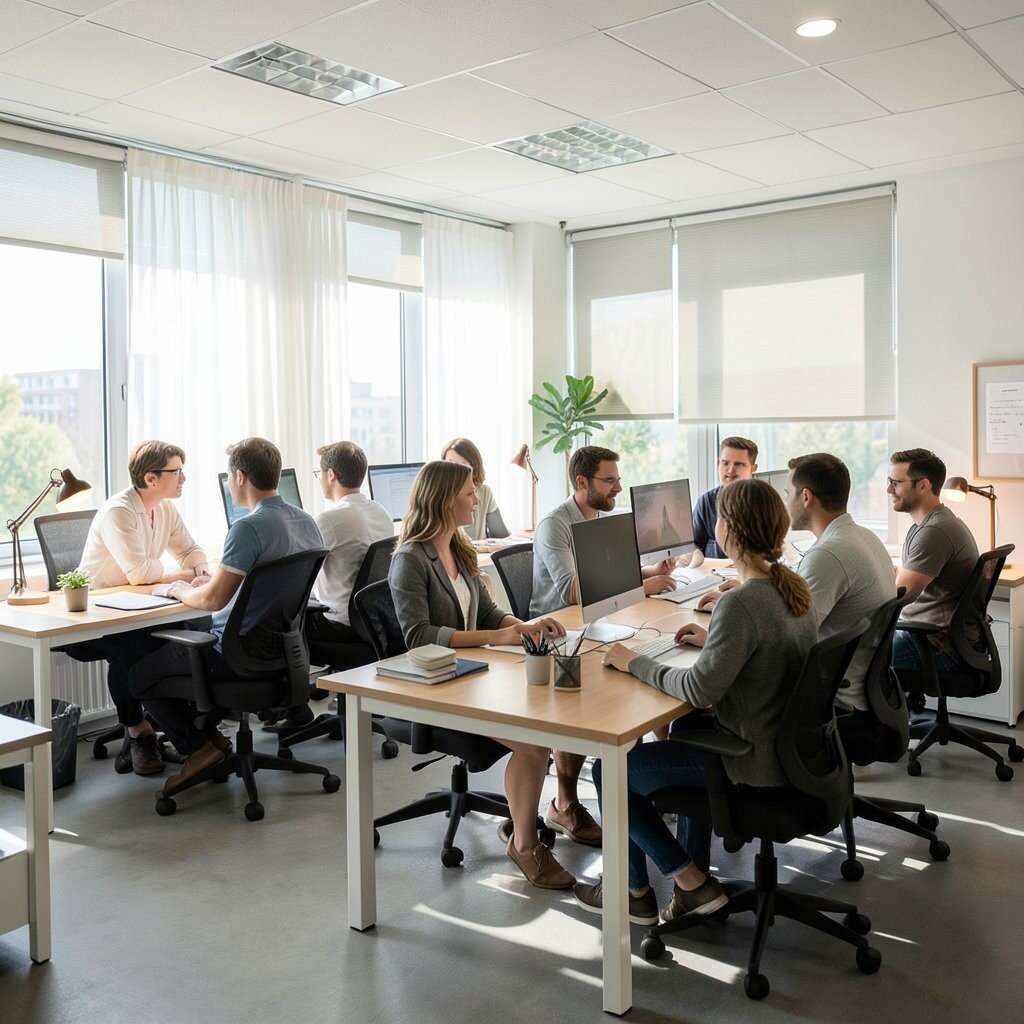
Arrange desks so people get some natural light without facing harsh glare. Sheer curtains, adjustable blinds, and thoughtful monitor placement help everyone stay comfortable.
Good light supports collaboration because people are more alert and less irritable during group sessions. When the office feels bright and friendly, meetings feel less stressful.
For practical setup, test sunlight angles at different times of day and shift tables if needed. Personalize by letting teams pick small desk lamps with warm bulbs to match their preferences.
11. Digital Display Screens for Shared Status
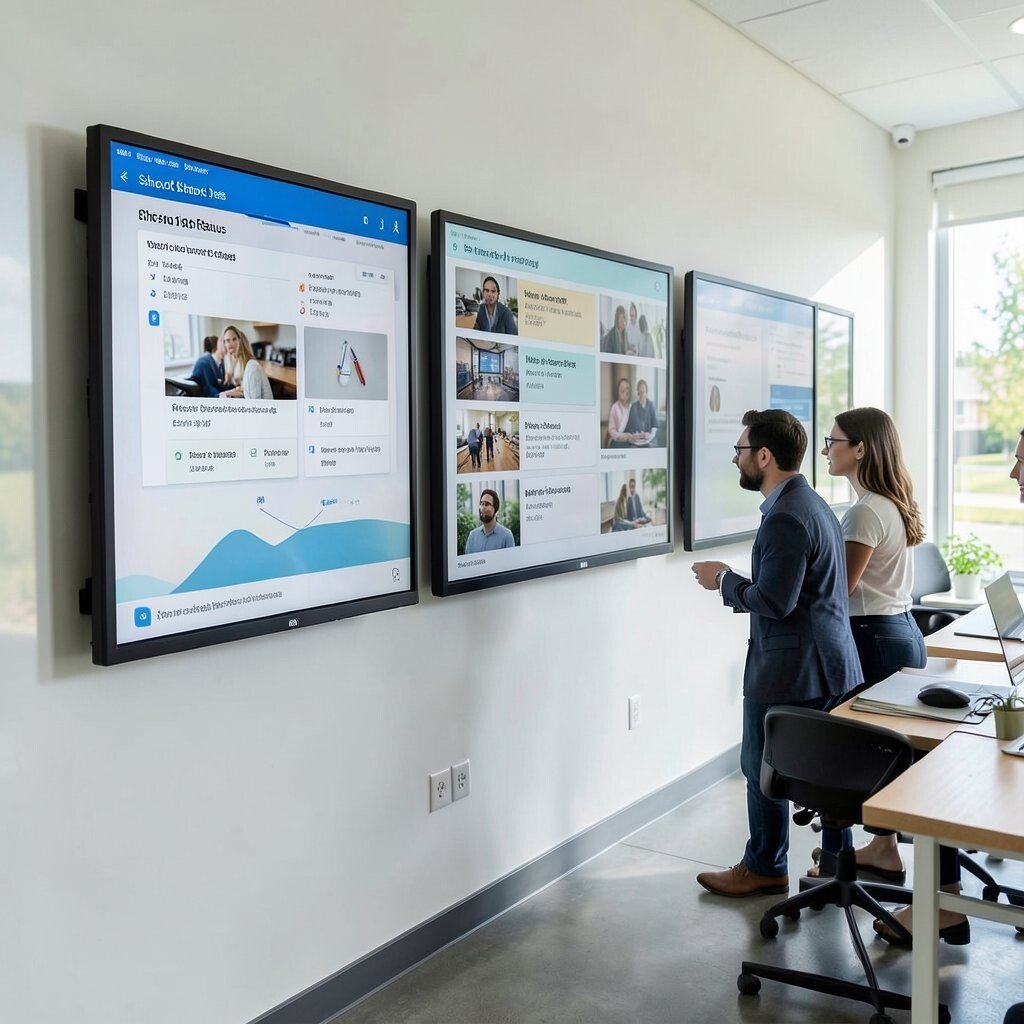
Use wall-mounted screens to share team status, schedules, and project snapshots. A rotating feed with simple visuals makes it clear what’s happening without needing someone to repeat updates.
Shared displays improve coordination because everyone sees the same info at the same time. It also reduces interruptions when people don’t have to ask about basic timing.
12. “Bring Ideas Here” Signage That Guides People
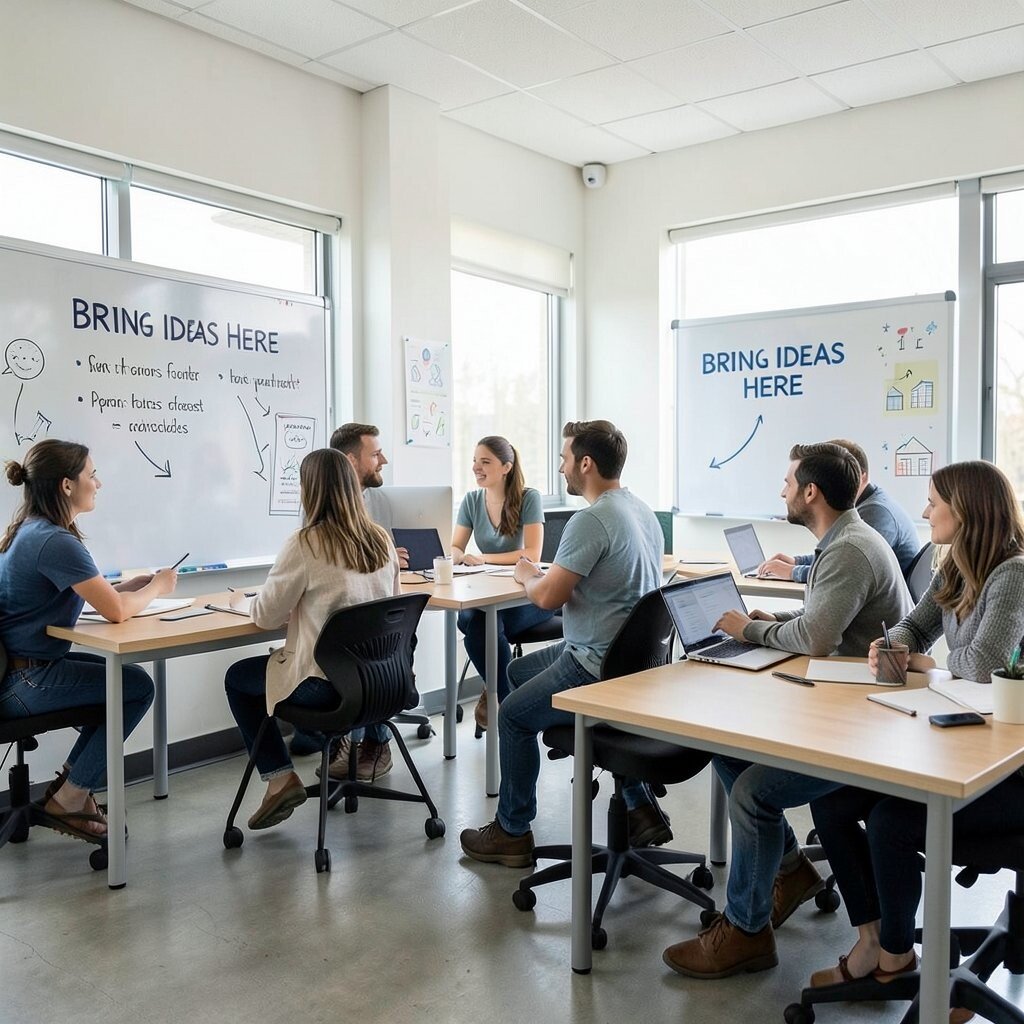
Place subtle signage that points to collaboration points like whiteboards, huddle nooks, and review tables. Clear directions help people form habits quickly, especially for visitors and new hires.
When people know where to go, teamwork happens faster and with less confusion. Good wayfinding also supports accessibility by making navigation predictable.
For practical tips, keep signage consistent in style and avoid cluttered text. Personalize with team artwork borders so the guidance feels like part of your culture, not a corporate decal.
13. Review Tables With Built-In Comfort
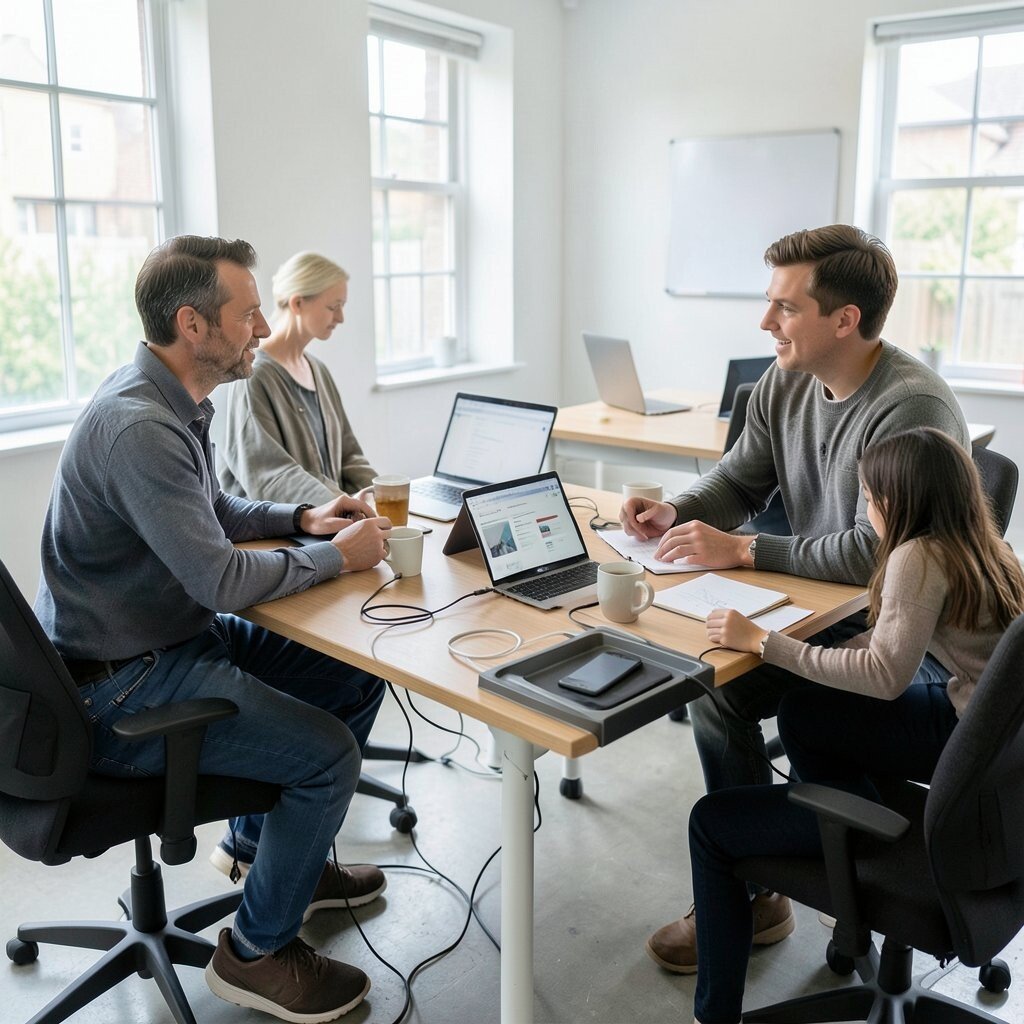
Set up dedicated review tables for product demos, design feedback, and quick walkthroughs. Choose tables with cable-friendly surfaces or built-in trays so devices stay tidy during show-and-tell.
Review tables make feedback smoother because the setup encourages attention and shared viewing. When the room is ready, people spend less time preparing and more time discussing what matters.
14. Rotating Theme Walls to Keep Energy Fresh
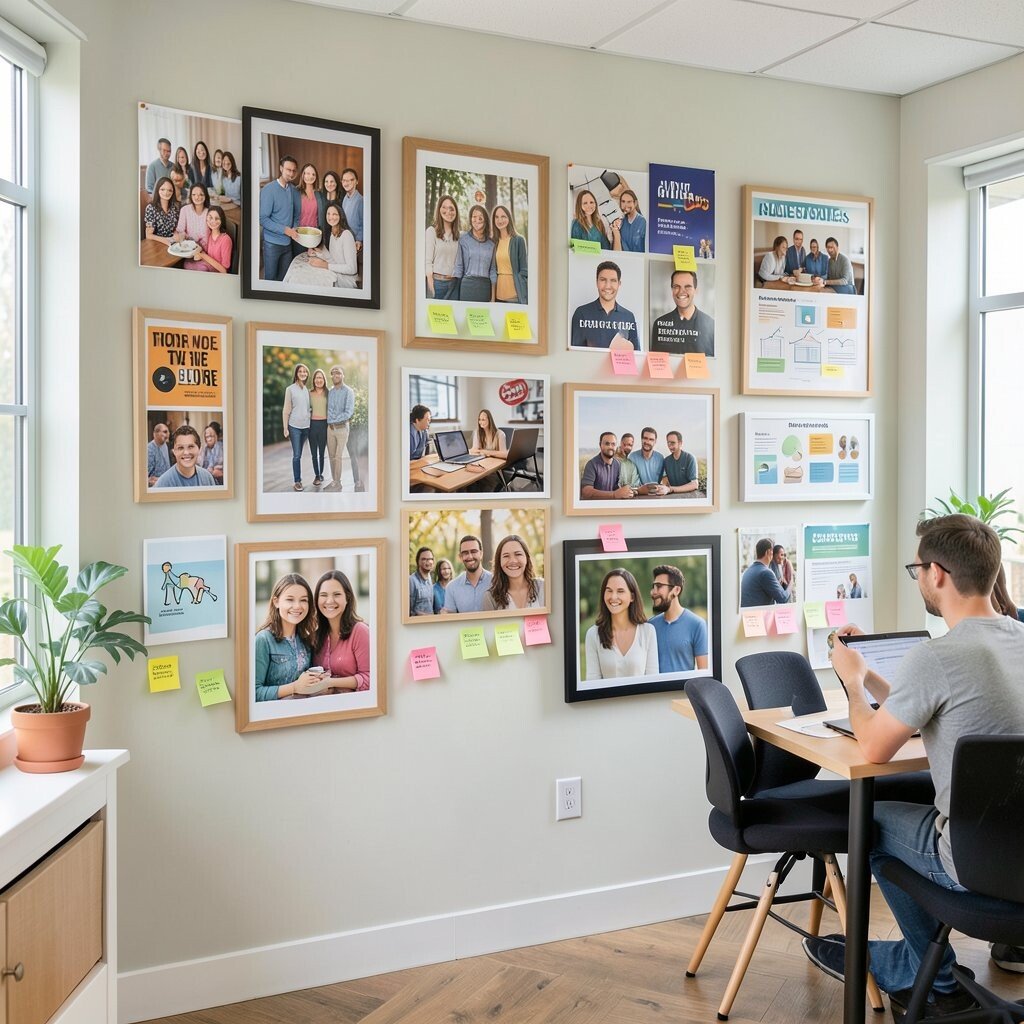
Use a theme wall that changes every few weeks to match team goals or seasonal ideas. Swap in new photos, posters, or sticky-note prompts so the space always feels alive.
Rotating themes boost motivation and help collaboration feel playful instead of fixed. When the wall invites small contributions, people participate even if they’re not in the meeting.
For practical cost control, reuse frames and update content with printed team photos or simple design templates. Personalize by letting each subgroup submit one visual to rotate into the mix.
Current trends often include community boards and micro-recognition displays, and this wall can support that style without getting overwhelming. Keep it simple so it stays meaningful.
15. Maker-Like Corners for Prototyping
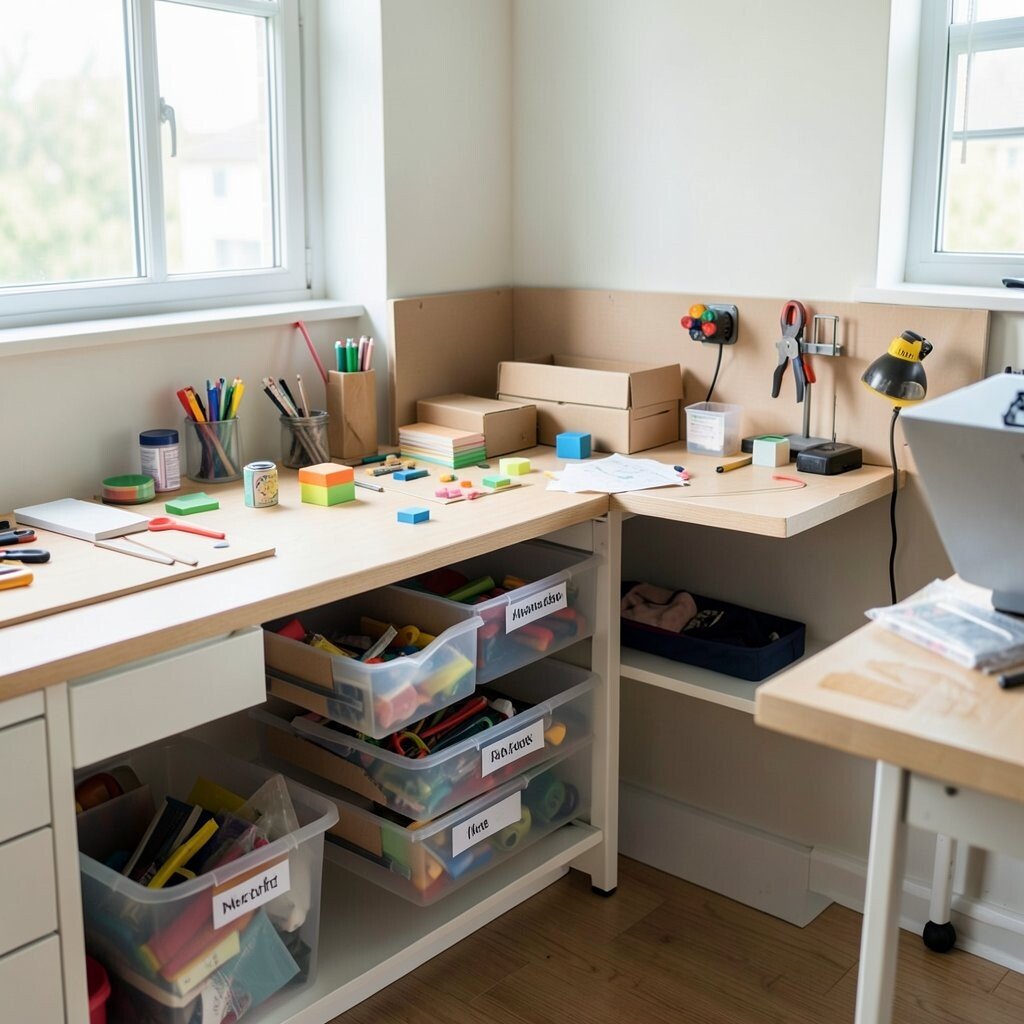
Add a small maker corner with tools for quick prototypes, such as sticky models, cardboard supplies, and simple demo items. Clear drawers and labeled bins keep materials easy to grab during brainstorming.
This corner helps teams collaborate because ideas become tangible fast. When people can build something within minutes, alignment happens more naturally.
For practical setup, store the most-used items at eye level and keep a small restock list. Consider cost by starting with low-cost supplies and upgrading after you see how often they’re used.
16. Collaborative Seating With Shared Power Access
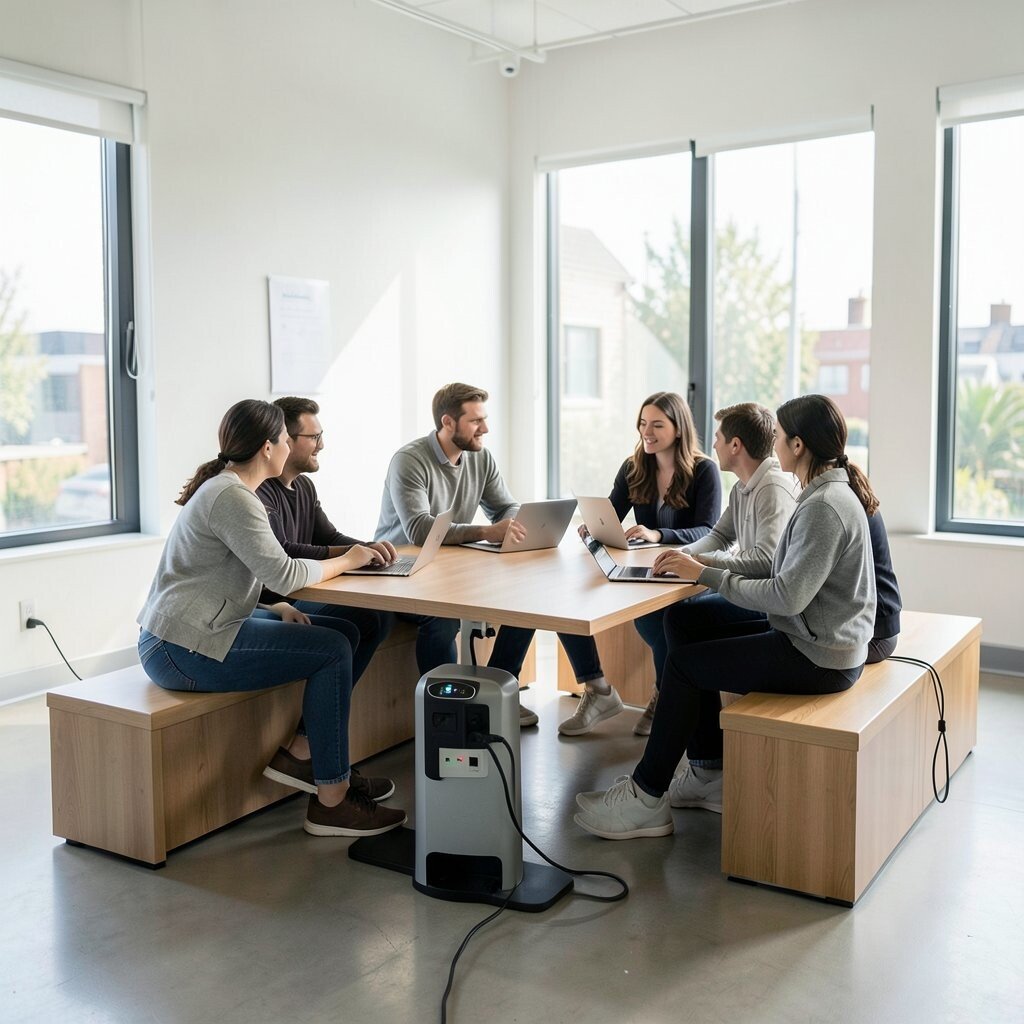
Design seating so it supports group work rather than only individual laptops. Use benches or shared tables near power outlets, and add charging stations that work for different device types.
Easy charging reduces downtime, and that keeps collaboration moving during long discussions. When groups can stay seated without hunting for outlets, people share ideas more freely.
17. Meeting Rooms With Clear Visual Tech Setup
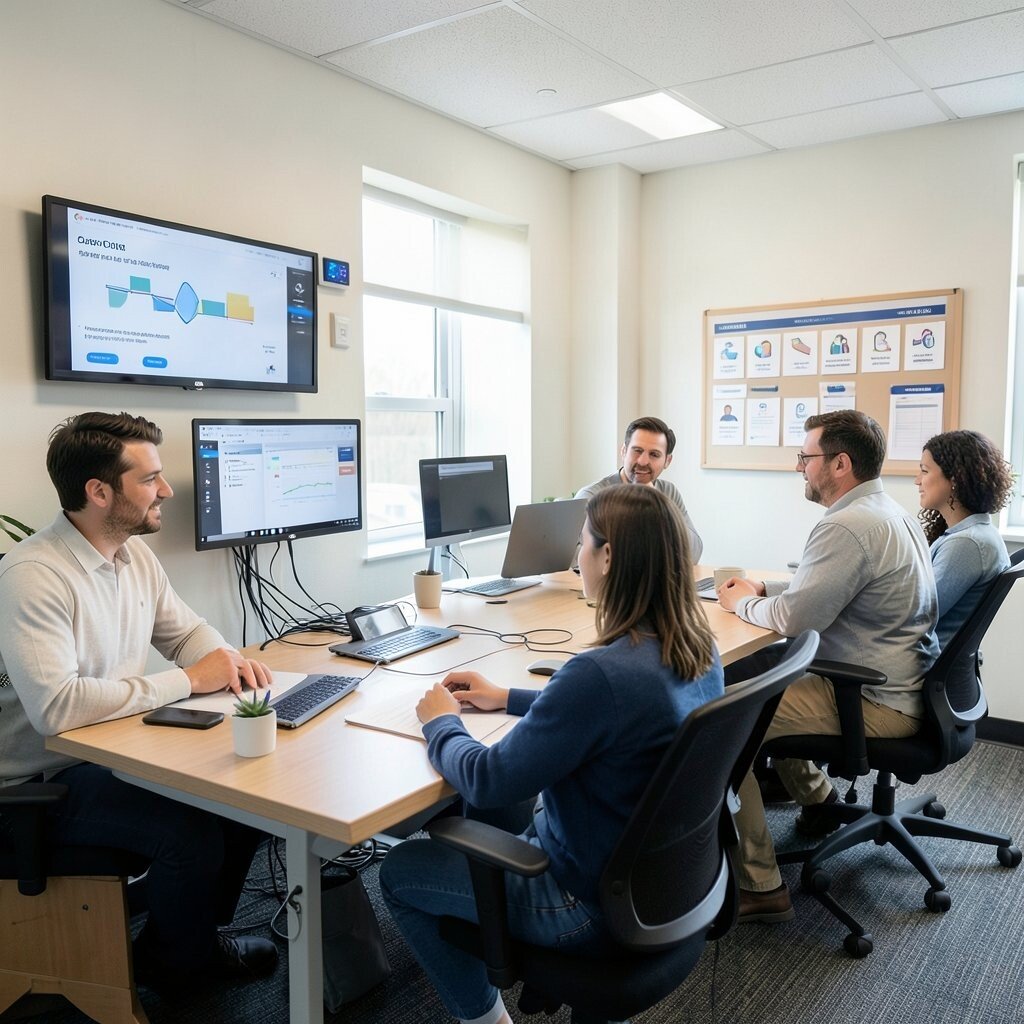
Equip meeting rooms with simple, reliable tech and visible controls. Wall-mounted displays, well-labeled buttons, and cable management reduce the stress of last-minute fixes.
This setup improves teamwork because people focus on the conversation instead of troubleshooting. Make room booking easy and consistent so everyone knows where to go.
For practical personalization, let teams add a small set of meeting habits, like a feedback icon board or a shared agenda template. Keep room colors and lighting consistent so the environment feels familiar across teams.
18. Personal Lockers That Still Encourage Sharing
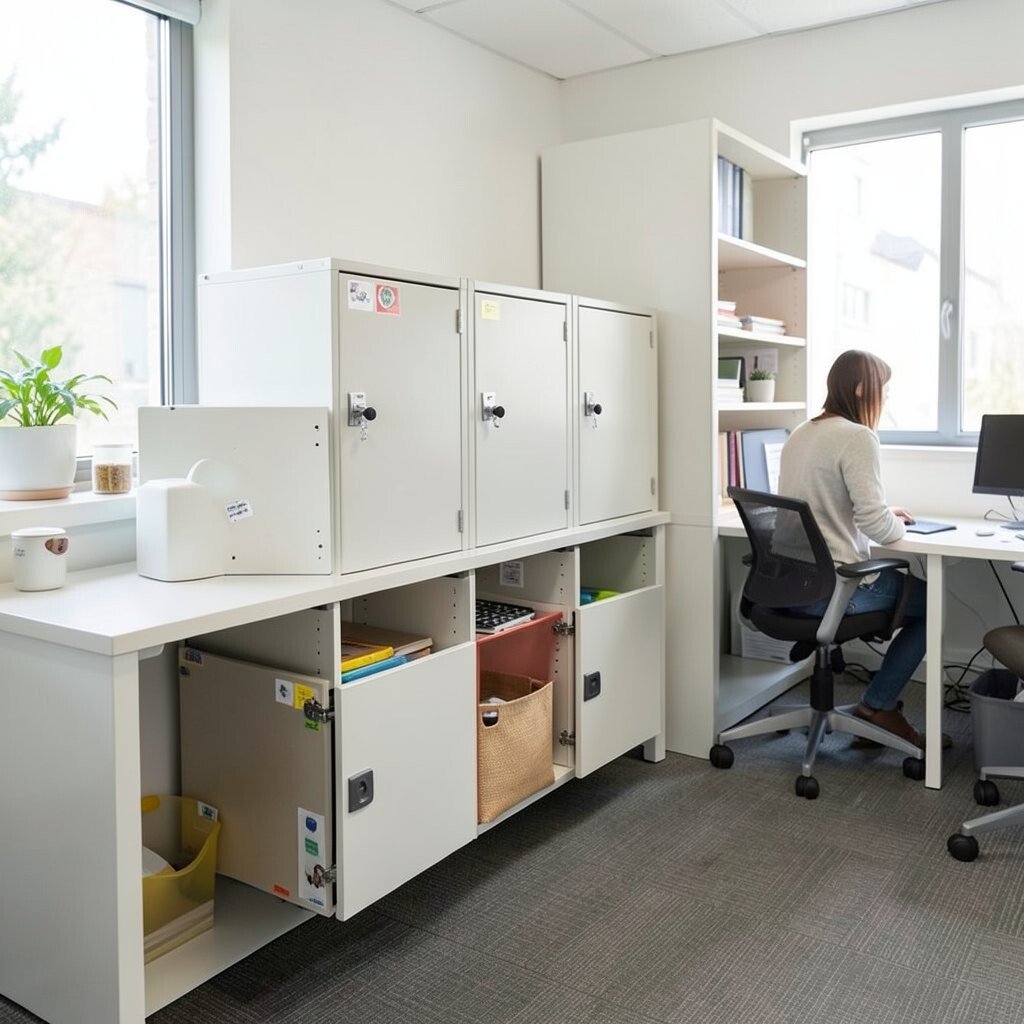
Provide lockers or storage drawers that keep personal items contained while leaving shared surfaces open. When clutter is hidden, the workspace looks tidy and collaboration areas feel ready for use.
Clean shared spaces reduce distractions and help teams feel comfortable inviting others into the area. When people trust their storage, they bring less mess into collaborative zones.
For cost considerations, choose durable storage with a simple locking mechanism rather than fancy upgrades. Personalize by adding small stickers or colored labels inside the locker for quick identification.
19. Trust-Building Ritual Areas for Team Learning
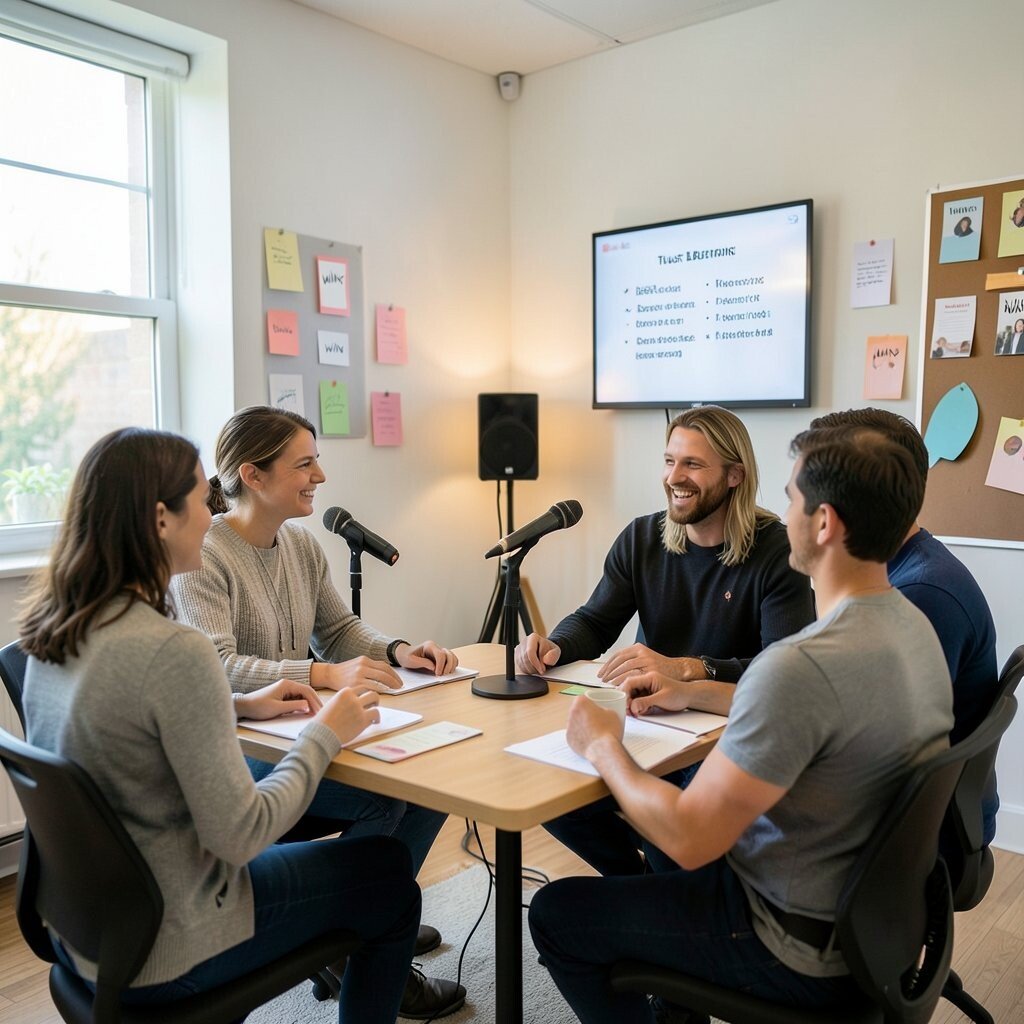
Create a small space dedicated to learning rituals like short demos, recognition moments, or mini workshops. A comfortable circle layout and a simple microphone or speaker setup can make it feel special without being formal.
These rituals strengthen teamwork because people share context and learn from each other regularly. When learning is part of the space design, it becomes easier to keep the culture consistent.
Try practical scheduling reminders on a screen or shared calendar so sessions don’t get forgotten. Personalize the area with “wins” cards and a rotating spotlight board to keep it warm and human.
20. Accessible Layouts for Smooth Movement
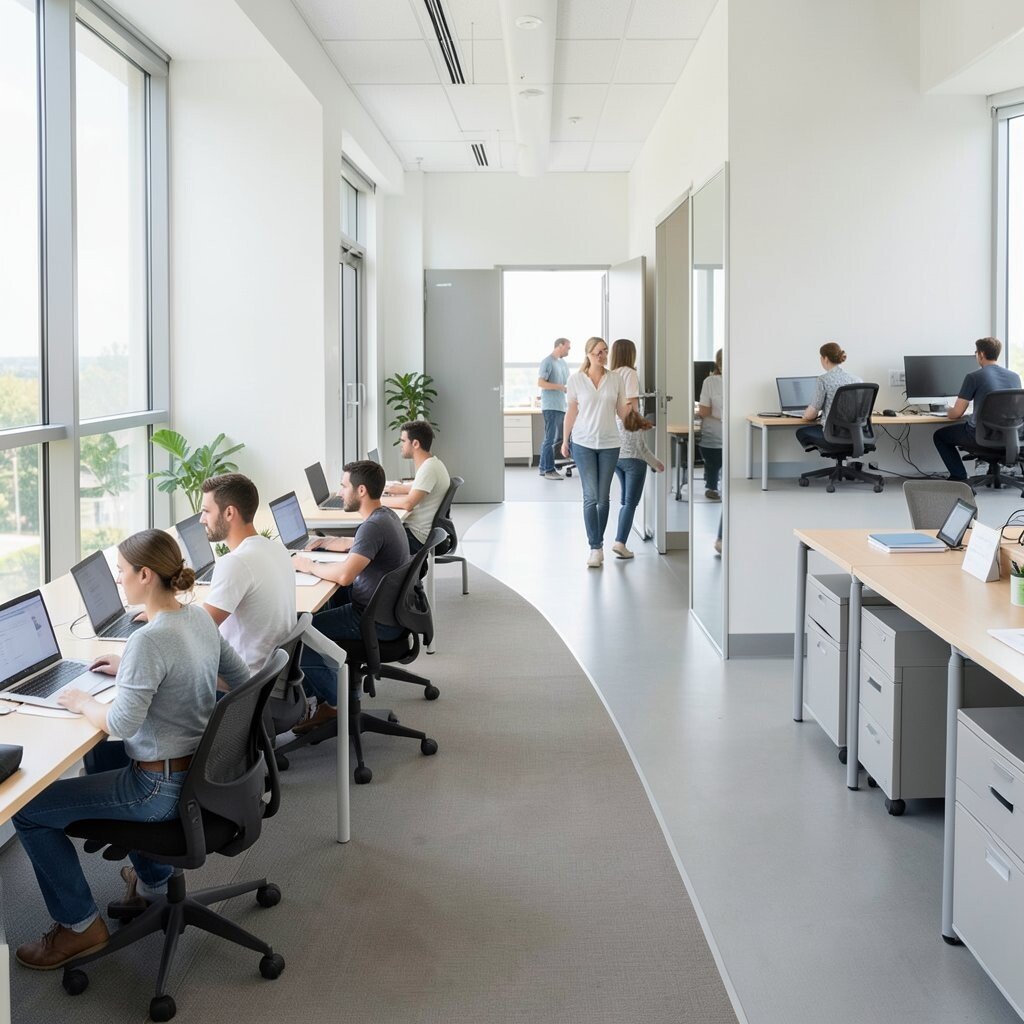
Design pathways for smooth movement using clear walkways and thoughtful spacing around furniture. Keep items off the floor, ensure doors open easily, and make sure everyone can reach collaboration spots without extra hurdles.
Accessible layouts improve collaboration because people can meet, share, and switch activities without frustration. When movement feels natural, teams spend more time working together and less time navigating obstacles.
For practical tips, do a quick walkthrough at peak hours to see where people naturally slow down. Personalize the final touches by adding low-effort enhancements like comfortable seating heights and clear visual cues that help everyone feel included.