When machines get smarter, factories feel more like creative studios. Small changes can light up workflows in surprising ways.
Industrial teams are now mixing hands-on craft with modern tech to solve real problems fast. The best ideas are practical, visible, and easy to keep running day after day.
1. Heat-Map Floors for Safer, Faster Movement
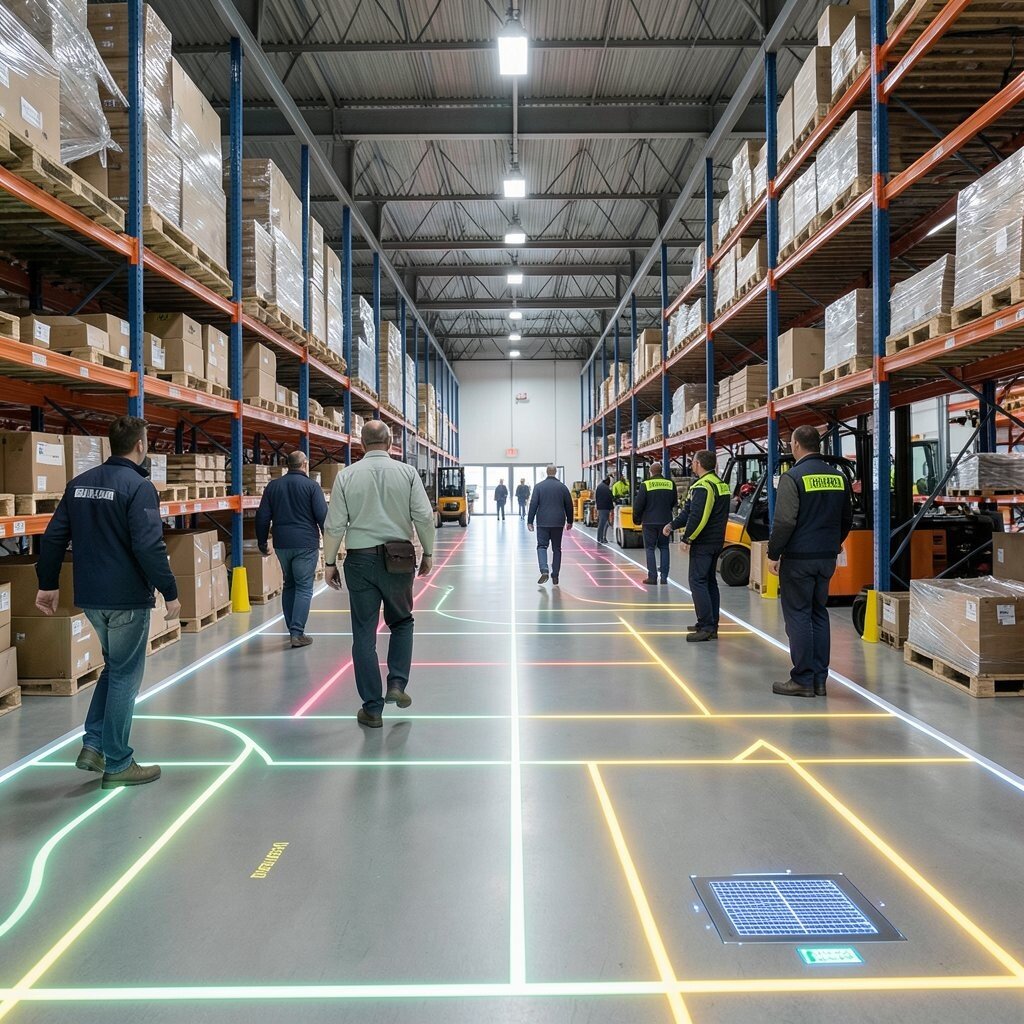
Walk through a warehouse and you can almost see where people hesitate. Add floor heat-mapping using durable sensors or smart floor tiles and the busy paths show up as glowing patterns.
Use the data to redesign lanes, mark walk zones, and guide equipment traffic with clear, visible boundaries. Teams can personalize signage by shift, since morning and night movement patterns often differ. This approach helps reduce near-misses, saves time during picking, and keeps the shop floor calmer when work gets busy.
2. AI-Assisted Preventive Maintenance with Human Checkpoints
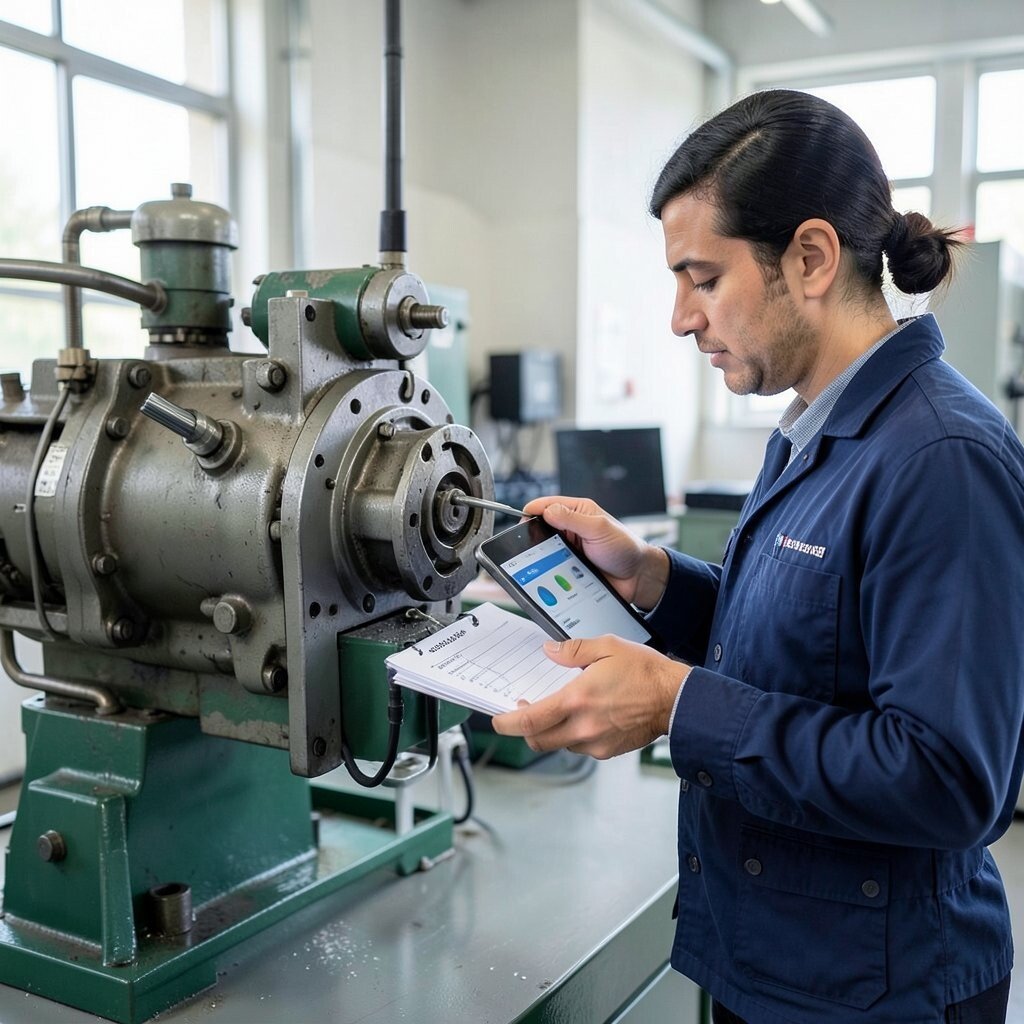
Instead of waiting for a breakdown, you can spot wear while it is still small. Use vibration and current sensors paired with AI that suggests likely failure parts, but keep a simple human checklist for final confirmation.
When a system flags a motor or gearbox, technicians can inspect the specific areas first, which cuts down guesswork. For personalization, assign different check routines for different crews or machine models, so each team gets guidance that fits their experience. Many plants find this lowers emergency repairs while keeping costs predictable.
To make it cost-friendly, start with your highest downtime assets and scale only after you see steady wins. A practical trend is using cloud dashboards that can be reviewed on a tablet during shift handoffs, which helps everyone stay aligned.
3. Modular Tool Cribs That Print the Right Setup
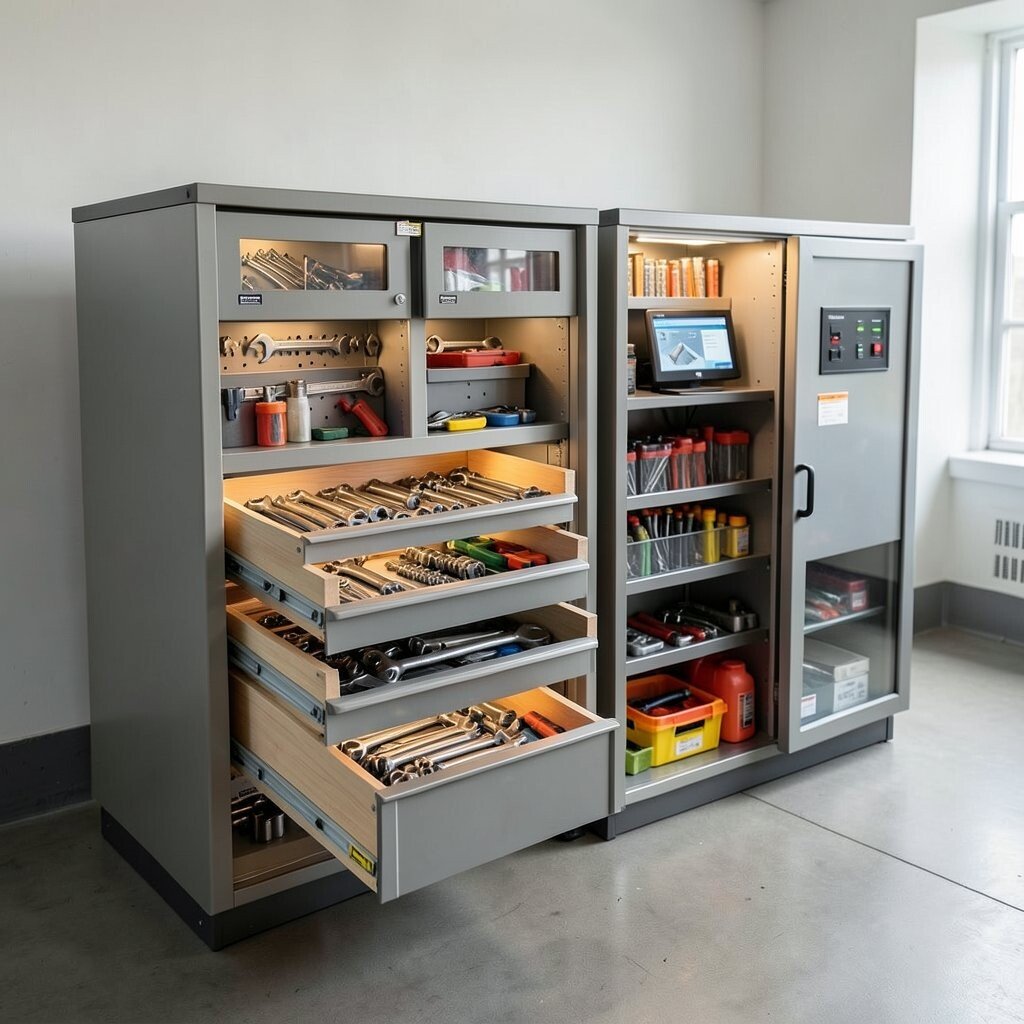
Nothing slows production like hunting for the right wrench at the wrong moment. Build modular tool cribs with RFID tags and a small interface that tells operators what to grab for each job.
As soon as a work order is scanned, the cabinet lights the correct drawers and shows a quick layout of where each tool goes back. Add small windows for visual verification so users can check at a glance without extra steps. This kind of visible organization makes training easier and improves consistency across shifts.
Personalize the crib by tailoring tool sets to product variants, so a changeover feels like swapping a recipe card. You can keep cost under control by using existing cabinets and adding tags first, then upgrading the interface later. A current trend is linking tool usage data to quality records, so missing or swapped tools become easier to track.
4. Smart Airflow Ducting for Cleaner Work Zones
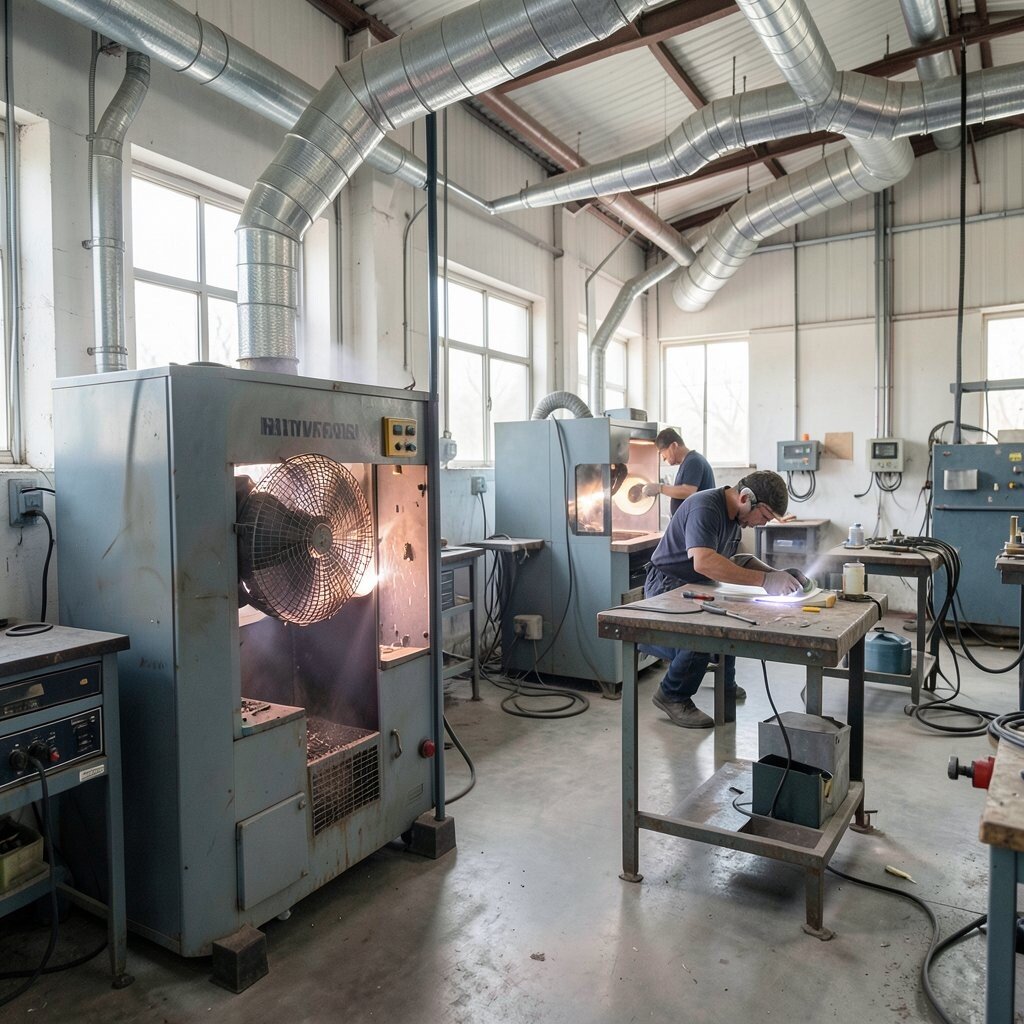
Fans and dust collectors can be loud and wasteful when airflow is not targeted. Install adjustable airflow dampers with smart controls so each work zone gets the right amount of suction only when needed.
Picture a shop where welding booths or sanding stations quietly “wake up” when activity starts. This improves air quality, reduces filter load, and helps keep surfaces cleaner for better finishing. For personalization, set different airflow profiles by task type, so polishing does not fight over suction with heavy cutting.
5. Digital Twin Layout Reviews with Real Walkthroughs
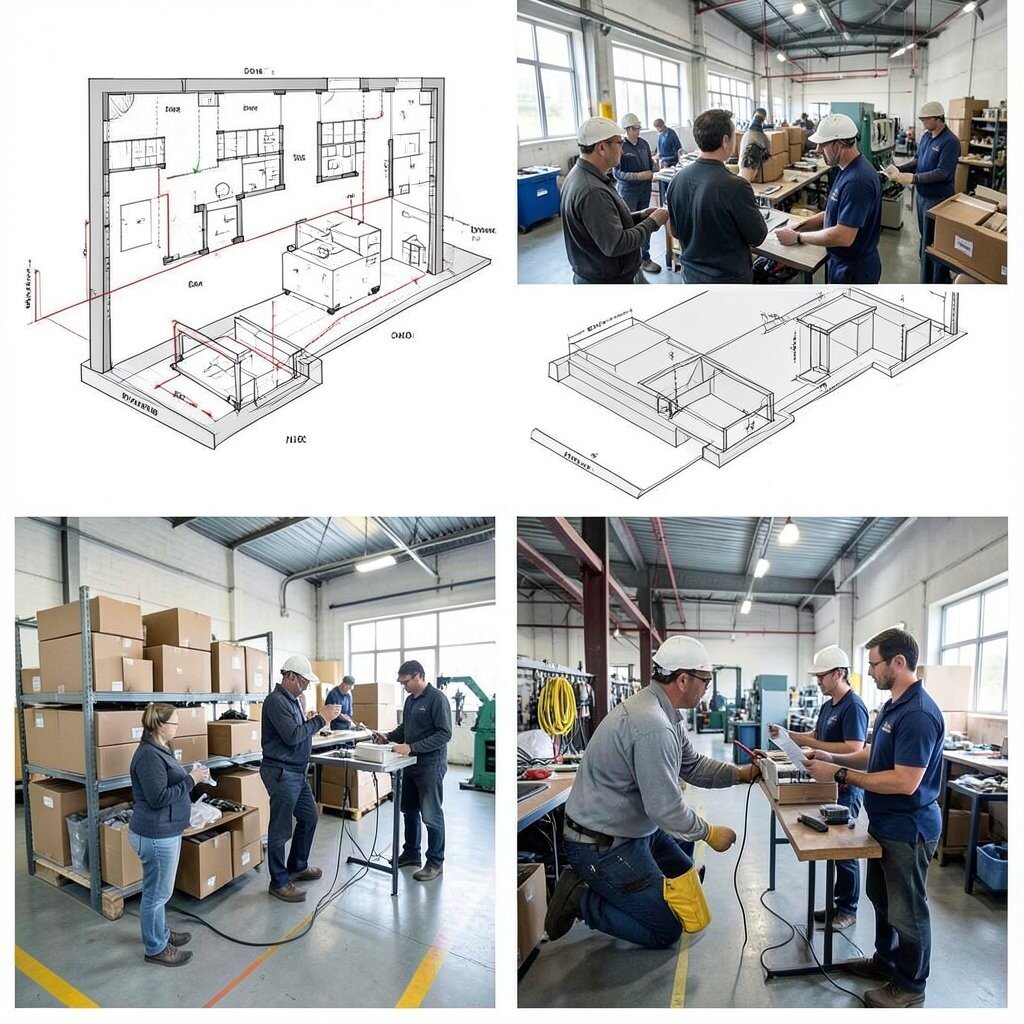
Seeing a layout on paper often misses how people actually move. A digital twin paired with quick walkthrough filming helps you test the plan in a realistic way before you cut metal or relocate equipment.
Create a simple virtual model using your floor plan and then compare it with short on-site videos from common routes. The visual feedback can show bottlenecks, awkward corners, and blocked sight lines that are easy to fix early. Teams often get buy-in faster because the changes feel grounded in real movement.
To keep it practical, start with one process area, like packaging or kitting, and measure travel time before and after. Cost considerations stay manageable when you reuse existing floor scans and only model the most critical paths. A popular trend is using mixed reality viewings for supervisors, which makes feedback quicker and clearer.
6. Torque Wrench Coaching Using Audio and Light Cues

Operators should never “learn by guess” when tightening affects quality. Equip torque tools with simple sensors that provide audio tones and small visual cues when settings drift or if the tool is used incorrectly.
This turns each tightening step into a guided moment that feels like friendly coaching. You can personalize cues for different skill levels, using more guidance for new hires and a quieter mode for experts. Many teams see fewer rework cycles, and inspection results often tighten up because technique becomes more consistent.
7. Reconfigurable Assembly Lines with Quick-Change Fixtures
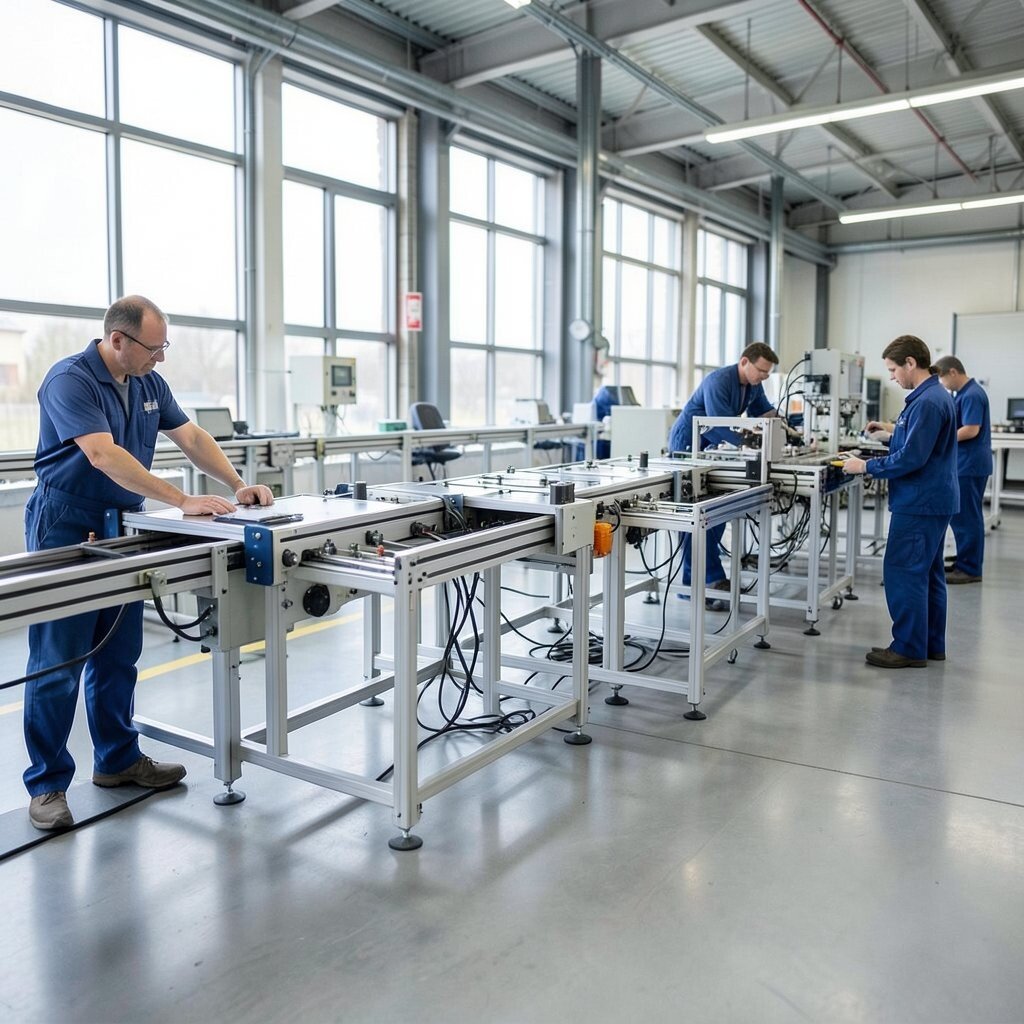
Classic assembly lines can feel rigid, especially when product styles change often. Create reconfigurable stations using standardized base plates, quick couplers, and fixtures that lock in place in minutes.
When a new batch arrives, the station can look different while the workflow stays familiar. Benefits show up as faster changeovers, less downtime, and reduced wear from repeated setup. For personalization, design fixture options for common variants so operators can choose the right insert without waiting for engineering support.
To manage cost, prioritize the highest-frequency changeovers first and reuse parts across models where possible. A current trend is using “set-based” tooling libraries that reduce buying new fixtures for every small variation.
8. Warehouse Micro-Routing for Safer Forklift Paths
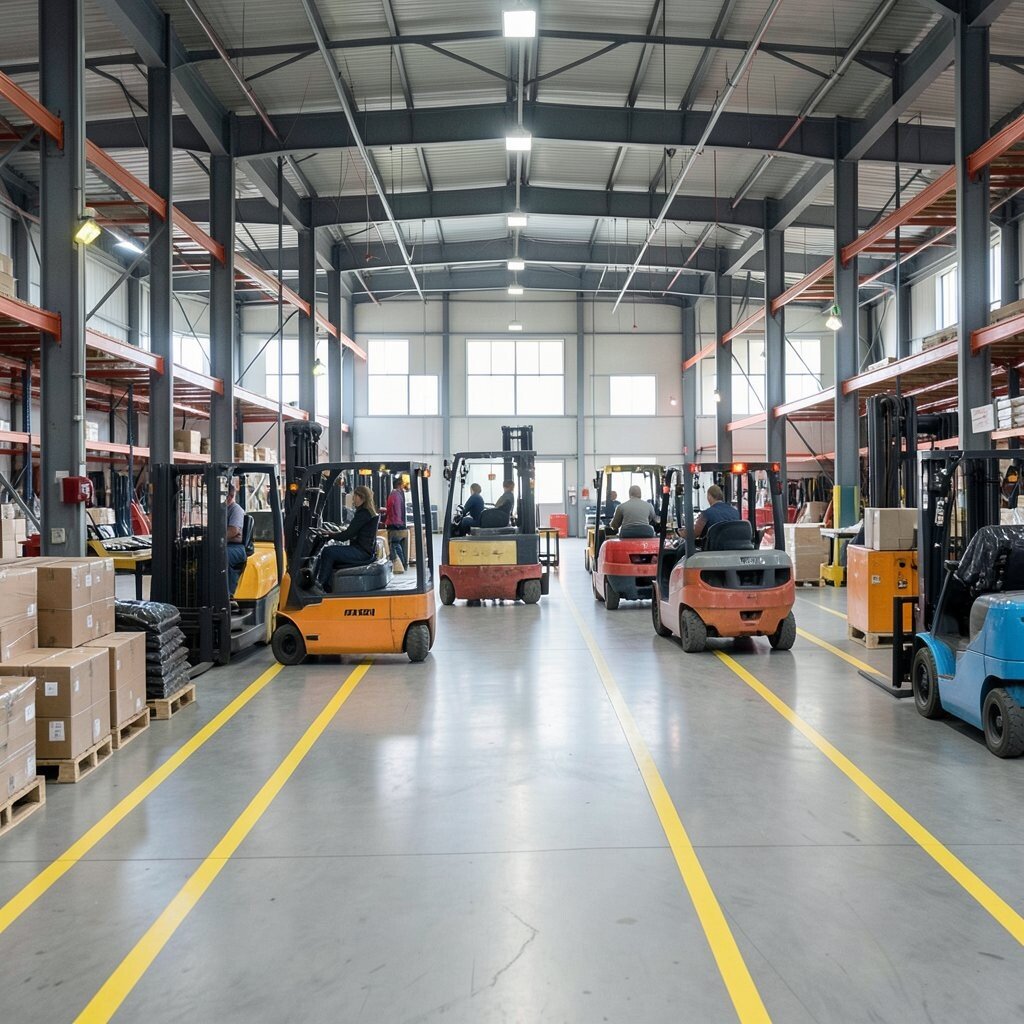
Even good drivers can get surprised by congestion. Use micro-routing by placing beacons or overhead tags that guide forklifts into safer, clearer paths during specific shifts or weather conditions.
Think of it as a gentle traffic system inside the building, where routes adjust based on crowding and timing. This can lower fender-benders, improve efficiency, and reduce risky shortcuts that people take when they feel pressured. Personalization is easy by configuring different routes for different vehicle types and load sizes.
9. Thermal Labeling That Shows Hot Spots Before Repairs
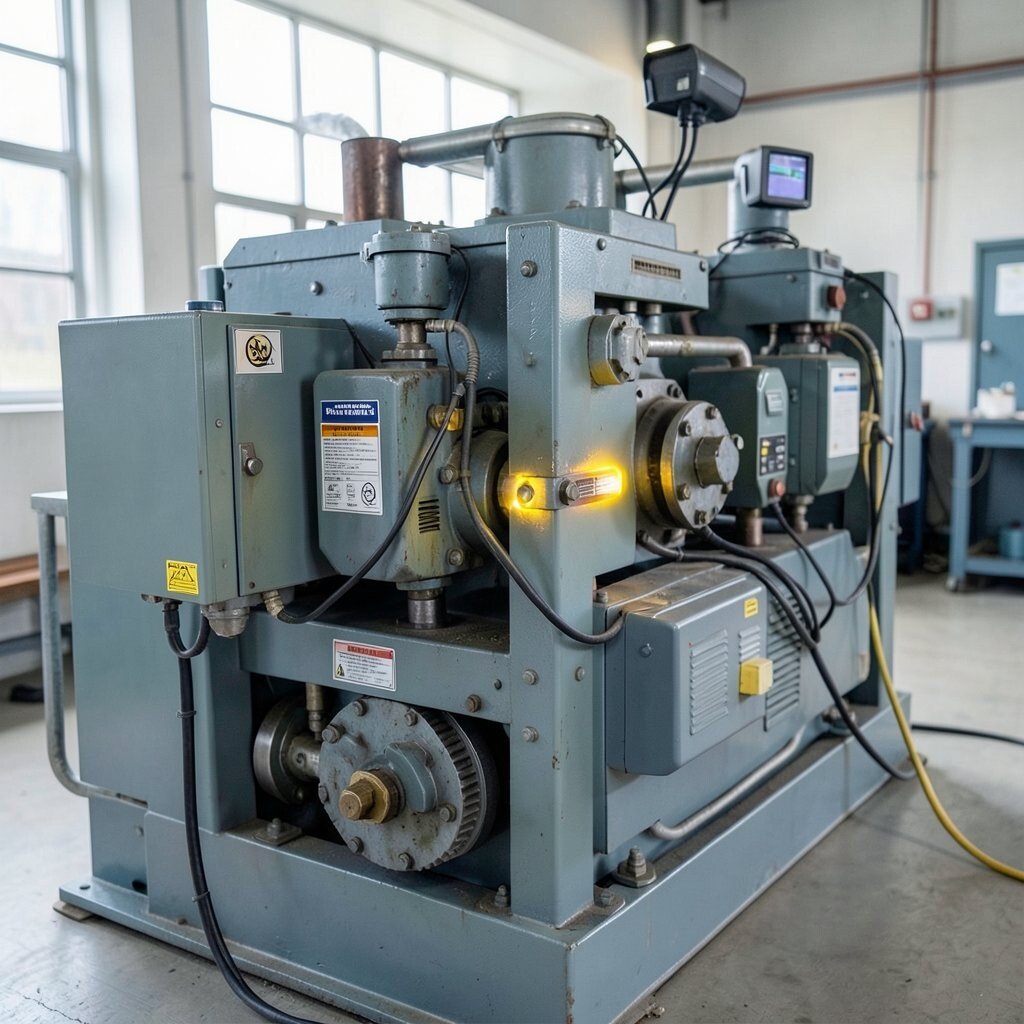
Heat problems can start quietly long before anyone smells trouble. Use thermal imaging cameras that attach to existing inspection stations and generate visual heat overlays for each machine during routine checks.
The pictures are instantly understandable, showing hot spots on bearings, panels, and connections. That clear visual makes troubleshooting faster and helps technicians focus on the exact spot instead of scanning the whole unit. You can personalize thresholds by machine age, since older equipment may need earlier attention even when readings are “normal.”
For cost, start with targeted inspection points instead of covering every surface at once. A trending approach is using mobile thermal review with digital reports, so maintenance history stays linked to the images.
10. Water-Saving Closed-Loop Cooling for Tooling
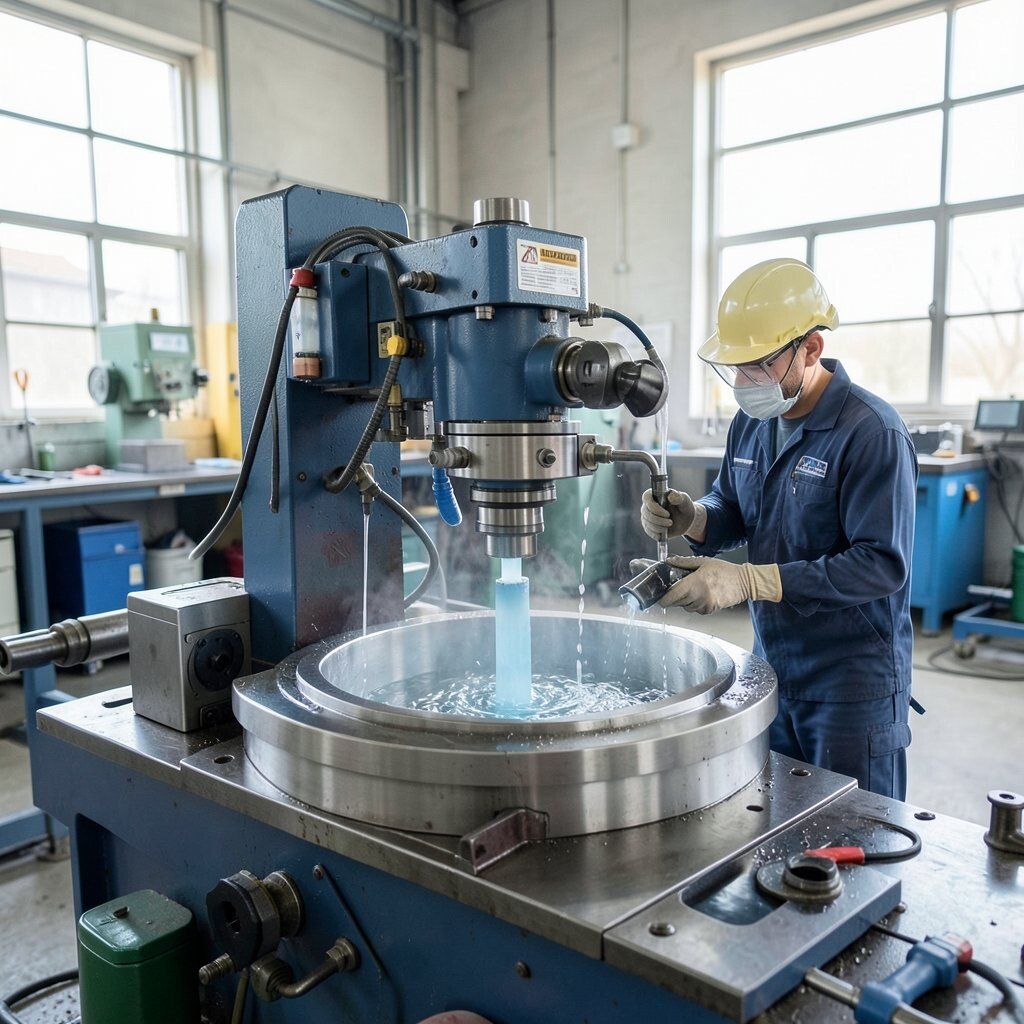
Cooling fluids can be a hidden cost that keeps climbing over time. Switch to a closed-loop cooling system that filters and recirculates coolant, and add quick sampling ports so operators can check quality without opening the loop.
In a shop, you can see the benefit when coolant stays clear and consistent instead of clouding up. This reduces waste, stabilizes machining performance, and can extend tool life. Personalize the coolant program by adjusting flow and filtration settings for different materials, such as aluminum versus steel.
Keep the cost sensible by retrofitting one tooling family first, then expanding when savings show up. A current trend is using smart monitoring for coolant conductivity and temperature to reduce costly trial-and-error.
11. “Glow Back” Quality Gates for Faster Recheck Decisions
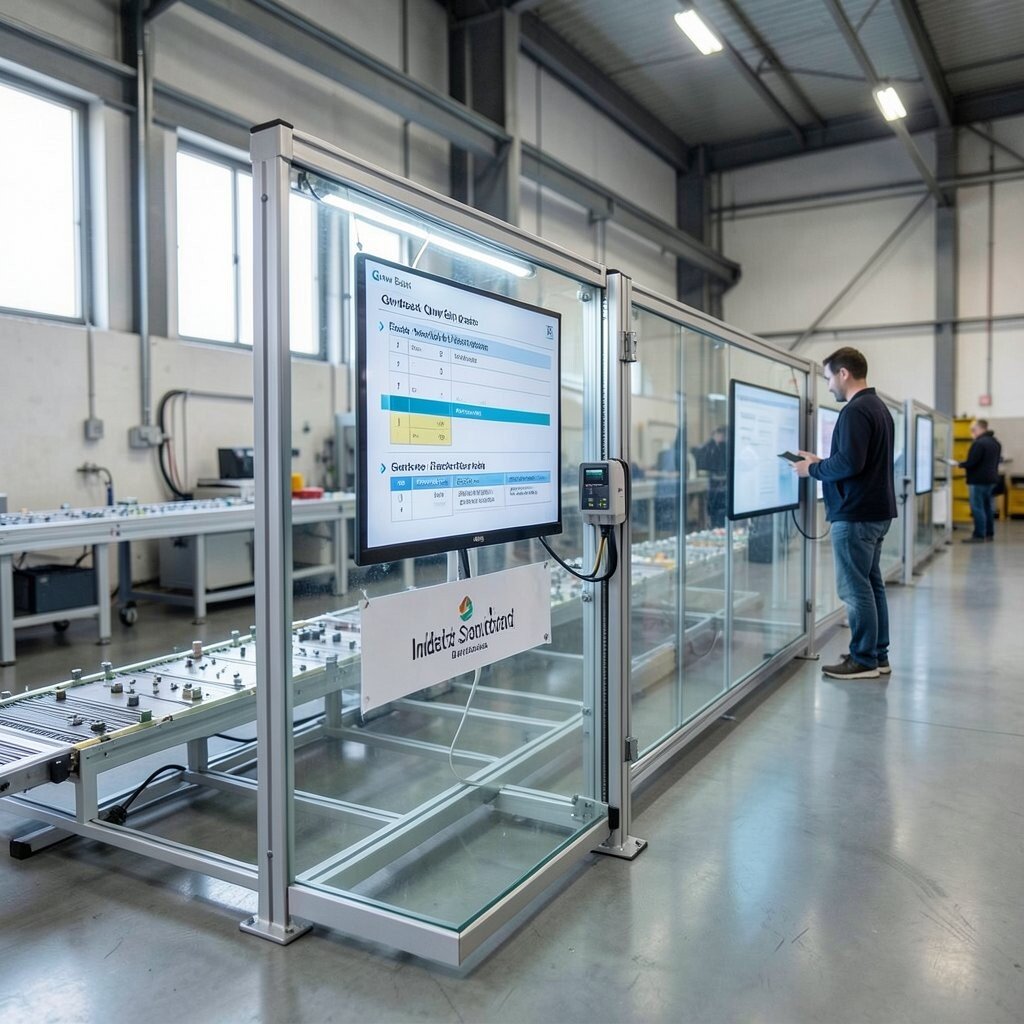
Quality checks can slow down production when decisions take too long. Build visual quality gates that use lights and simple screens to show pass, hold, or recheck status based on sensor readings and checklist confirmations.
Picture a station where parts travel through a clear pathway, and the gate gives instant feedback without complicated paperwork. This supports benefits like faster throughput and fewer shipments that later get rejected. For personalization, you can tailor the recheck steps for each product type so operators know exactly what to measure next.
12. Smart Shelving That Tracks Material Age and Rotation
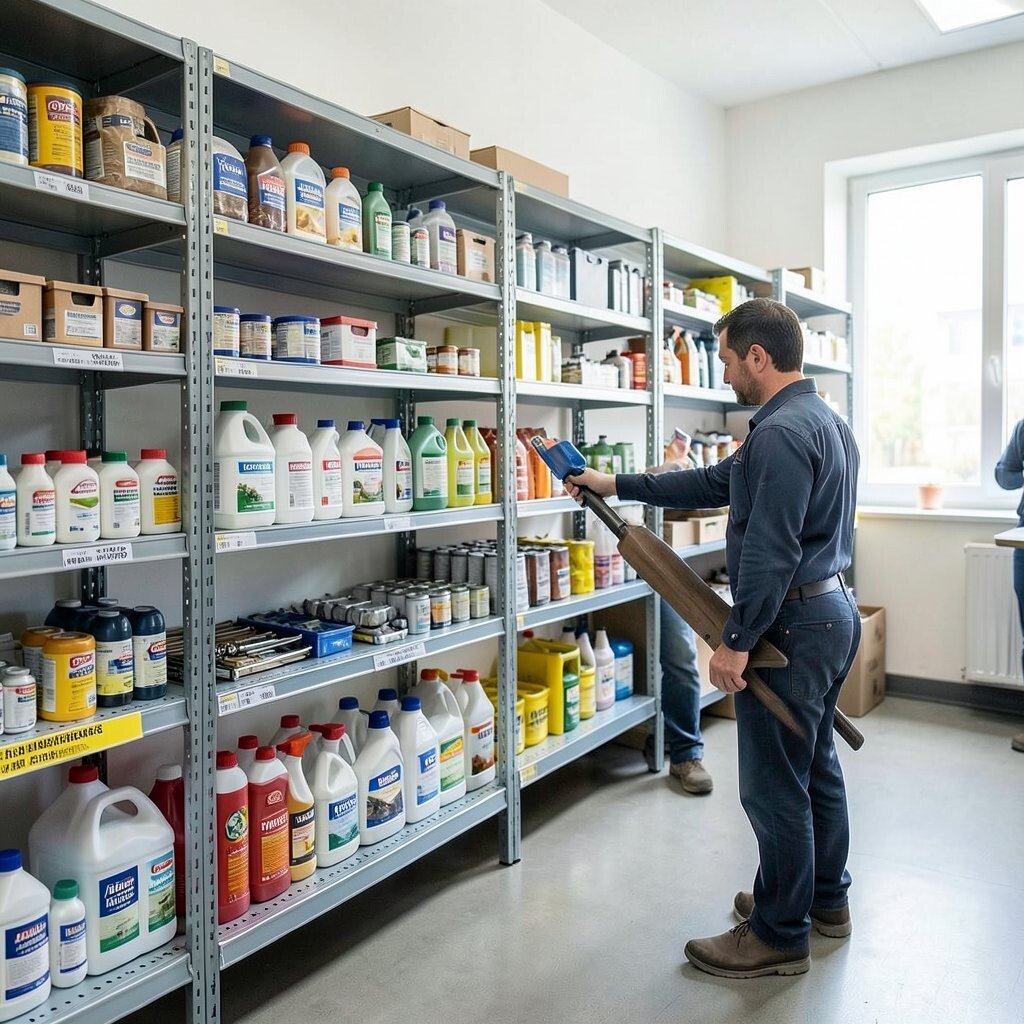
When materials sit too long, quality can drift and waste rises. Use shelf sensors or scanned bins that track material age and encourage first-in, first-out rotation with visible prompts.
A store room can look neat and bright when the system nudges staff gently toward the right bin. This reduces expired stock, lowers scrap, and keeps teams confident that the right material reaches the line. Personalization works well by setting different rotation rules for chemicals, coatings, and fasteners that have different shelf-life needs.
To control cost, begin with the highest-value consumables where expiration losses are most painful. A current trend is pairing inventory age with supplier lot tracking so recalls and audits become less stressful.
13. Augmented Reality Work Instructions for Complex Builds
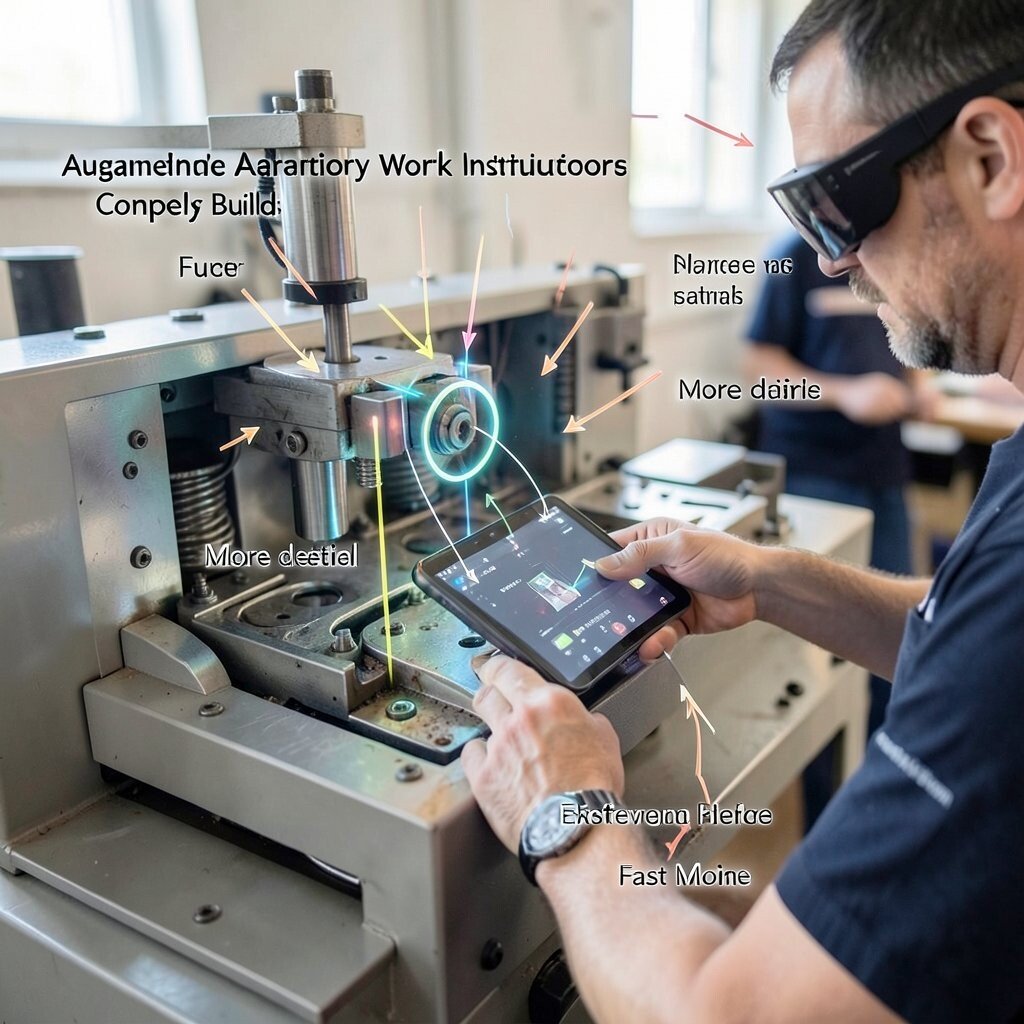
Some work steps are hard to explain with text alone. Use AR glasses or a tablet app that overlays step-by-step guidance on the actual machine or assembly point, paired with voice prompts.
Operators can see arrows, part highlights, and alignment hints directly where their hands are working. The benefit is fewer mistakes and faster learning for new hires, especially for safety-critical tasks. For personalization, include optional “more detail” overlays for beginners and a “fast mode” for experienced teams.
Cost considerations can be eased by piloting on one complex product line first, rather than equipping every station immediately. A trending idea is building AR instruction libraries from existing manuals and photos so content creation stays efficient.
14. Pneumatic Energy Audits with Quick Leak Mapping
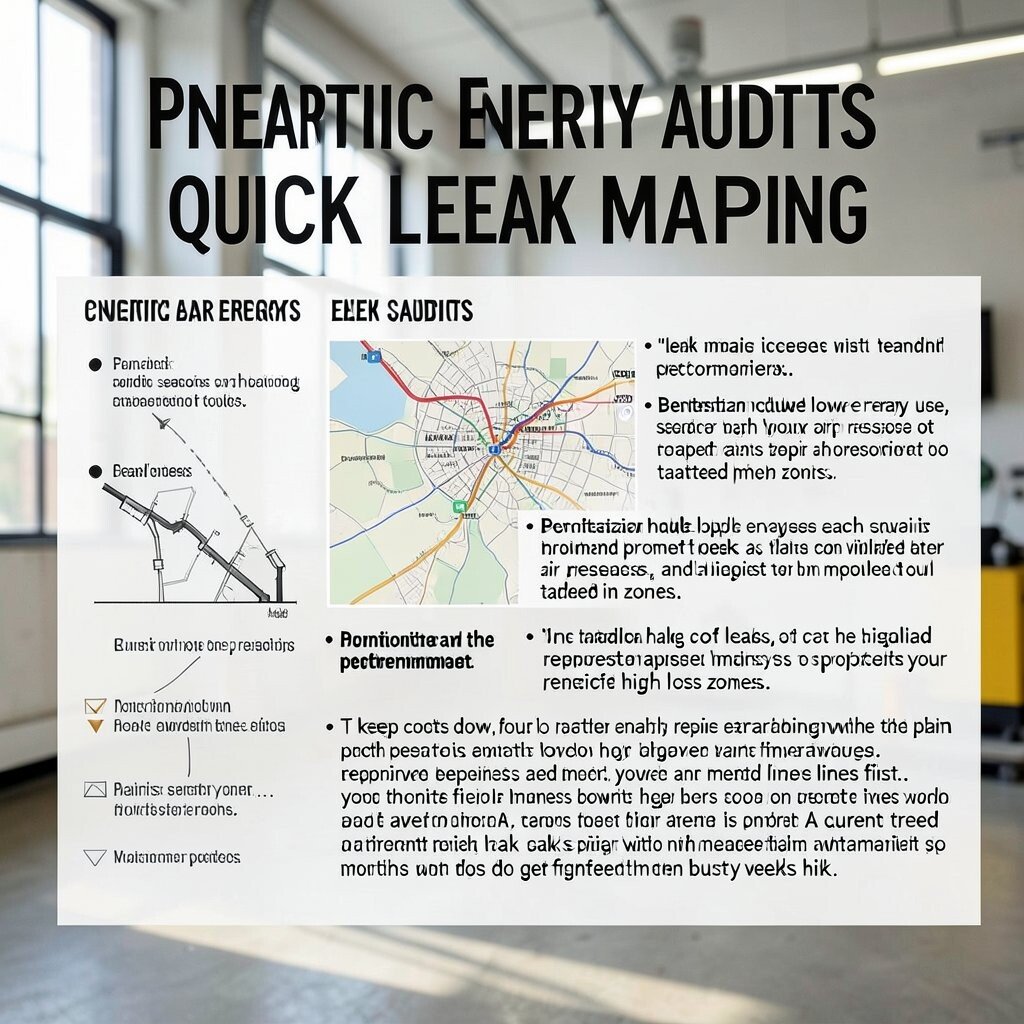
Compressed air leaks can drain money quietly. Run a practical audit with sound sensors or handheld detection tools, and produce a “leak map” that highlights problem areas for targeted repairs.
Once the map is created, you can visualize the cost of leaks as a prioritized repair list that teams can tackle in order. Benefits include lower energy use, steadier air pressure, and improved tool performance. Personalization helps because each plant has different equipment layouts, so repairs should match your specific high-loss zones.
To keep costs down, focus on the biggest leaks and the most-used lines first. A current trend is pairing leak repair tracking with maintenance scheduling, so fixes do not get forgotten when busy weeks hit.
15. Lightweight Ergonomic Lift Assist for Repeat Tasks
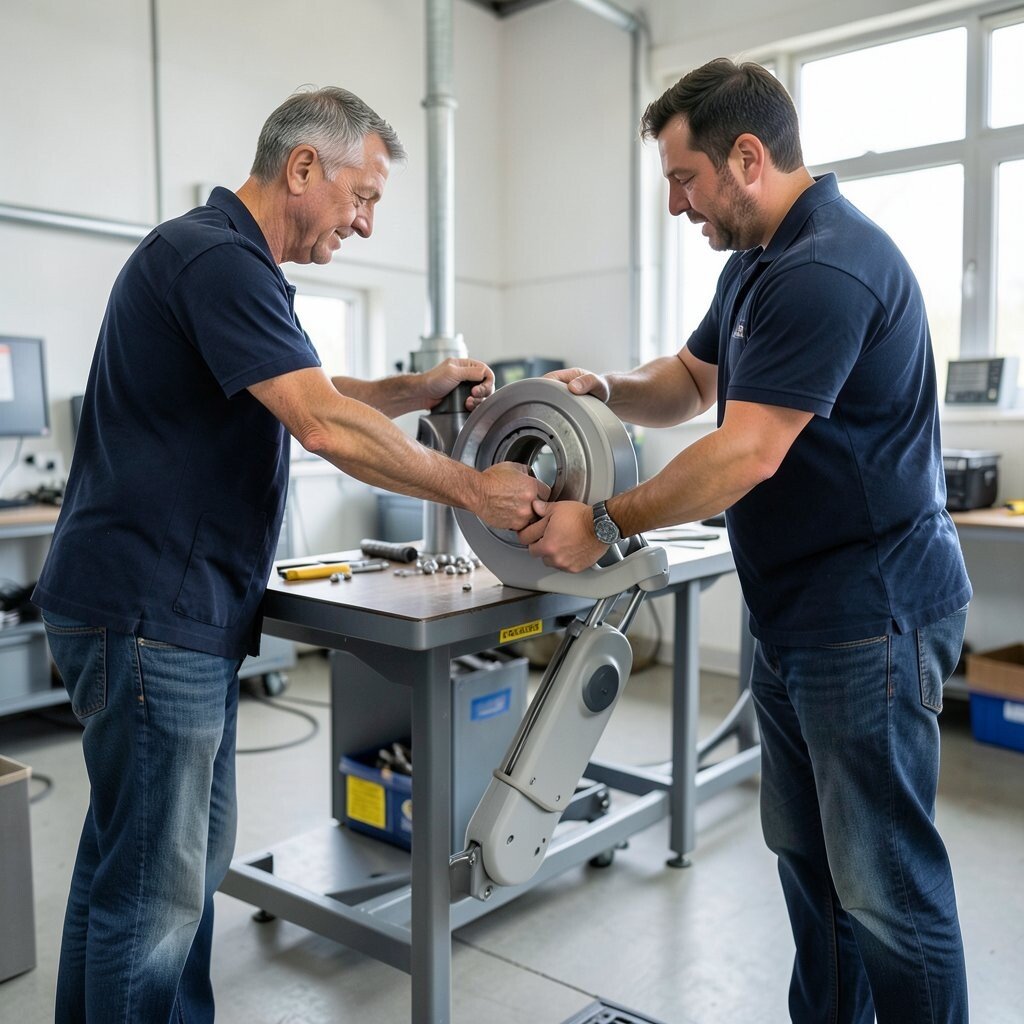
Repetitive lifting can strain people and slow production. Install lightweight lift assists or assistive positioning devices that help workers handle heavy parts without sudden strain.
You can spot the difference right away because the workstation feels smoother and safer, with parts moving in controlled paths. The benefits are lower injury risk, improved consistency, and higher morale. For personalization, adjust assist height and travel limits to match different job roles and body sizes.
Cost considerations matter, so choose the smallest assist that solves the strain point instead of buying a full automation system. A trend in modern shops is using “human-friendly automation” that supports workers rather than replacing them.
16. RFID-Linked Rework Bins with Instant Traceability
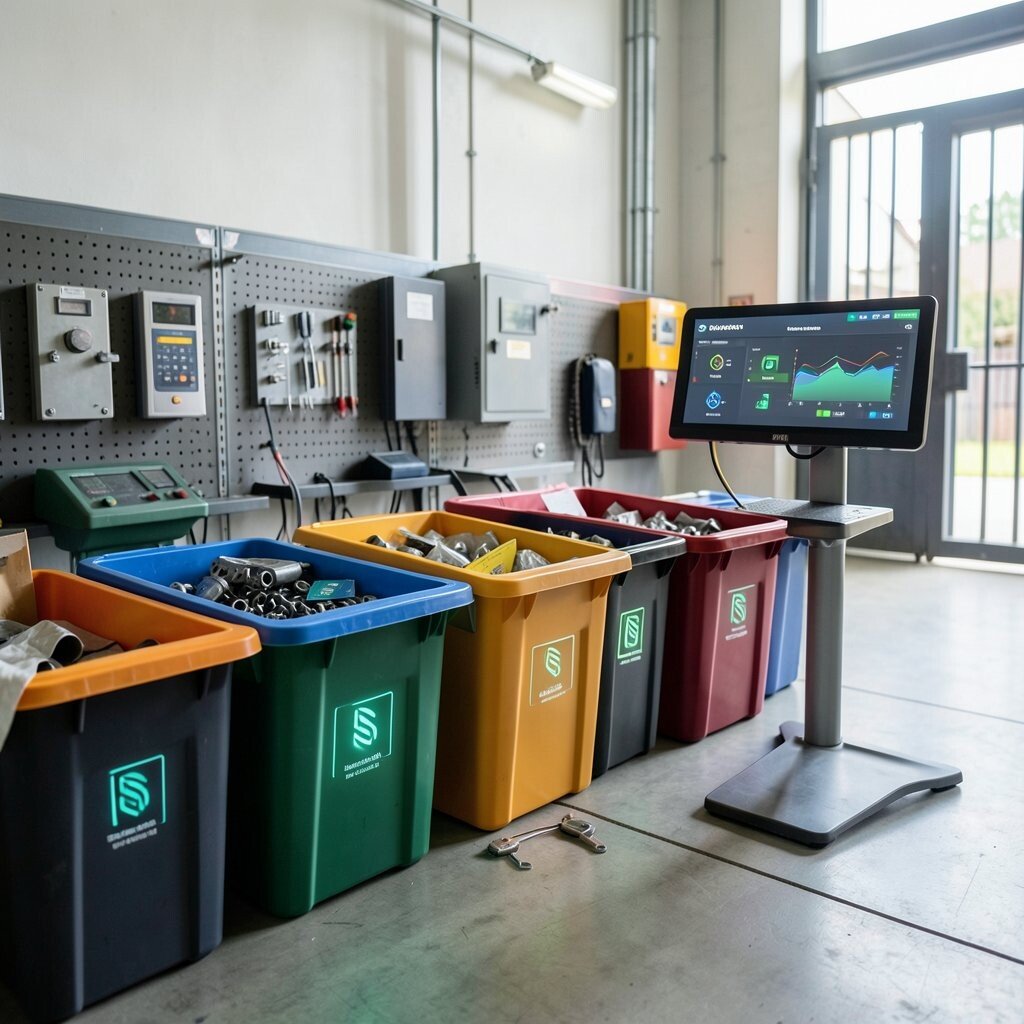
Rework is easier to manage when parts are clearly identified. Use RFID tags on rework bins and parts so each item’s location, reason, and repair status is visible on a screen at the gate.
Imagine a rework area where every bin has a glow-in-the-dark identifier and a live status indicator. This makes traceability fast, reduces mix-ups, and helps teams spot recurring issues. Personalization is built in by using different categories for common defect types, so repairs become systematic instead of random.
To manage cost, start with a limited set of bins for the most frequent rework flows. A current trend is aligning rework tracking with quality dashboards so managers can see trends without hunting through spreadsheets.
17. Predictive Scrapping Rules with Feedback from Operators
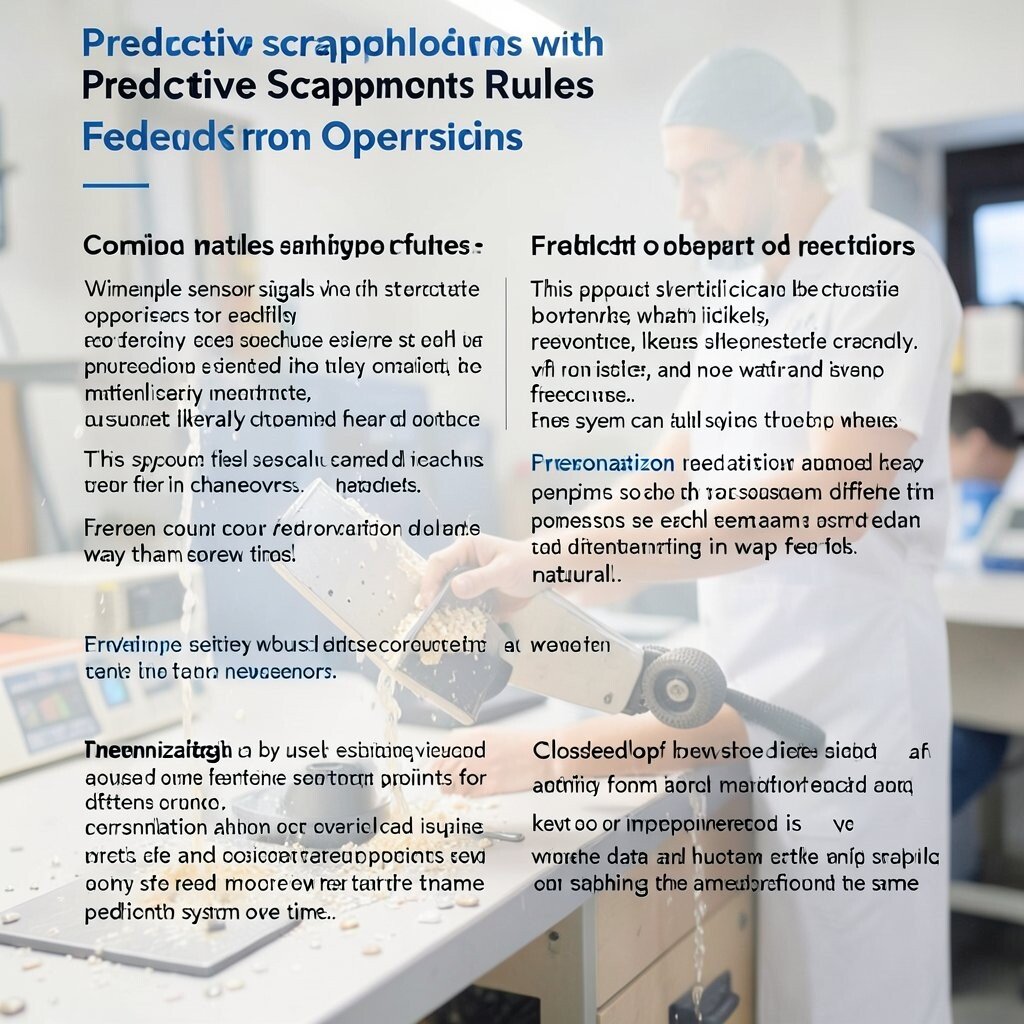
Scrap drops fastest when the rule system learns from real shop experience. Combine simple sensor signals with structured operator feedback to predict likely scrap outcomes and suggest early interventions.
This approach feels practical because operators can explain what they noticed, like material issues or vibration changes, and the system can adjust recommendations. The benefit is fewer wasted batches and more confidence during changeovers. For personalization, allow different feedback prompts for different roles so each team can contribute in a way that feels natural.
Keep cost reasonable by using existing measurement points and adding a small form for feedback rather than installing many new sensors. A trending method is “closed loop” improvement where data and human observations keep shaping the same prediction system over time.
18. Energy-Responsive Lighting for Focused, Safe Shifts
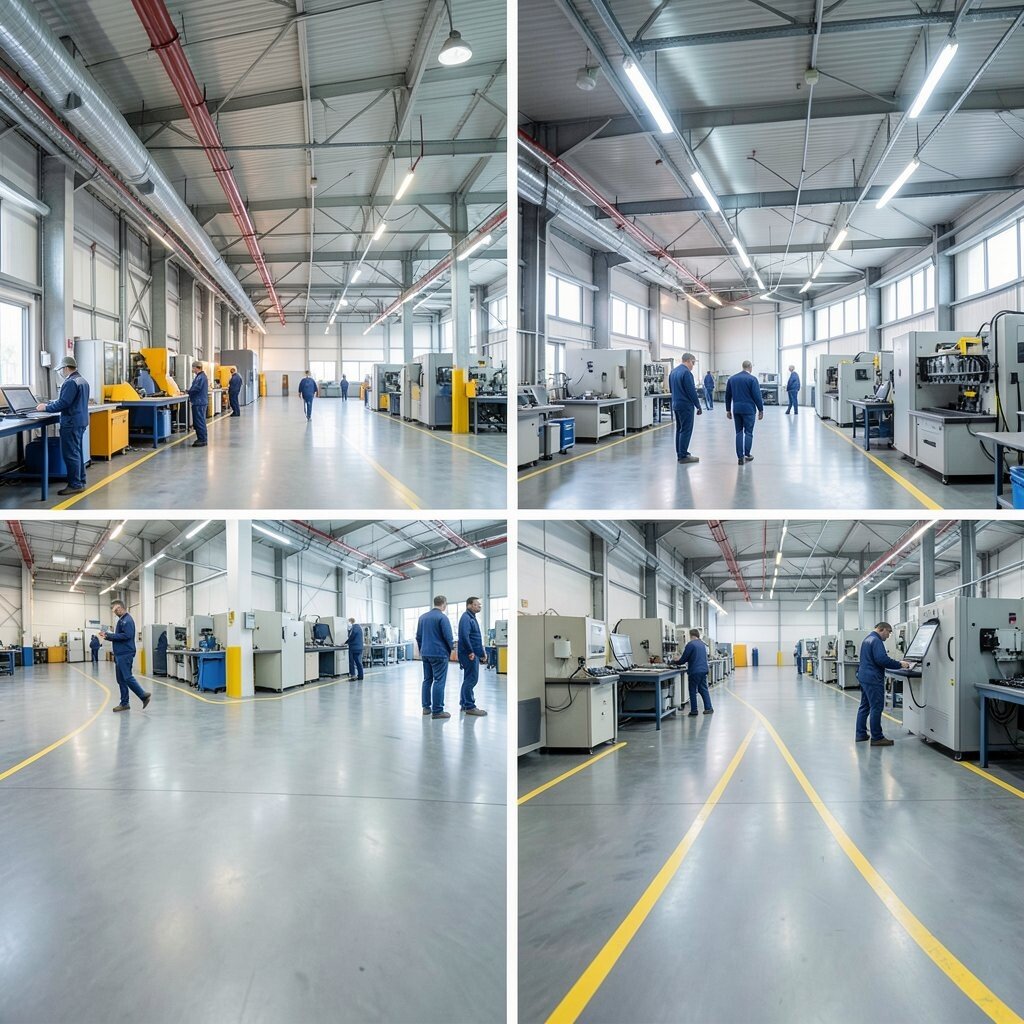
Lighting affects both safety and attention, especially in long shifts. Install energy-responsive lighting controls that adjust brightness based on occupancy, task areas, and daylight levels, with clear visibility maintained at all times.
Picture work zones that brighten when people enter and soften in idle areas, while key safety paths stay consistently bright. Benefits include lower energy bills, better comfort, and fewer mistakes because visibility matches the job. Personalization can be handled by assigning different lighting scenes for inspection, assembly, and maintenance tasks.
For cost, start with the most energy-hungry zones like aisles and high-traffic work areas, then expand after you confirm savings. A current trend is smart lighting systems that integrate with machine schedules, so lights respond to planned operations and reduce unnecessary runtime.