
Your desk can feel like a deep breath when it has room to breathe. Small choices add up to a calm place you actually want to use.
Minimalism here means less clutter and more comfort, not less personality. With a few practical changes, your workday can slow down in the best way.
1. Declutter With A Daily Reset

Start each day with a quick clean slate and end with a tidy desk. A clear surface instantly makes the room feel quieter and easier to focus in.
Use a simple five-minute routine where you put away loose papers, cap pens, and store charging cords. Then wipe the area you use most so you start fresh. This small habit helps your brain relax because it knows where everything lives.
2. Choose One Quiet Color Palette

Pick a calm color set and stick to it across the essentials. Soft whites, warm grays, and muted greens look clean and soothing under office lights.
When your background repeats the same hues, your eyes rest instead of bouncing around. Try pairing a neutral desk mat with a single accent like sage or sand for a gentle pop.
3. Use Cable Management That Disappears

Loose cords can turn into visual noise faster than any paper pile. Bundle them neatly and route them behind your desk so the front stays calm.
Velcro straps, cable sleeves, and under-desk trays make your setup feel intentional and smooth. Labeling isn’t necessary, but grouping by device makes unplugging easy. When cables are hidden, your workspace looks more “finished” even on busy days.
Consider a power strip with a long cord tucked under the desk so everything reaches without tangling. A simple cable plan also makes it easier to add new gear later. You’ll enjoy the clean look every time you sit down.
4. Add Warm Lighting Instead Of Harsh Overhead
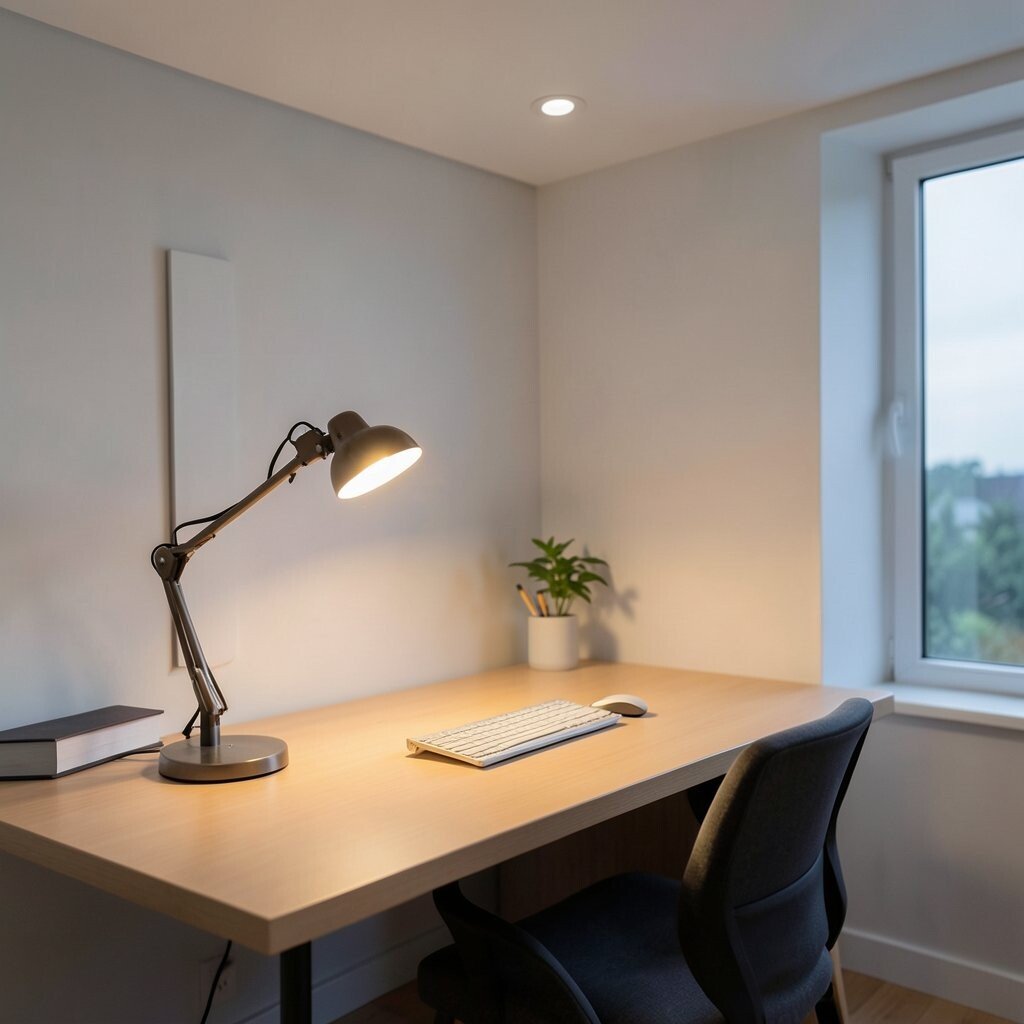
Bright overhead lights can feel sharp and tiring, even when they seem practical. A warm desk lamp creates a softer glow that feels friendly.
Place the lamp so it lights your work surface without shining into your eyes. If you work near a window, use the lamp mostly in the evening for a calm rhythm.
5. Keep A Single Tray For Paper

Paper stacks multiply when they have no boundary, so give them one home. A slim tray or folder stand helps you see what’s current without the clutter feeling endless.
Set it near where you write so you don’t leave loose sheets lying around. Sort incoming items the same way each time so the system stays easy. When the tray looks full, that’s your cue to process it, not ignore it.
Choose a tray material that matches your desk style, like wood, metal, or clear acrylic. Clear acrylic can look light, while wood feels warmer. Either way, one tray keeps your desk calm and your brain organized.
6. Go For One Comfortable Chair Setup

Your chair can either help you relax or push you into tension. If your seat and back support feel right, your posture looks smoother and your mood improves.
Adjust the height so your feet rest flat and your arms land comfortably on the desk. Then set the chair back angle so you can lean in without feeling squeezed. A simple setup change can make work feel less stressful.
7. Install A Minimal Monitor Stand

A monitor sitting too low can make your shoulders creep up without you noticing. Raise it with a slim stand or a stack of sturdy, clean materials so your neck stays relaxed.
This upgrade also creates space underneath for a keyboard area that stays tidy. Keep only the essentials there so it never turns into a storage zone. When the stand looks neat, the whole workstation feels more modern and calm.
Choose a stand in a matching color palette, like light oak or matte black, to keep the look cohesive. If you prefer a clutter-free desk, a vertical cable channel can help the stand feel even cleaner. A simple monitor height fix can improve comfort and focus quickly.
8. Pick A Keyboard And Mouse That Feel Smooth
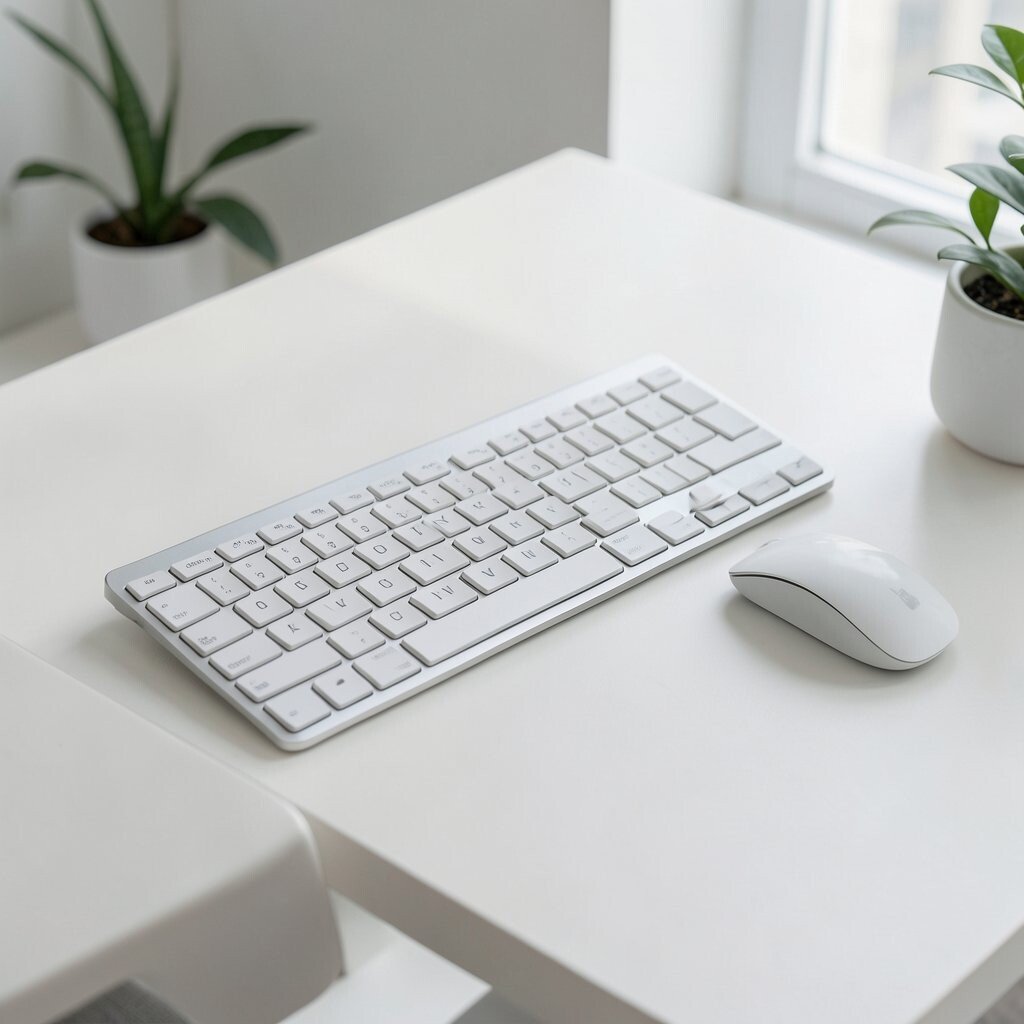
Minimalism includes the tools you touch the most, because comfort matters. When a keyboard feels good and a mouse glides easily, your body settles into the work.
Try a keyboard with a quiet feel and a layout that matches how you type. Pair it with a mouse that fits your hand without forcing grip tension. Smaller adjustments like this can make long sessions easier and calmer.
9. Create A Paperless Favorite Workflow

If you can reduce physical paper, your desk stays calm for longer stretches. Use digital notes, scan apps, or online documents so information lives where you already work.
When paper is unavoidable, keep it in a single folder and move it out after reading. Add a “read then file” habit so sheets don’t pile up. This keeps your desk visually quiet while still respecting how you think.
Try saving templates for common forms so you don’t print by default. Many people also find it easier to search through digital files instead of sorting stacks. A more paperless system feels lighter, and it often reduces stress.
10. Use A Calm Desk Mat With Clean Edges
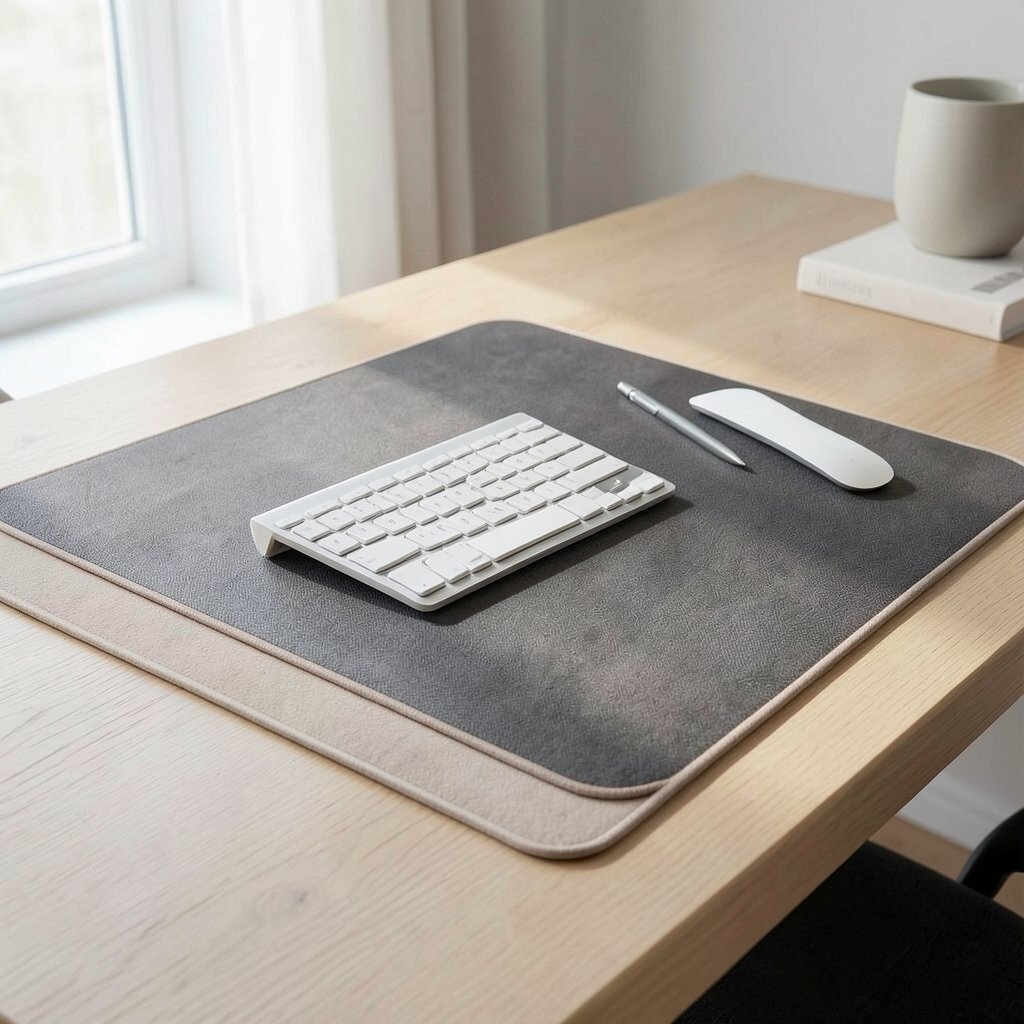
A desk mat changes how your desk feels the moment you sit down. Choose one with clean edges and a soft texture that doesn’t look messy.
It protects your surface and creates a visual anchor so your items stay centered. When you place your keyboard and writing tools on the mat, you automatically keep spacing tidy. You can also wipe it quickly, which helps your desk stay fresh.
Pick a color that blends with the rest of your palette, like warm beige, charcoal, or gentle taupe. Some mats have subtle patterns, but keep them understated so they don’t steal attention. A good mat makes your desk feel intentional and comfortable.
11. Keep Only Essential Desk Tools Visible

Seeing too many tools at once makes your brain search for things. Keep only the items you truly use every day on top of the desk.
Everything else can live in a drawer or a closed cabinet, so your workspace stays visually calm. A pen cup with a couple of pens and a single highlighter is often enough. When your tools are visible but limited, you feel more in control.
12. Add One Plant Or A Small Nature Moment

A plant brings life to minimal spaces without adding clutter. Even a small succulent or a low-leaf plant can soften the room with gentle color.
Place it near natural light, and keep the pot style simple so it fits your aesthetic. Plants also make the air feel fresher and can lift your mood during long work sessions. If you travel often, choose something tough like a pothos or snake plant.
13. Use Storage That Looks Clean Even When Open

Open bins can look messy even if they hold the right things. Choose storage with matching colors and tidy dividers so the inside looks orderly too.
When you need quick access, drawers and vertical organizers reduce the rummaging that breaks focus. Clear boxes can work if you label gently and keep content consistent. For many people, closed storage feels calmer because it hides daily clutter.
14. Personalize With One Meaningful Display

Minimal doesn’t mean empty, it means intentional. Choose one small item that makes you smile, like a framed photo, a simple art print, or a tiny souvenir.
Place it where your eyes naturally land during breaks, such as the side of your monitor. Rotate the display occasionally so it stays special without becoming a pile. This touch of personality keeps the workspace from feeling like a showroom.
15. Set Up A Break Area With Cozy Contrast

Your workspace can feel calmer when breaks have their own mini space. Even a small mug corner or a comfy spot for a throw blanket can help you reset.
Use a small tray for tea tools or a minimal shelf for snacks so the area stays neat. Keep it separate from your main work surface so you switch mental modes. Many people find that a distinct break setup reduces the urge to snack at the desk and helps focus return faster.
16. Apply Minimal Organization To Your Digital Desktop

Clutter isn’t only on your desk, it’s also in your files and apps. When your computer desktop is full, it steals attention every time you glance at the screen.
Keep a clean folder structure and store screenshots in one place with consistent naming. Consider a simple setup with just one main folder for active projects and a separate archive folder for completed work. You’ll spend less time searching and more time working.
17. Build A Routine Around Charging And Refreshing

Your workspace stays calm when devices charge without taking over the surface. Use a charging station or an under-desk setup so cables don’t spill across the desk.
Schedule quick refresh moments where you plug in devices and wipe the surface before you start work. This keeps the desk looking new even after a busy day. If you use a laptop, set a docking plan so it’s easy to open and close without moving everything around.
18. Make Lighting And Sound Part Of The Plan
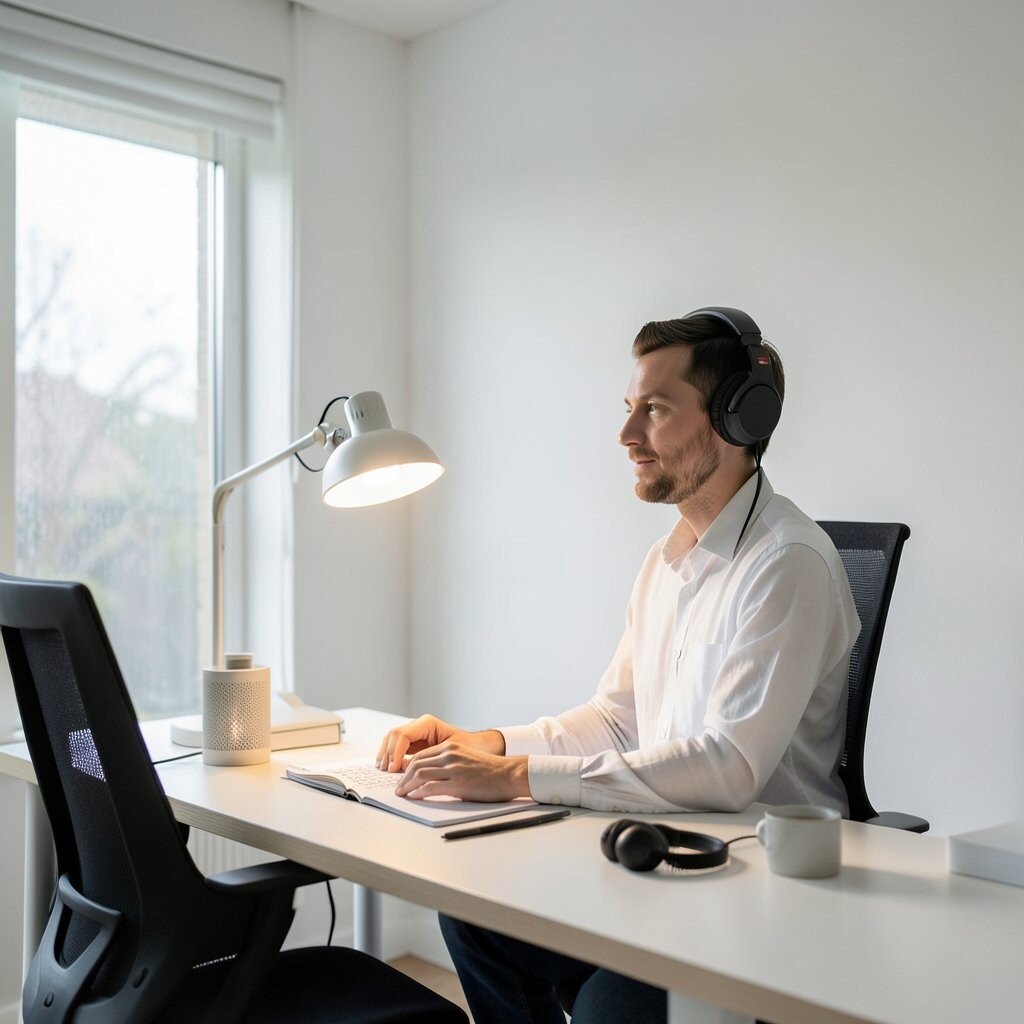
Calm doesn’t come only from visual changes, it also comes from sensory comfort. Adjust brightness, reduce glare, and consider a soft lamp position that follows your work.
If your office feels noisy, use headphones for focus or choose gentle background sound like rain or soft music. Minimalism works best when it reduces stress from both sight and sound. You can personalize this by choosing one soothing sound source and using it consistently during deep work.
For cost, start small with a lamp and a cable tie kit, then build slowly as needed. Watch what you use daily and invest in those items first. When lighting and sound support your rhythm, the entire workspace feels calmer.