
Many pet apps can help you care for your pet in daily life. They also make it easier to track health, routines, and training.
1. Water and Food Reminder
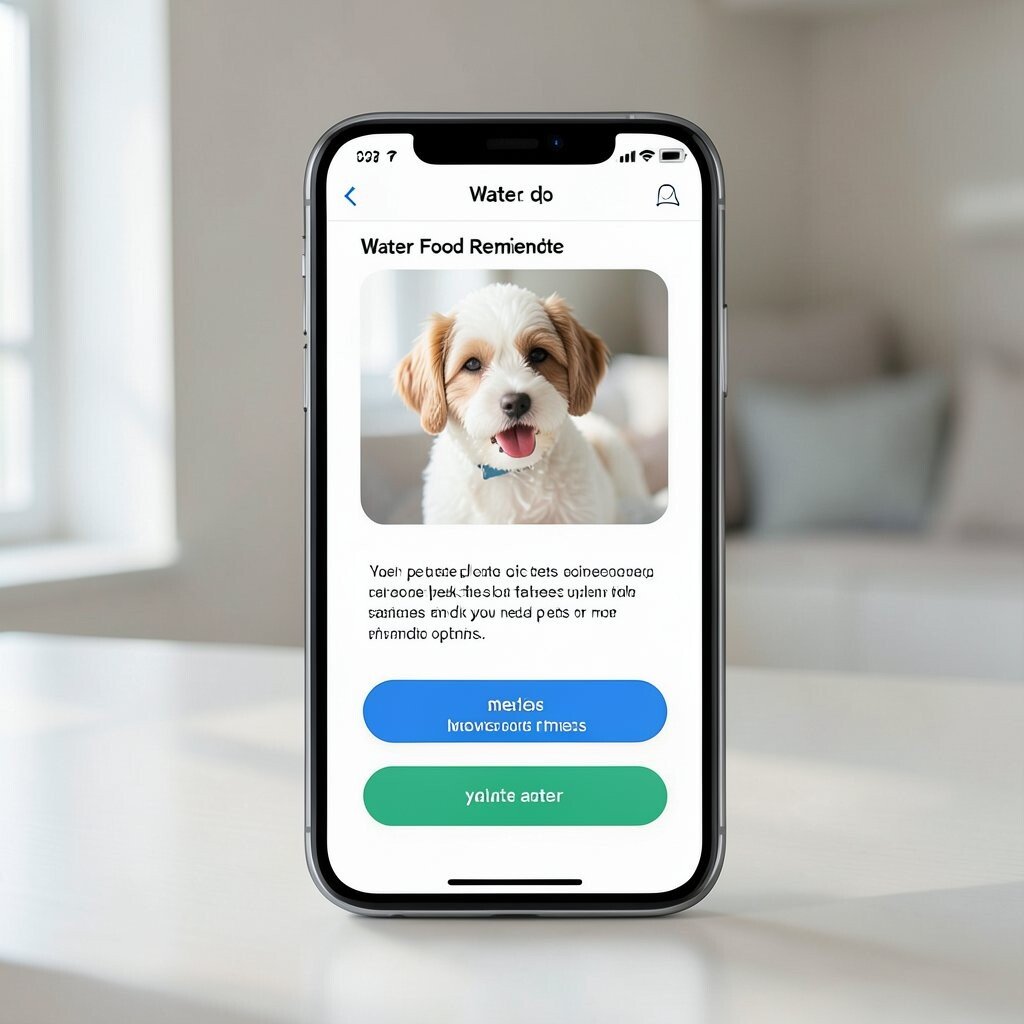
This app shows a simple screen with your pet’s photo and big buttons for meals and water. You can set times and get a clear alert on your phone. Some pets do better with steady schedules, and reminders can help you stay consistent.
You can add small notes like “slow bowl” for a picky cat or “two small meals” for a dog with an upset tummy. A good visual layout makes it easy to tap fast. Many people find this cuts down on missed feedings on busy days.
For cost, look for free plans with limits and then a paid plan only if you need extra pets or more reminder options. A nice trend is adding calm sounds instead of loud alarms. Try a test week and adjust the times after you see what your pet likes.
2. Walk Route Planner
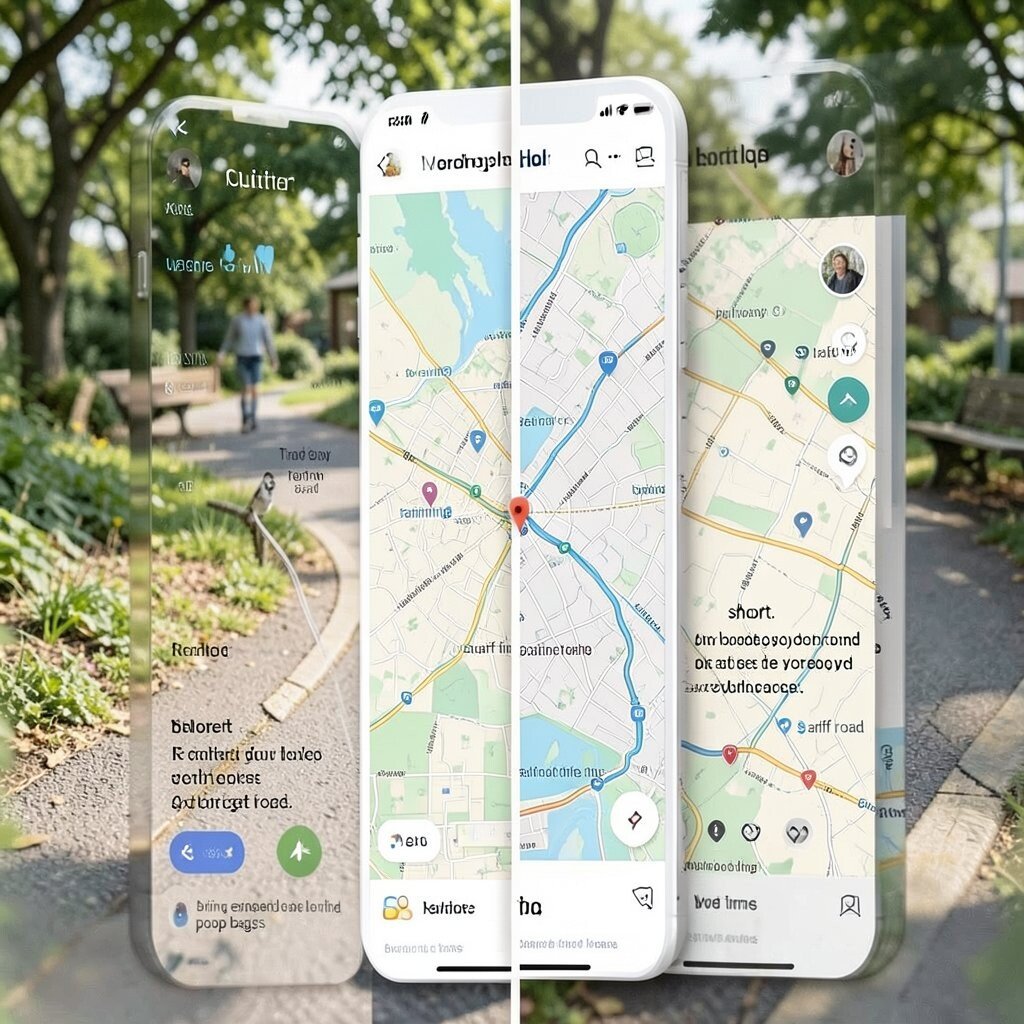
This app helps you pick a route for each walk, like a quiet loop near home or a longer path on weekends. You can save multiple routes and label them for “short,” “training,” or “sniff time.” It can show a map view with clear turns, so you do not get lost.
The benefit is less stress for you and steadier routines for your dog. If you notice your dog does better on certain streets, you can match the route to that day. You can also add tips like “avoid loud road” or “bring extra poop bags.”
Some apps are low cost, but the more advanced map features can cost more. A trend now is adding safety features like quick access to local pet rules and weather checks. Personalize the route names to fit your own life.
3. Vet Visit and Shots Tracker
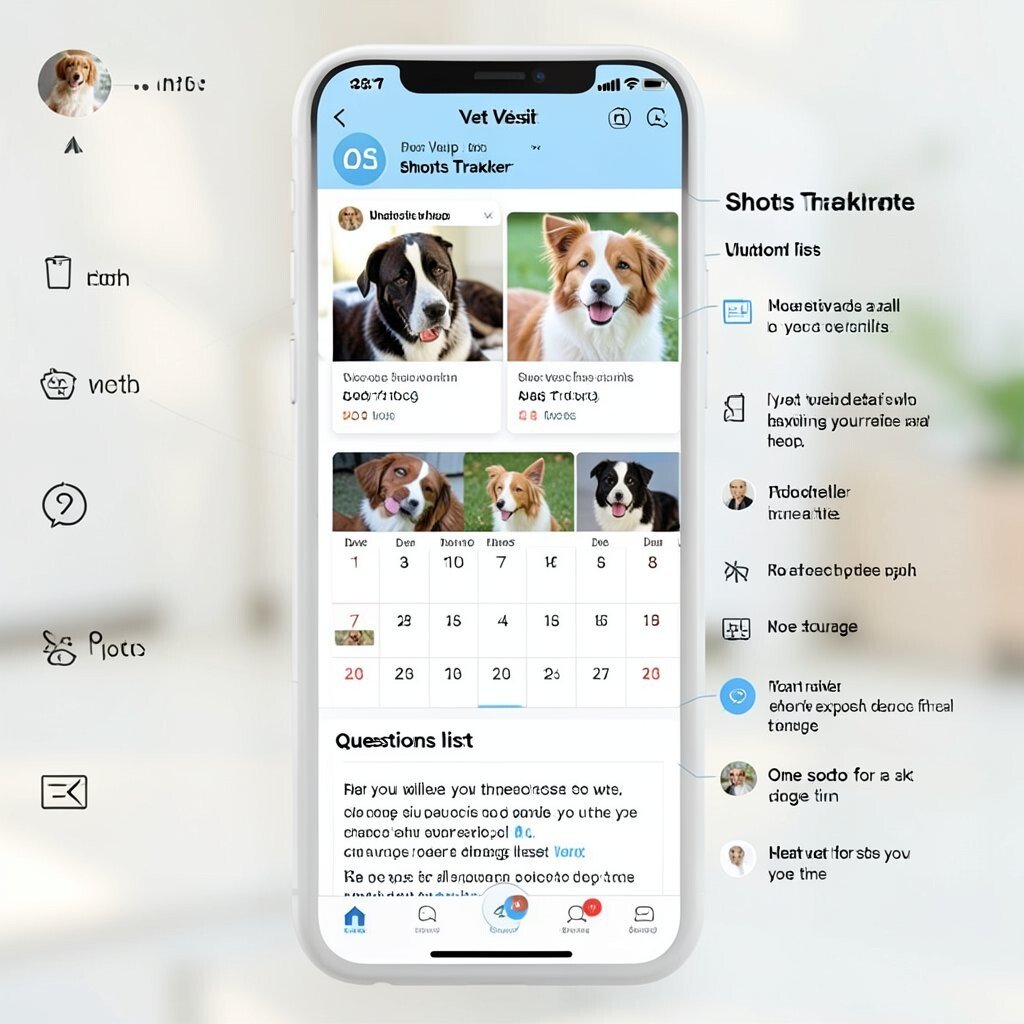
This app stores records for shots, checkups, and any vet notes you want to keep. It can show a calendar with due dates and a simple list for each pet. A clean photo upload area helps you keep things in one place.
The big benefit is you stop guessing when the next visit is due. It can also help you share details with your vet fast. If you travel or change clinics, having clear records saves time.
For cost, many apps start free, and then you pay if you want export files or extra storage. A uniqueness idea is adding a “questions list” so you can write what to ask during each visit. Keep one spot for all documents so you do not lose them.
4. Medication Schedule Helper
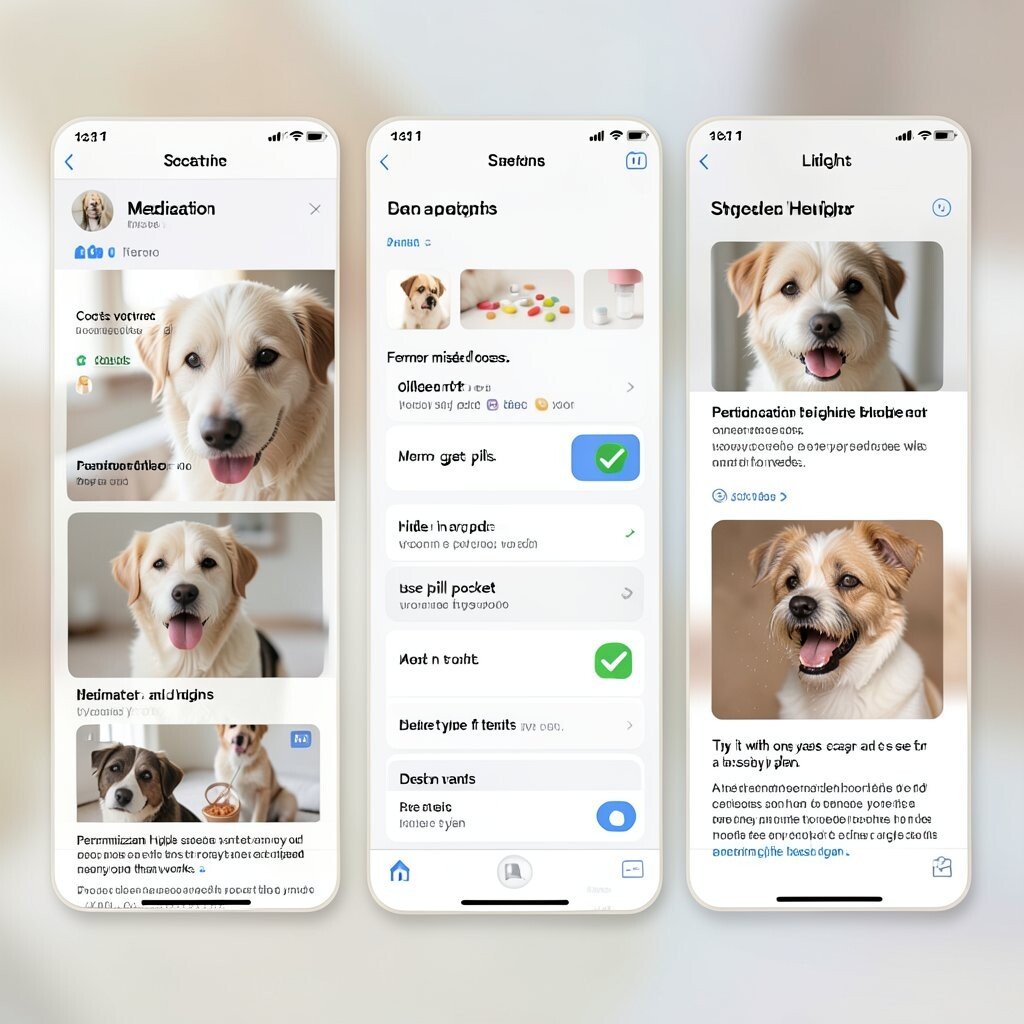
This app is made for pills, liquids, and eye drops, with reminders that match the dose times. You can set a routine like morning and night and add the pet’s name and dose type. Some screens show a check mark after you finish, which feels simple and clear.
The benefit is fewer missed doses, which matters a lot for older pets and pets with ongoing needs. If your pet gets pills, you can add notes like “hide in treat” or “use pill pocket.” Personalization helps because every pet has a different method that works.
Costs vary, but you often only need a basic plan. A trend is adding barcode scan or photo notes for the medicine label. Try it with one week of reminders and see if the timing fits your day.
5. Symptom Log With Simple Charts
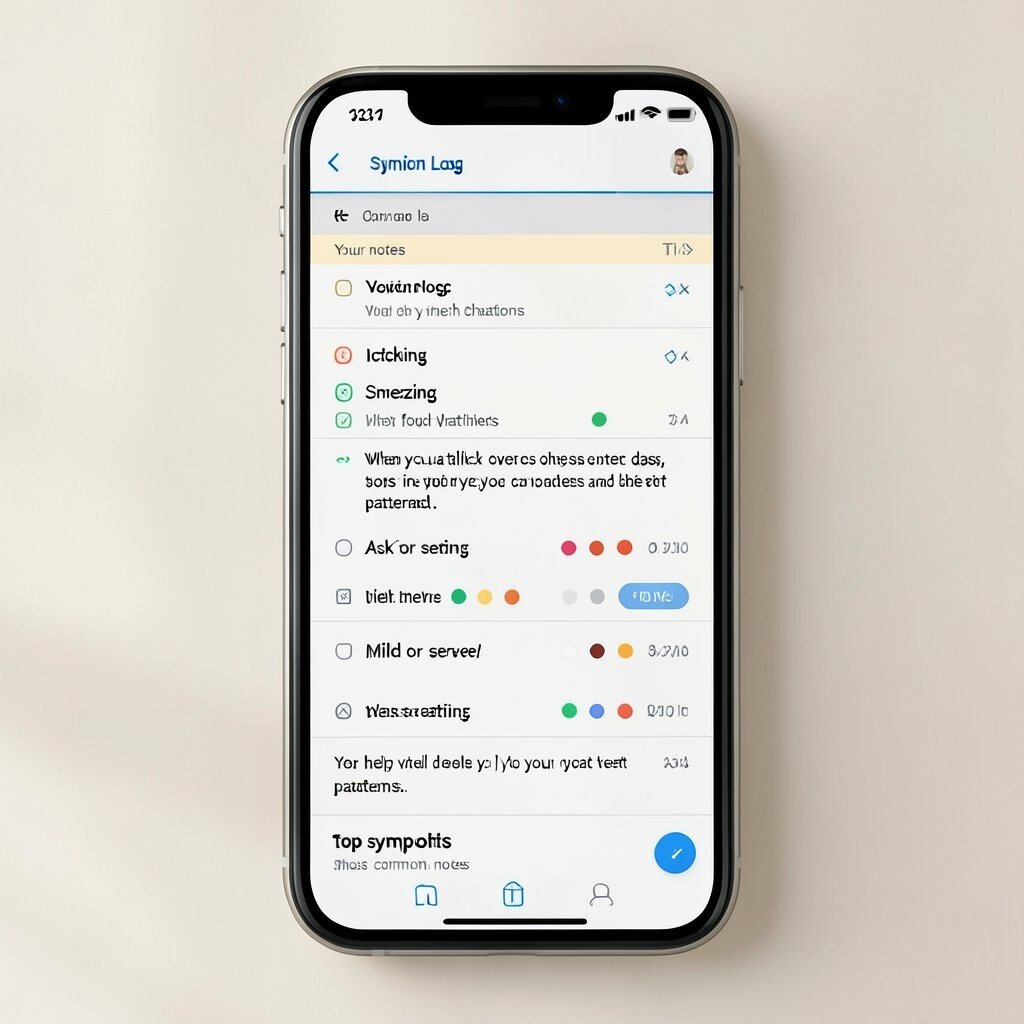
This app lets you write down what you see, like vomiting, itching, sneezing, or less eating. It can also ask for details such as time, mild or severe, and what food was eaten. A visual log can use color dots or small charts so you can spot patterns.
The benefit is you can track changes over days, not just in your head. When you talk to your vet, you can share the dates and notes clearly. This can help your vet ask better questions.
For cost, look for an app that works without heavy subscriptions. A unique touch is a “top symptoms” page that shows the most common notes. Keep your notes short, like one to two lines, so you will actually use it.
6. Training Tips and Clicker Timer
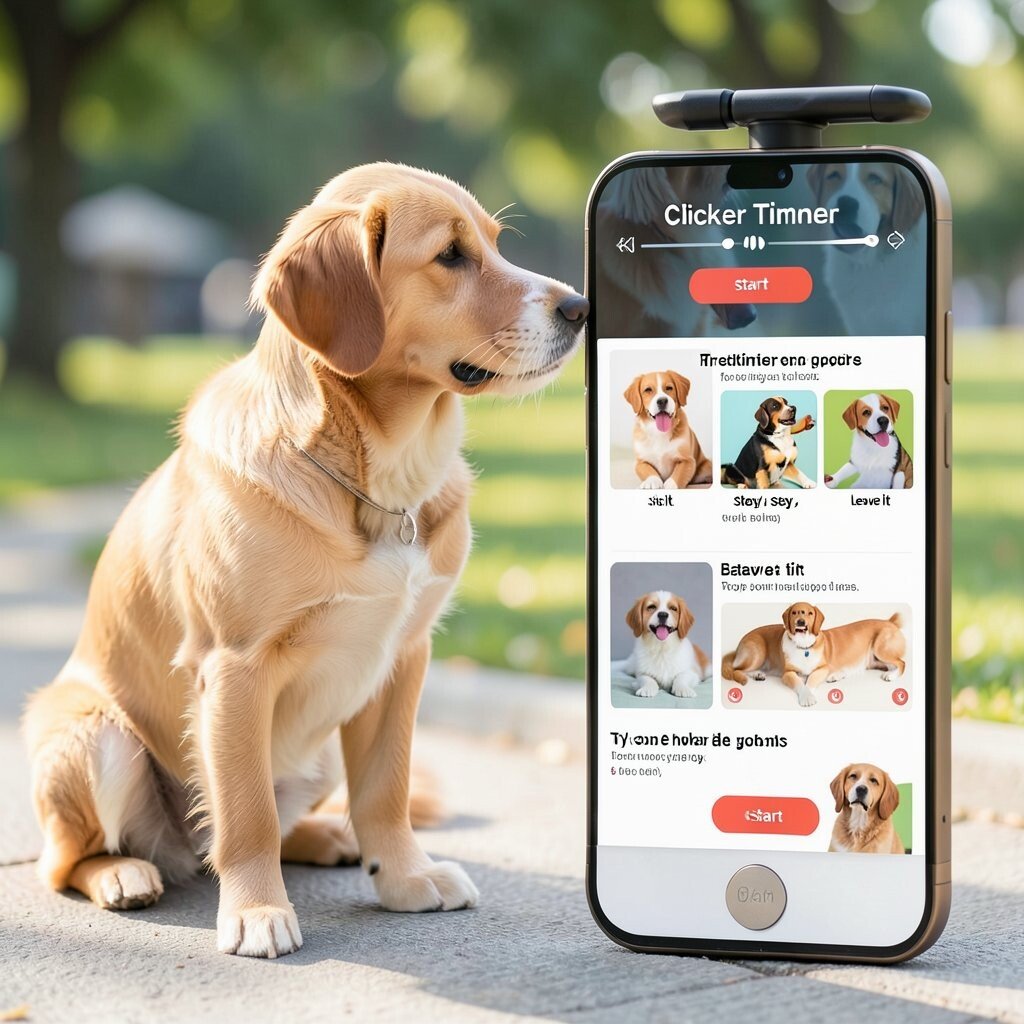
This app supports basic training with short lesson steps and a timing tool. You can use it for clicker practice or for rewarding on time during training. It often has a “start” button that makes timing easy while you keep eye contact with your dog.
The benefit is steady practice and better timing, which helps pets learn faster. You can add your goals like “sit,” “stay,” or “leave it.” Personalization works well when you set the session length to match your pet’s energy.
Some apps charge for more lessons, but the core tools may be free. A trend is short “micro lessons” that fit into busy days. Try one skill at a time, and stop while your pet still seems ready to learn.
7. Nail Trimming and Grooming Planner
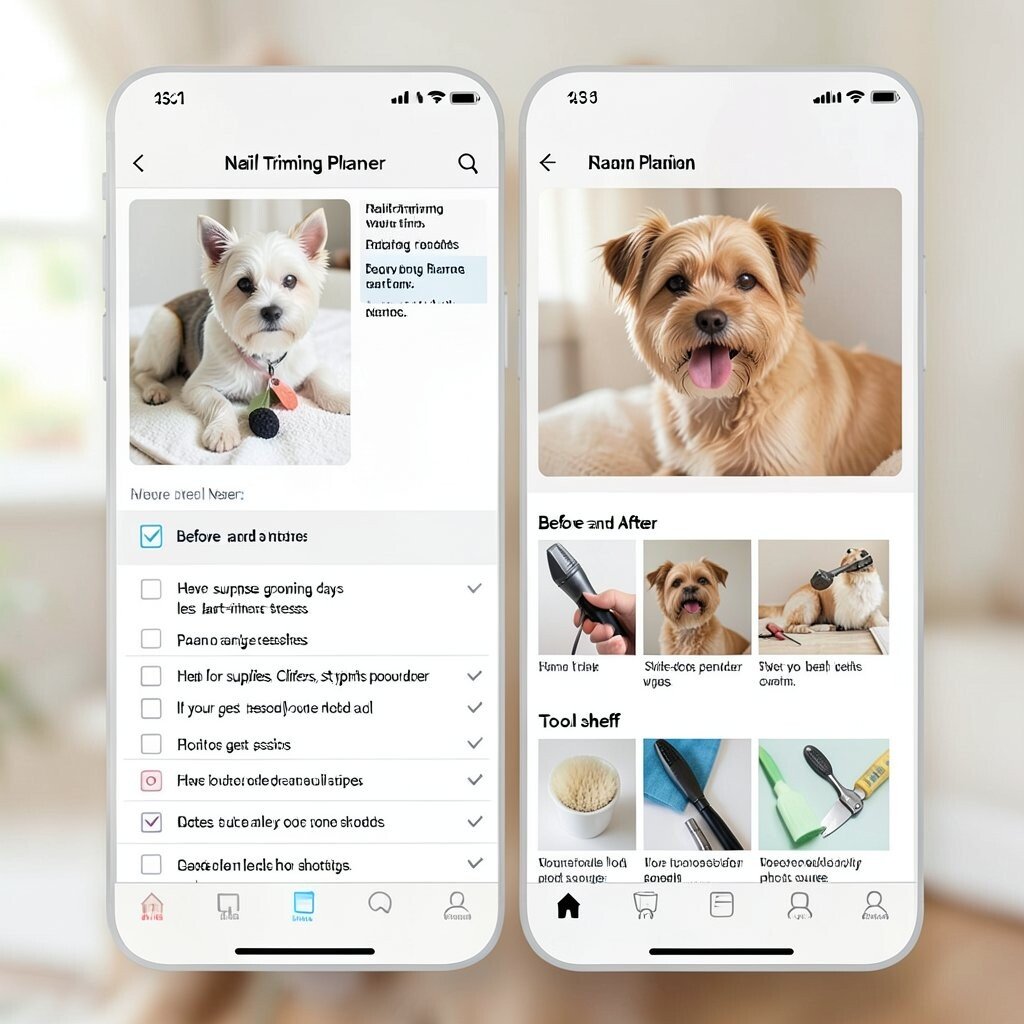
This app helps you plan grooming tasks like nail trims, brushing, and bath days. It can show a checklist and a simple schedule based on breed needs. A “before and after” photo area can help you see how your pet looks over time.
The benefit is fewer surprise grooming days and less last-minute stress. You can also plan for supplies, like clippers, styptic powder, and wipes. If your pet gets nervous, notes like “do short sessions” can help you keep it calm.
Costs are usually low, and some apps offer just one paid feature like photo storage. A unique idea is adding a “tool shelf” section with images and what each tool is for. Keep the app set to your real routine, not a generic one.
8. Litter Box and Odor Tracker
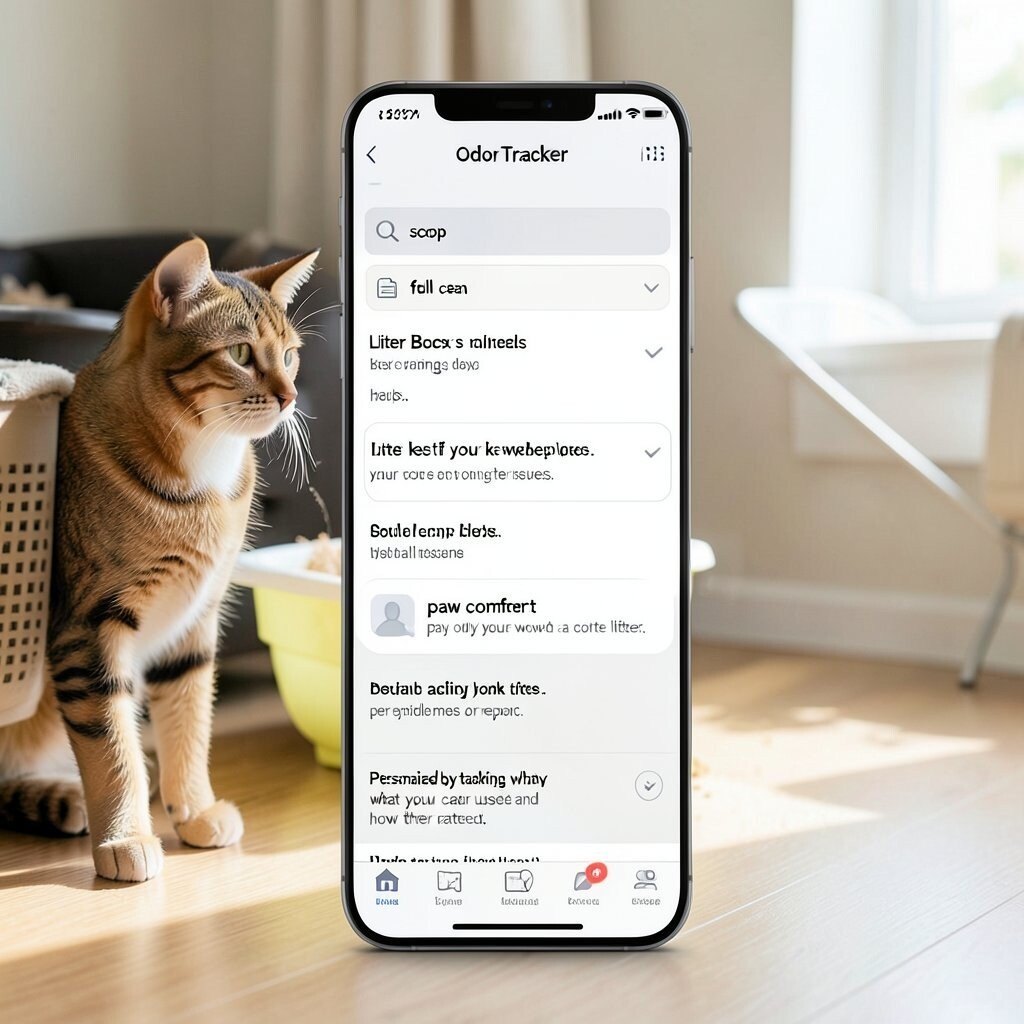
This app is for cat homes and helps you track litter scoops and box cleaning days. It can show a simple schedule like “scoop” and “full clean” with reminders. Some apps let you pick the litter type so you can note what works best.
The benefit is you can keep things cleaner and reduce strong smells. It also helps if your cat changes behavior, because you can connect it to litter issues. Visual checklists can make it easier than using notes on paper.
Cost may be free for basics, and you pay only if you want more pet profiles or more reports. A trend is adding “paw comfort” notes, like whether your cat avoided a certain litter. Personalize by tracking what your cat used and how they reacted.
9. Pet Weight and Body Score Notes
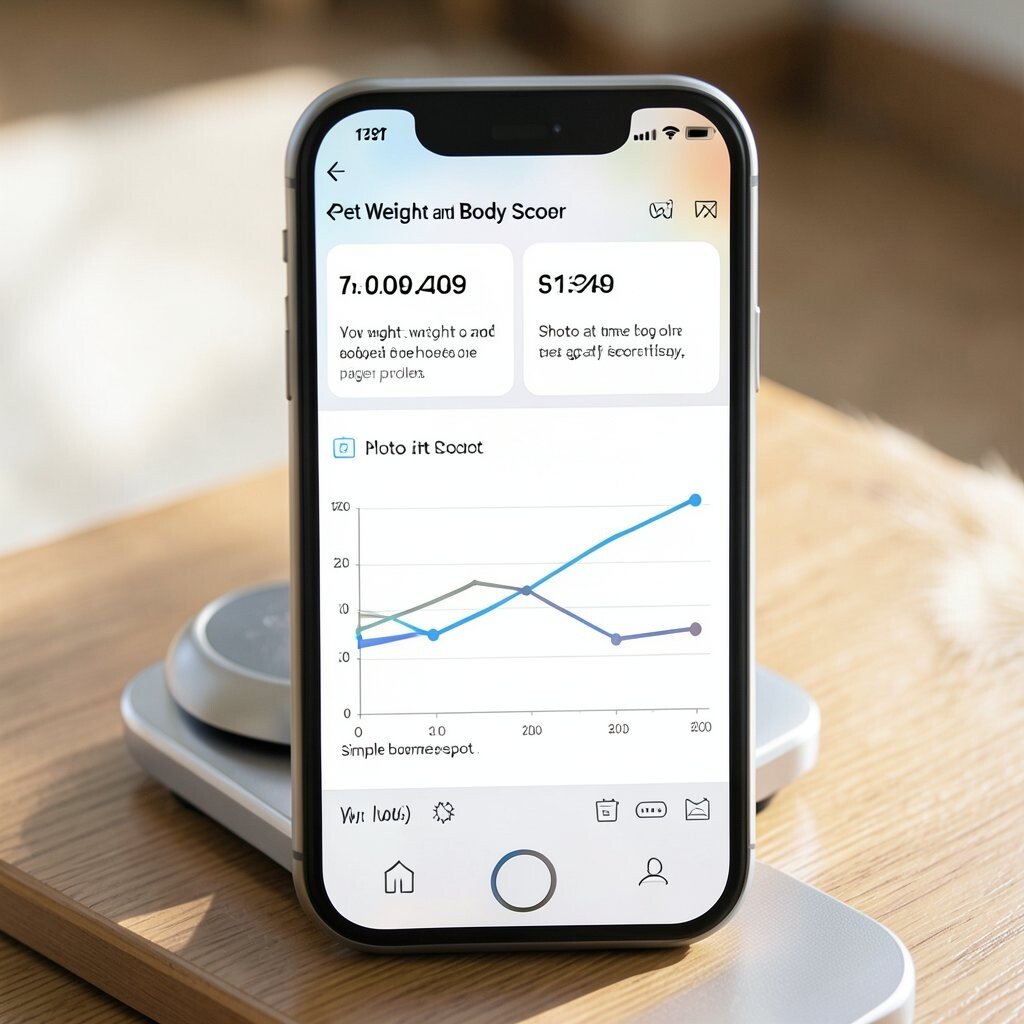
This app helps you track weight and body condition in a simple way. You can enter a number for weight and also use a simple body score range if the app has one. Some tools show a line graph that makes change easy to see.
The benefit is you can spot weight gain or loss early. That can help you adjust food and activity before it becomes a bigger problem. Personalization is key because pets age at different rates.
For cost, many have a free log and paid charts or more history. A uniqueness feature is adding “photo at the same spot,” like with the same light and angle. Keep weigh-ins consistent, like same time of day and same scale if possible.
10. Activity and Enrichment Planner
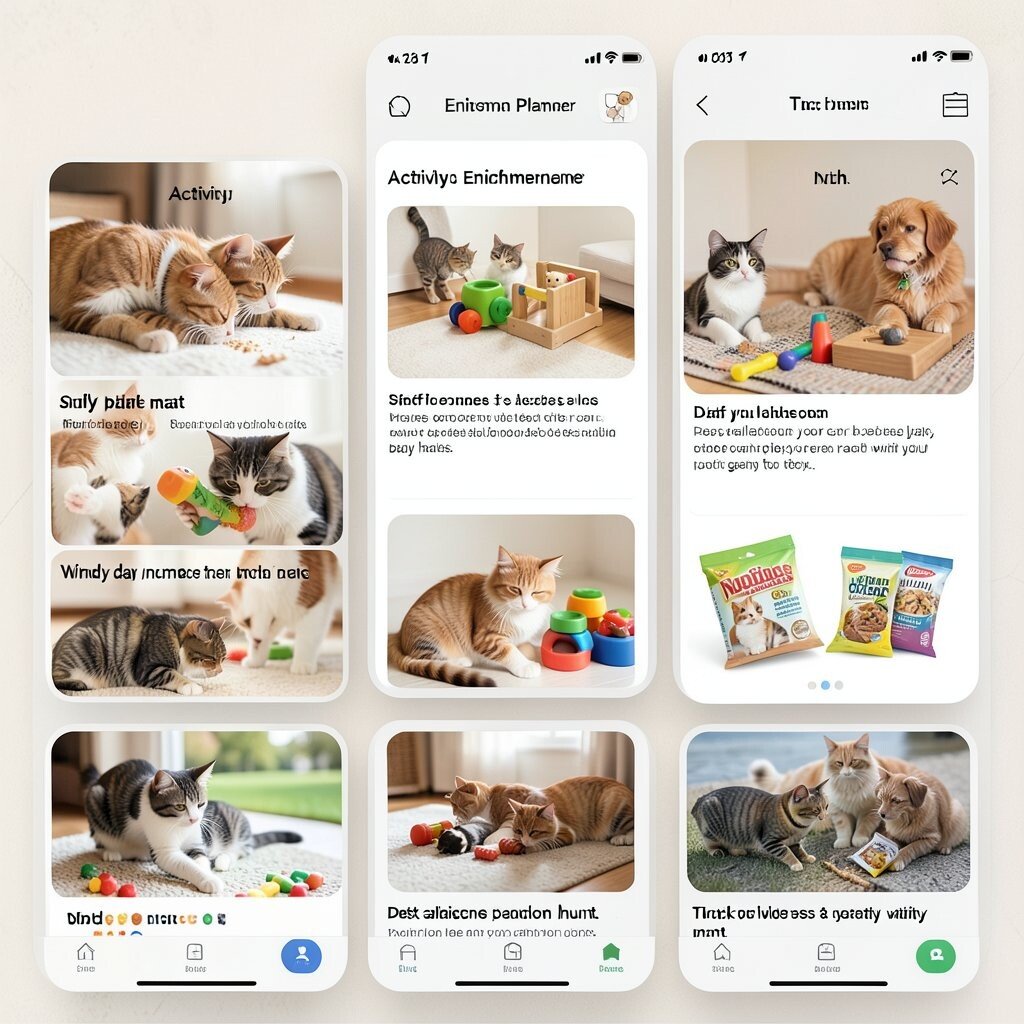
This app helps you plan fun time for indoor pets, like puzzle play and short games. It can include a daily plan with ideas for chew toys, sniff games, and training snacks. Visual cards can show each activity and how long it takes.
The benefit is less boredom, which can lead to fewer bad habits. It also helps you balance rest and active play. You can personalize by picking what your pet already likes, like “snuffle mat” for cats or “tug game” for dogs.
Cost is often free at first, and a paid plan may add more activity packs. A trend is adding seasonal ideas, like “windy day indoor hunt.” Start small and pick activities your pet can enjoy without getting too tired.
11. Allergy and Food Trial Notes
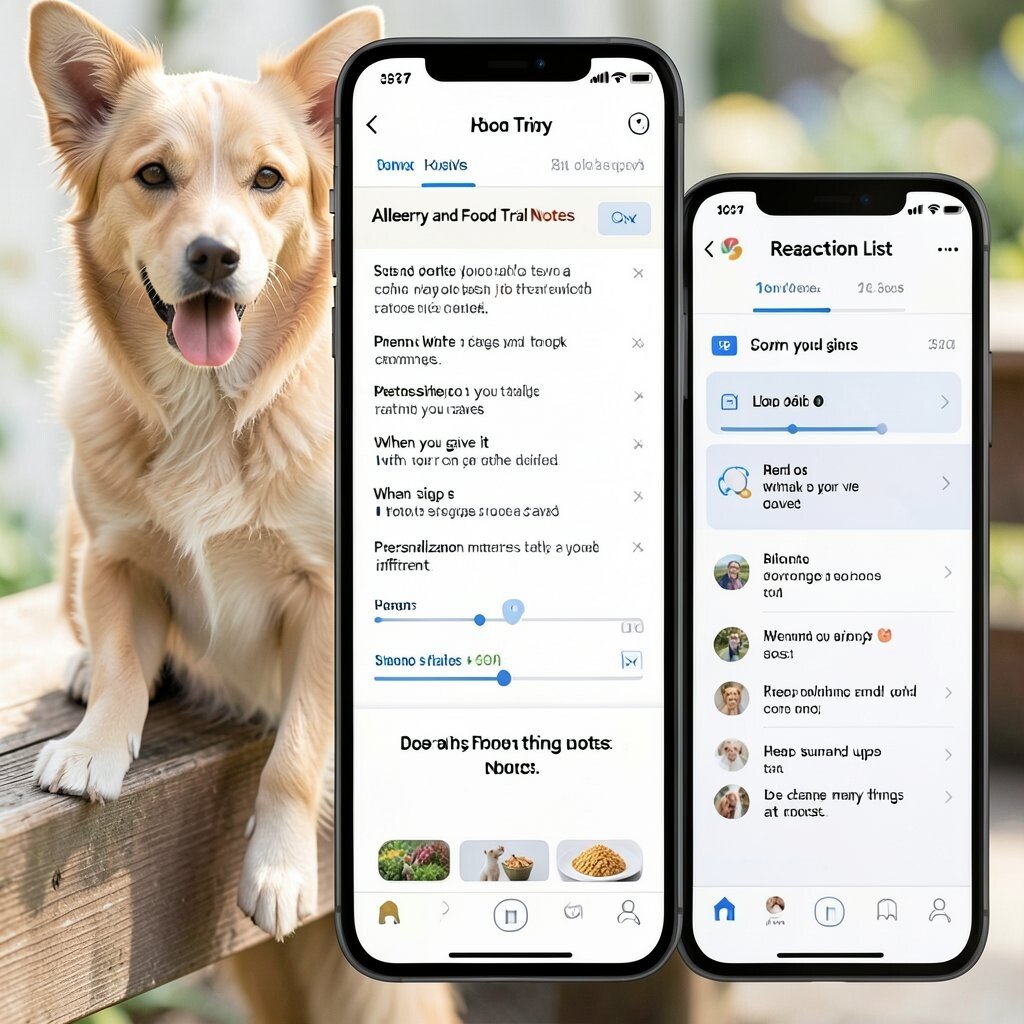
This app is for tracking possible reactions to food or treats. You can set a trial schedule and log what you gave, when you gave it, and what signs you saw. A clear timeline view can help you match symptoms to meals.
The benefit is it gives you a calm way to test and track changes. It can also help you talk to your vet with more detail. Personalization matters because each pet’s reaction pattern can be different.
Cost varies, but basic logging apps are usually affordable. A unique feature is a “reaction list” with common signs like itch, swelling, and tummy upset. Keep notes short and do not change many things at once.
12. Pet Photo and Health Memory Album
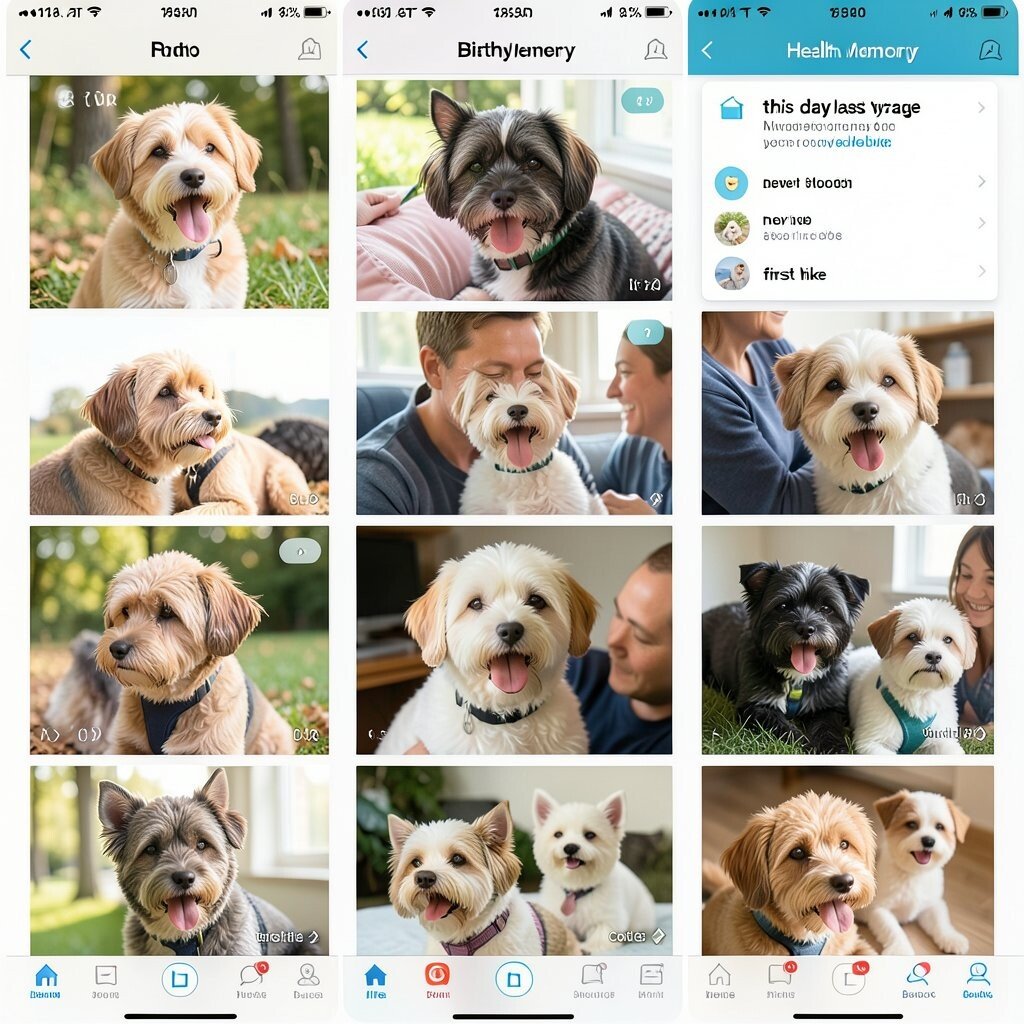
This app is built for saving pet photos and also linking them to health events. You can keep birthday photos, vet visit pictures, and progress shots like new haircut or new harness. The view is often a grid, so you can scroll fast.
The benefit is it helps you remember key dates, not just what your pet looked like. Some people enjoy seeing how their pet changed from month to month. Personalization is easy since you can label events like “new tooth” or “first hike.”
Cost can be free for small storage, with paid plans for more backup. A trend is app memory features that show “this day last year” moments. Use it for real life facts, not only cute pictures.
13. Microchip and Emergency Contact Finder
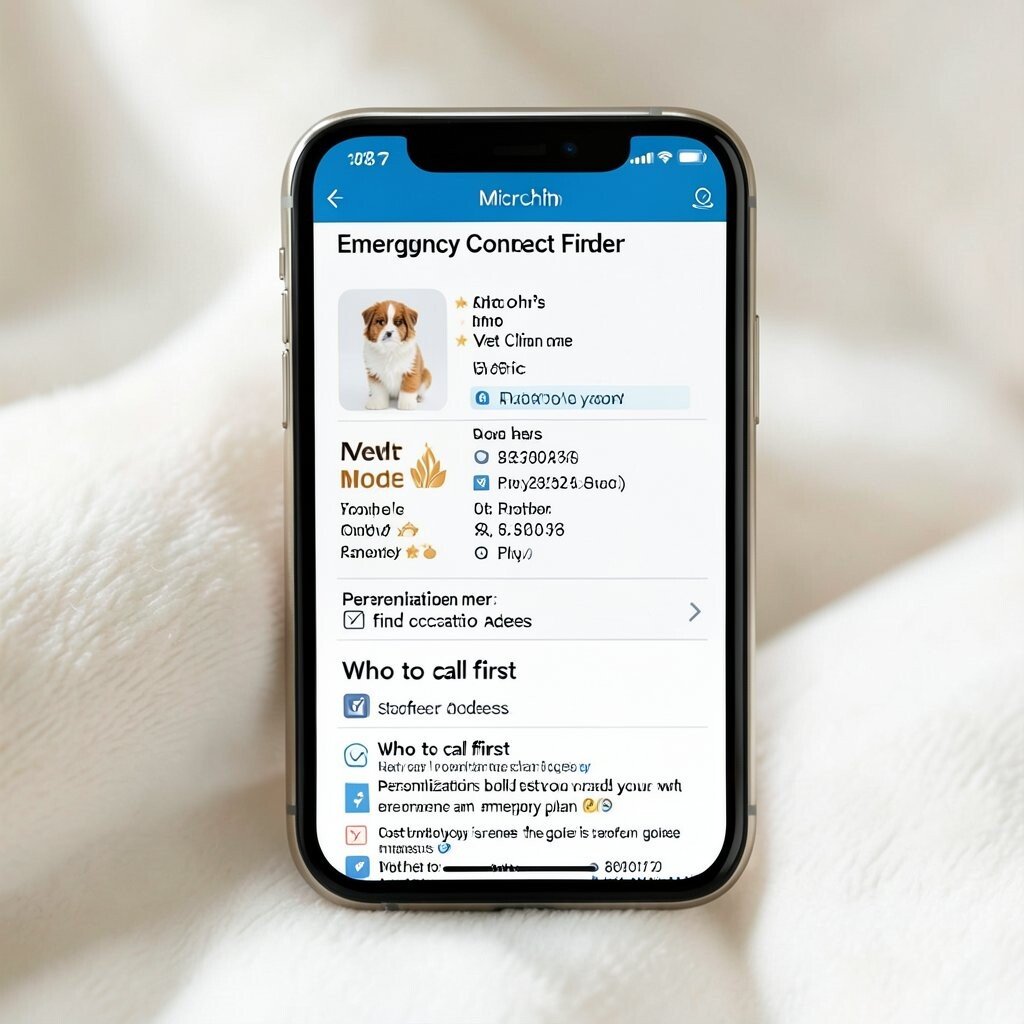
This app stores microchip info and key contact details in one place. It can show an emergency card with your pet’s name, vet clinic, and phone numbers. Some apps allow an offline mode, which helps when you have weak signal.
The benefit is faster help if your pet gets lost or if an accident happens. It also helps family members find contact info quickly. Personalization is built in because you can add your own vet preferences and emergency plan.
Cost is often low since the main goal is storage and card access. A uniqueness idea is adding a “who to call first” list with clear order. Keep the info updated, especially if phone numbers or vet clinics change.
14. Pet Toy Inventory and Replacement Planner
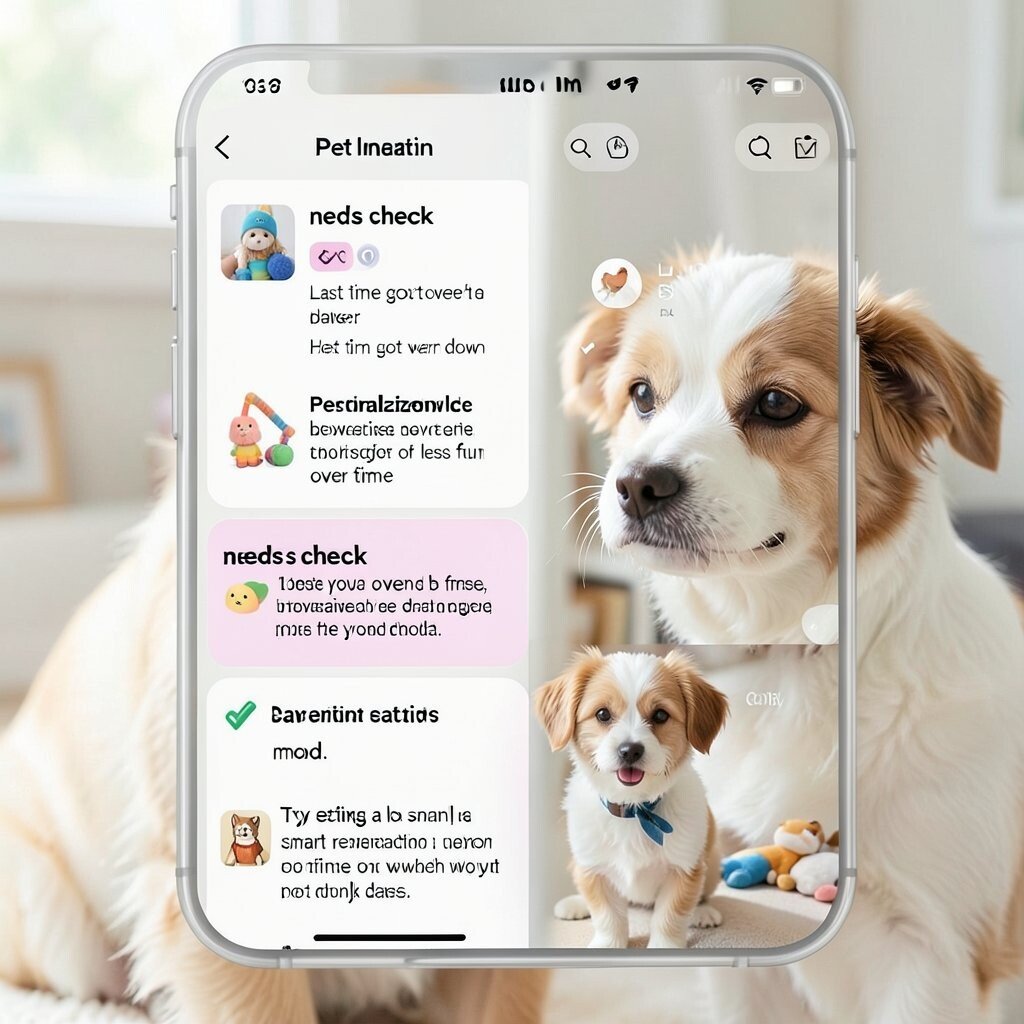
This app helps you keep track of toy types and when they may need to be replaced. You can log each toy with a photo, name, and the last time it got worn down. A simple “needs check” list helps you see what is getting old.
The benefit is fewer last-minute shopping trips and fewer forgotten toys. It can also help you limit overuse, because some toys get damaged or less fun over time. Personalization works well when you match toy rotation to your pet’s mood.
Cost is usually low and may be free for a small toy list. A trend now is smart reminders for replacement based on play time, not only dates. Try setting a small rotation schedule and watch what your pet chooses first.