A good workspace feels like it knows your pace. The right design choices can make daily work calmer, clearer, and more fun.
You do not need a huge renovation to see a big change. Start with ideas that match how you work, where you work, and who you share the space with.
1. Create Clear Zones for Focus and Collaboration

Separate your workspace into distinct areas that do different jobs. You can use low shelving, rugs, or a partial divider to shape the feel without blocking light.
Visual boundaries help your brain switch modes faster, which supports deep work. When people need to talk, they naturally move to the collaboration zone, and meetings feel less disruptive.
2. Let Natural Light Do the Heavy Lifting
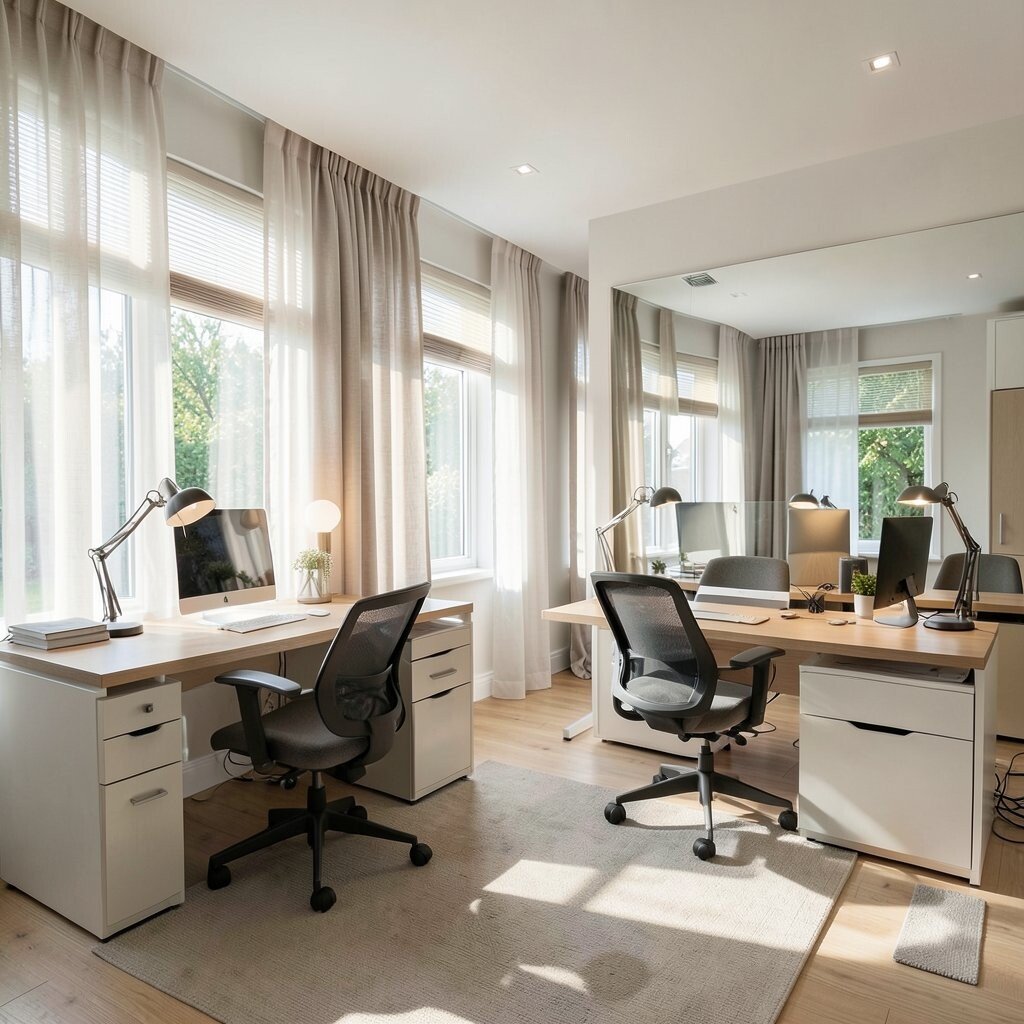
Position desks near windows whenever possible and keep the path of light open. Use sheer curtains or light-toned blinds to soften glare while still letting brightness in.
Good daylight can make spaces feel warmer and more welcoming, which often improves mood. If your room has limited windows, add mirrors or reflective surfaces to bounce light around.
For personalization, choose desk lamps with daylight bulbs so the lighting stays consistent during darker hours. This approach usually costs less than major upgrades, especially if you prioritize placement first.
3. Choose Ergonomic Seating and a Real Work Height
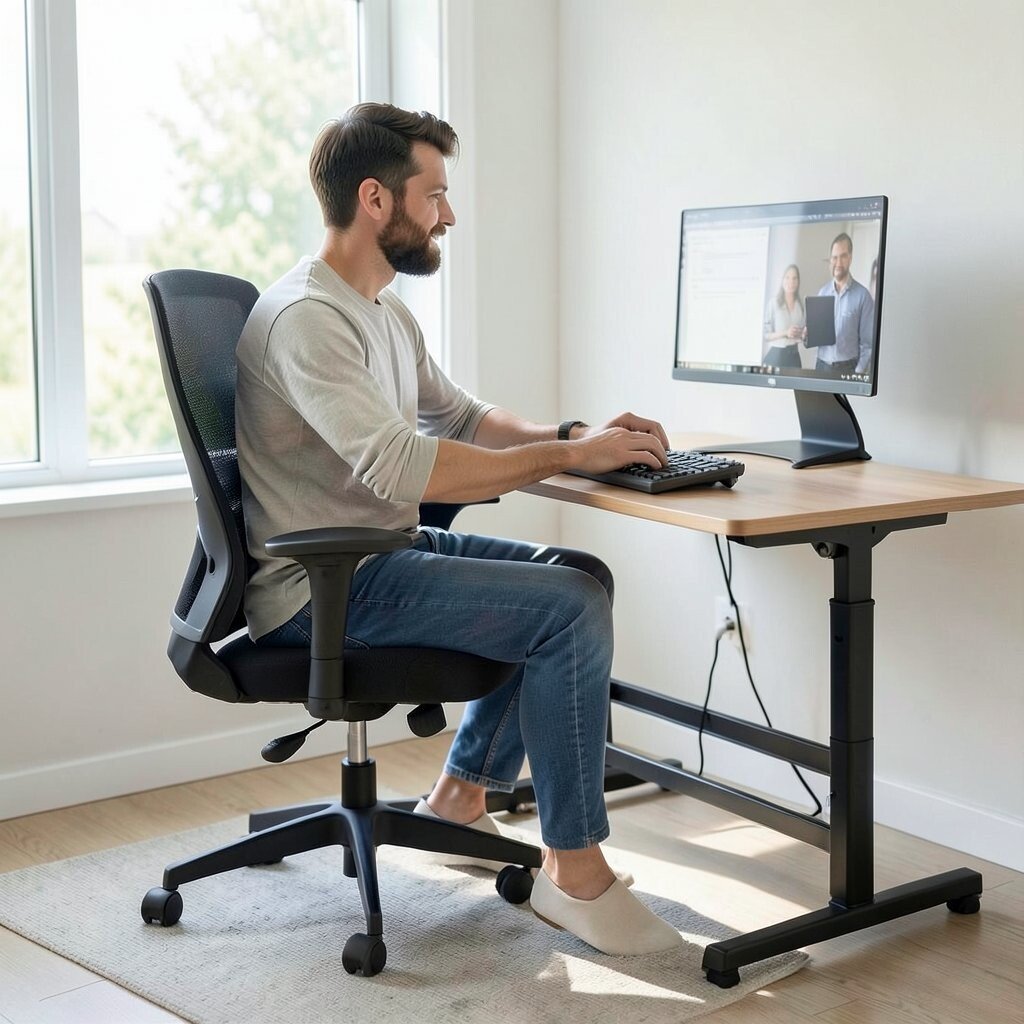
Pick a chair that supports your back and lets your feet rest flat. Your desk setup should let elbows move comfortably, not reach upward or hunch forward.
When your body feels supported, you can focus longer and fatigue drops. Comfort also helps you stay patient during tasks that require attention.
Try a simple test by sitting as if you are working for an hour and checking your shoulder position. Add a footrest or keyboard tray if you need small adjustments.
Many ergonomic upgrades can fit different budgets, from basic chair cushions to full adjustable systems. Look for features that matter for you, like adjustable height and arm support.
4. Use Acoustic Tricks to Reduce Noise

Even a pretty office can feel stressful if sound bounces off hard walls. Soft materials like fabric panels, rugs, and curtains help absorb noise and keep conversations from leaking.
Lower noise supports clearer thinking and better privacy, especially during calls or writing. If you work in a team space, try placing quieter work areas farther from meeting zones.
5. Design for Visual Order with Storage That Looks Good
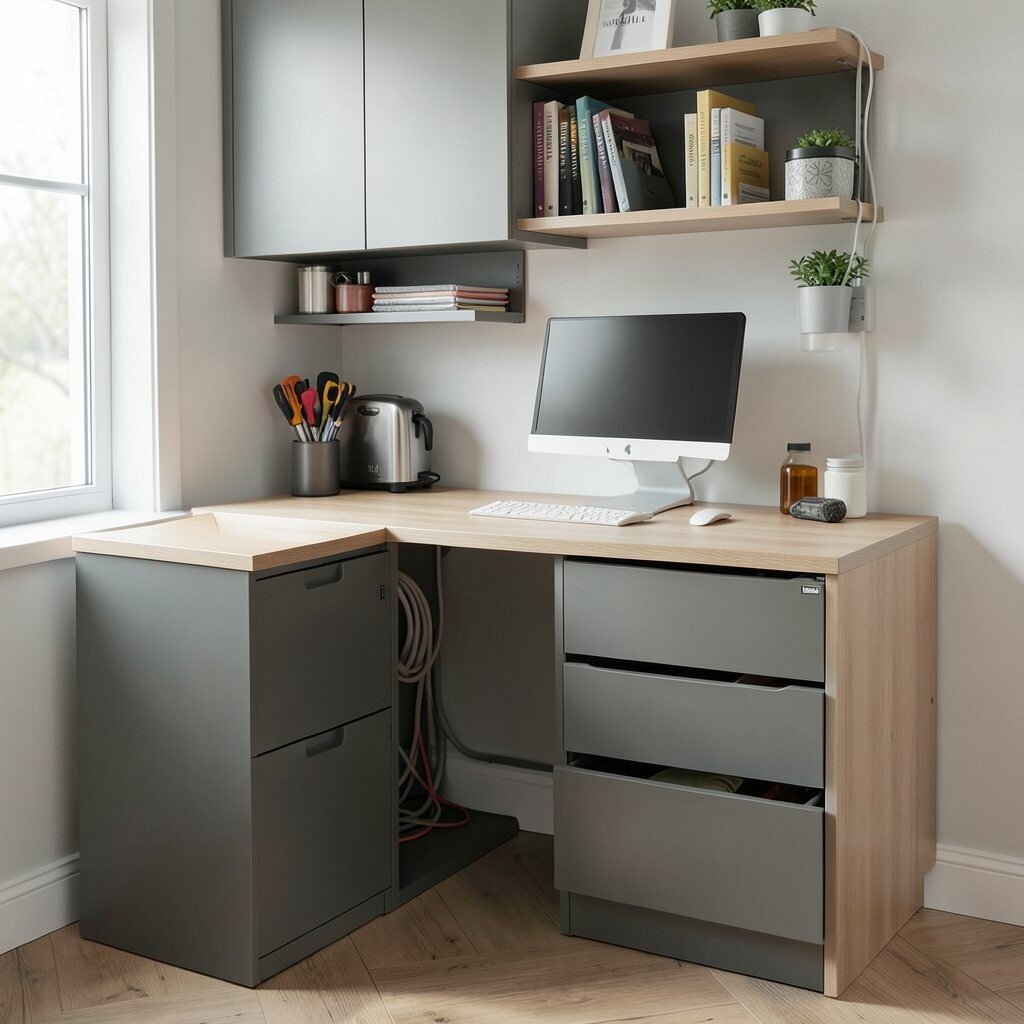
Choose storage that keeps everyday items easy to reach but out of the way. Closed cabinets, labeled drawers, and tidy shelves create a clean look that reduces mental clutter.
When tools are easy to find, you waste less time hunting. That means fewer interruptions and smoother momentum.
For a personal touch, match storage colors to your desk or use a favorite texture like wood grain or matte finishes. Plan for cable storage early because a clean setup instantly makes the whole room feel more professional.
6. Add a Flexible Meeting Spot That Changes with the Day
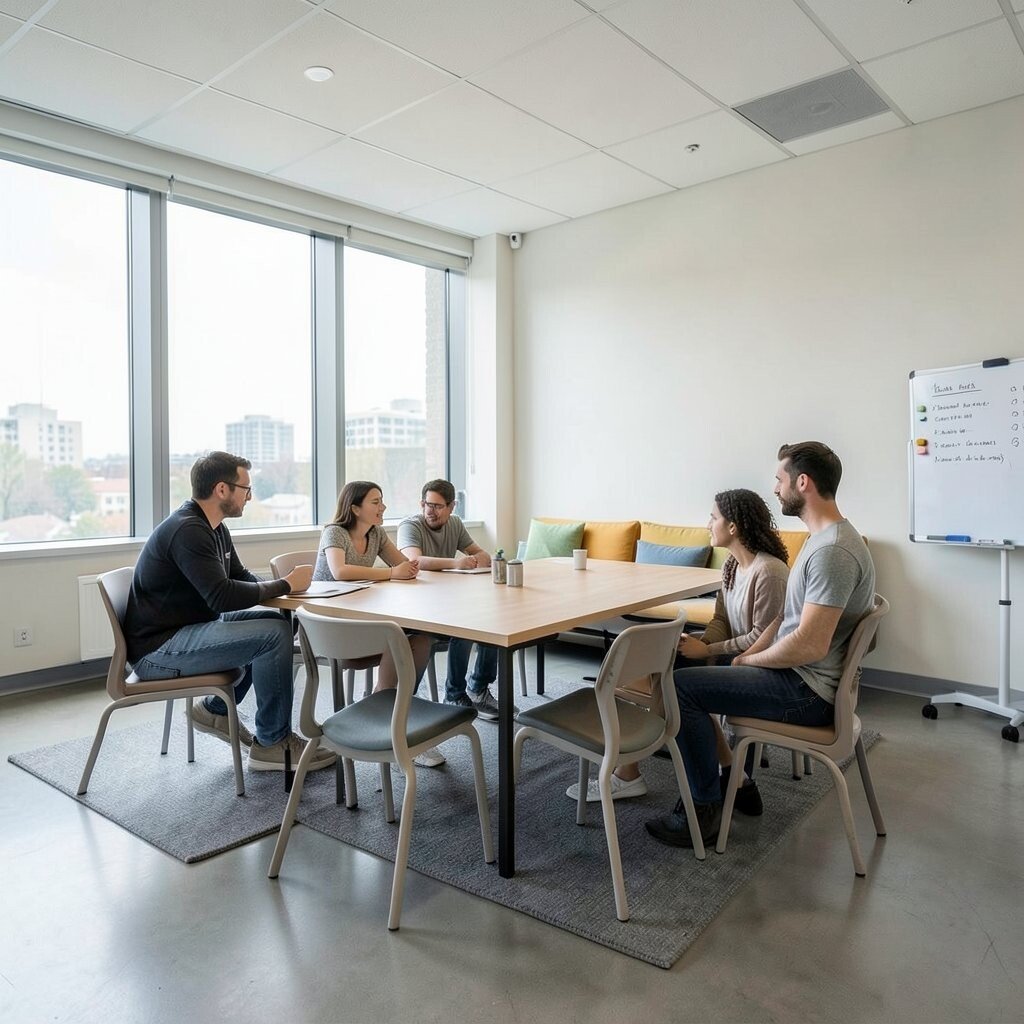
Create at least one area meant for quick huddles and short discussions. A movable table, stackable chairs, or a bench with seating cushions can handle different group sizes.
Flexible spaces help teams communicate without taking over everyone’s workstation. You can also keep the vibe friendly by adding a small whiteboard or magnetic panel nearby.
To keep costs reasonable, start with one flexible corner and add improvements only when you see how people use it. Choose durable surfaces so the spot can take daily wear.
7. Use Color Strategically to Match the Work Mood
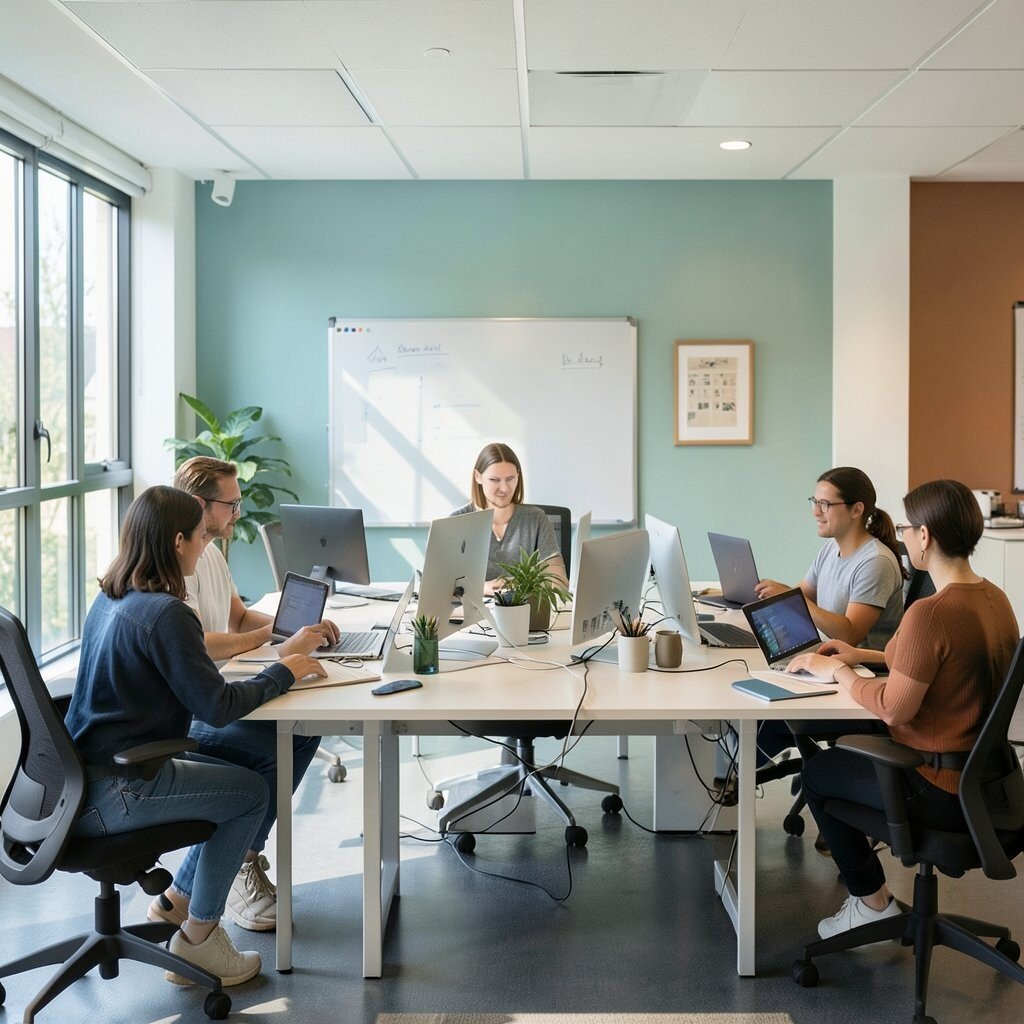
Color can guide behavior, so choose tones that fit the kind of focus you want. Soft blues and greens often feel calm, while warm accents like terracotta can add energy.
Color variety also helps people navigate the space, which is handy in shared offices. When every area looks distinct, it becomes easier to plan your day and find what you need.
8. Build a Light, Open Path for Movement
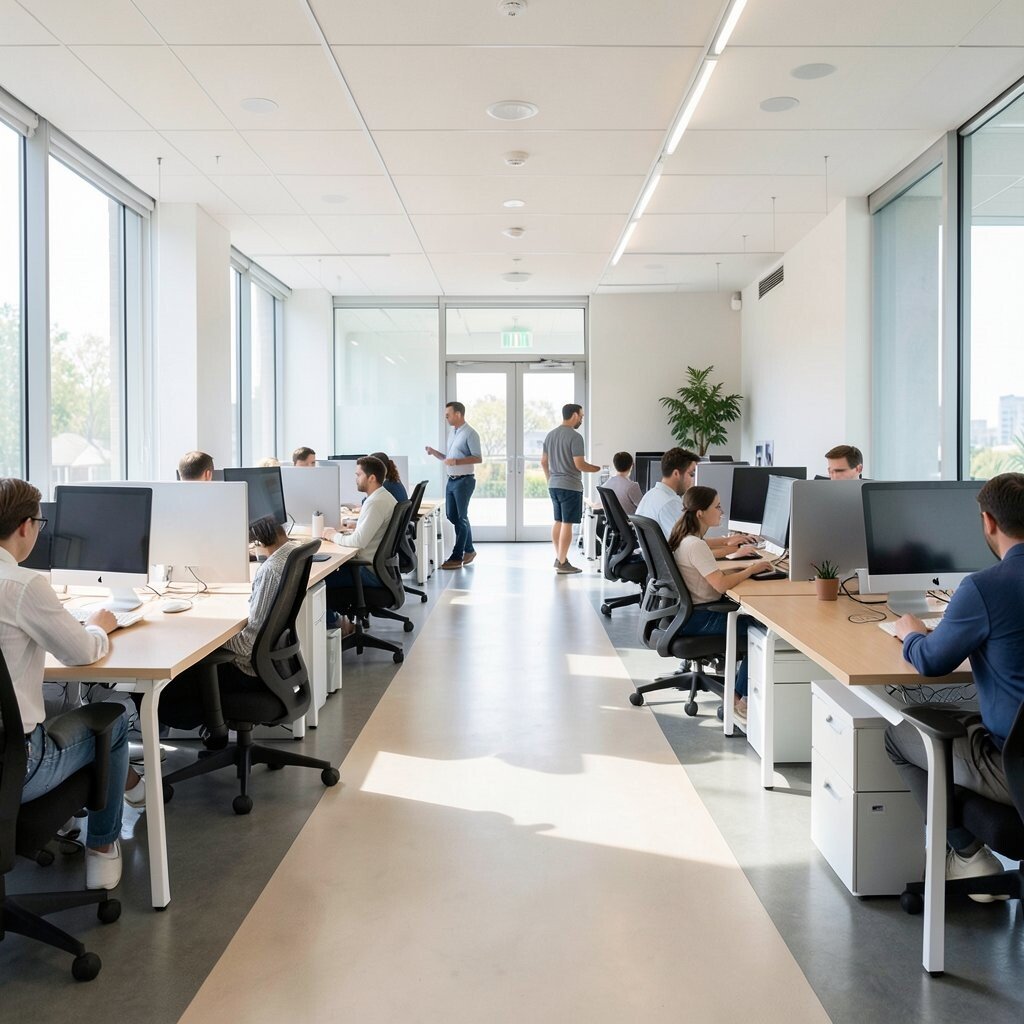
Arrange desks so there is a clear walkway and people do not have to squeeze around chairs. Keep at least one easy path from entry to work zones so movement feels natural.
Good circulation reduces stress and makes the workspace safer during busy times. It also helps collaboration because people can approach each other without bumping into obstacles.
9. Include a Dedicated Charging and Device Hub
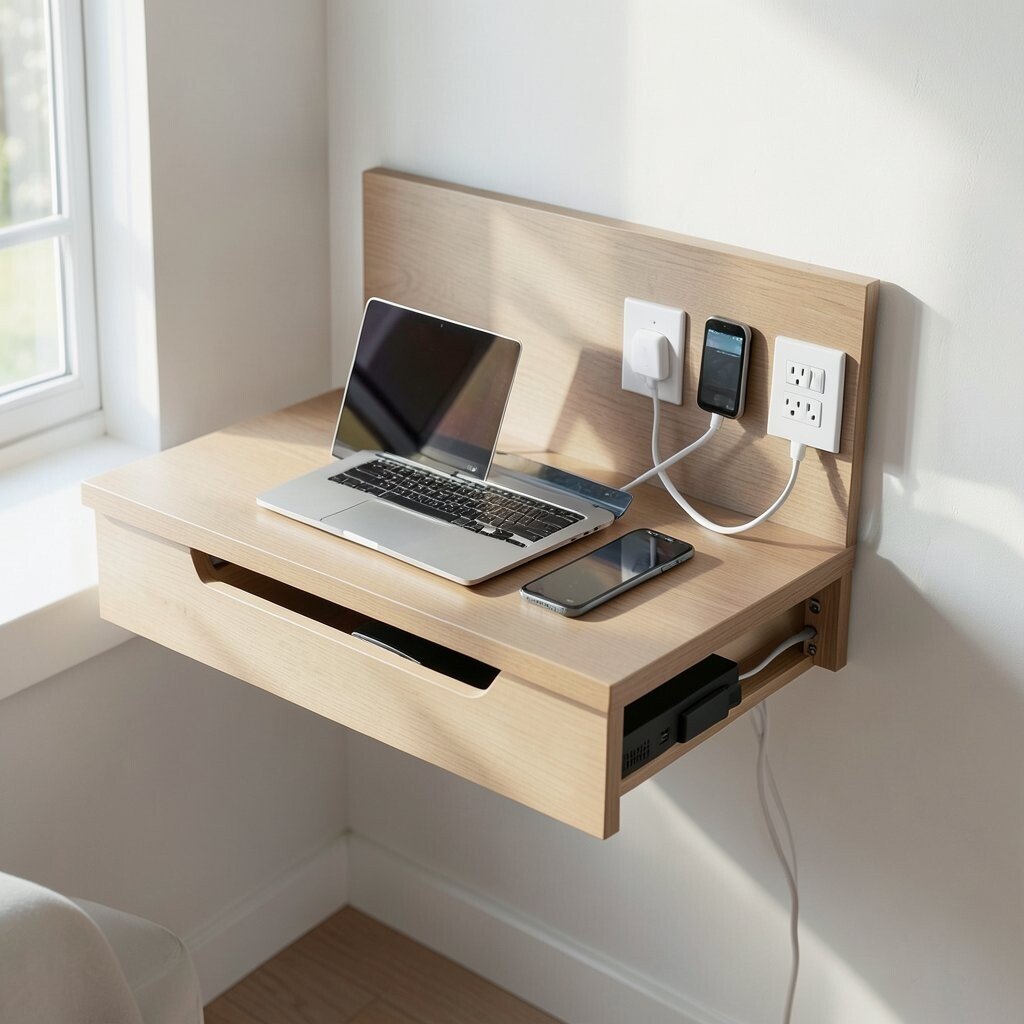
Place a central charging spot for laptops, phones, and shared devices. A simple charging drawer, wall outlet cluster, or cable tray can keep everything organized and visible.
When power is in one place, you cut down on tangled cords and constant searching. Your workspace looks cleaner, and your tools are always ready.
For personalization, choose a charging panel that matches your style, like a sleek wood shelf with hidden cables. This idea is usually low-cost and makes daily routines feel smoother.
10. Add Plants and Living Elements for a Calmer Atmosphere
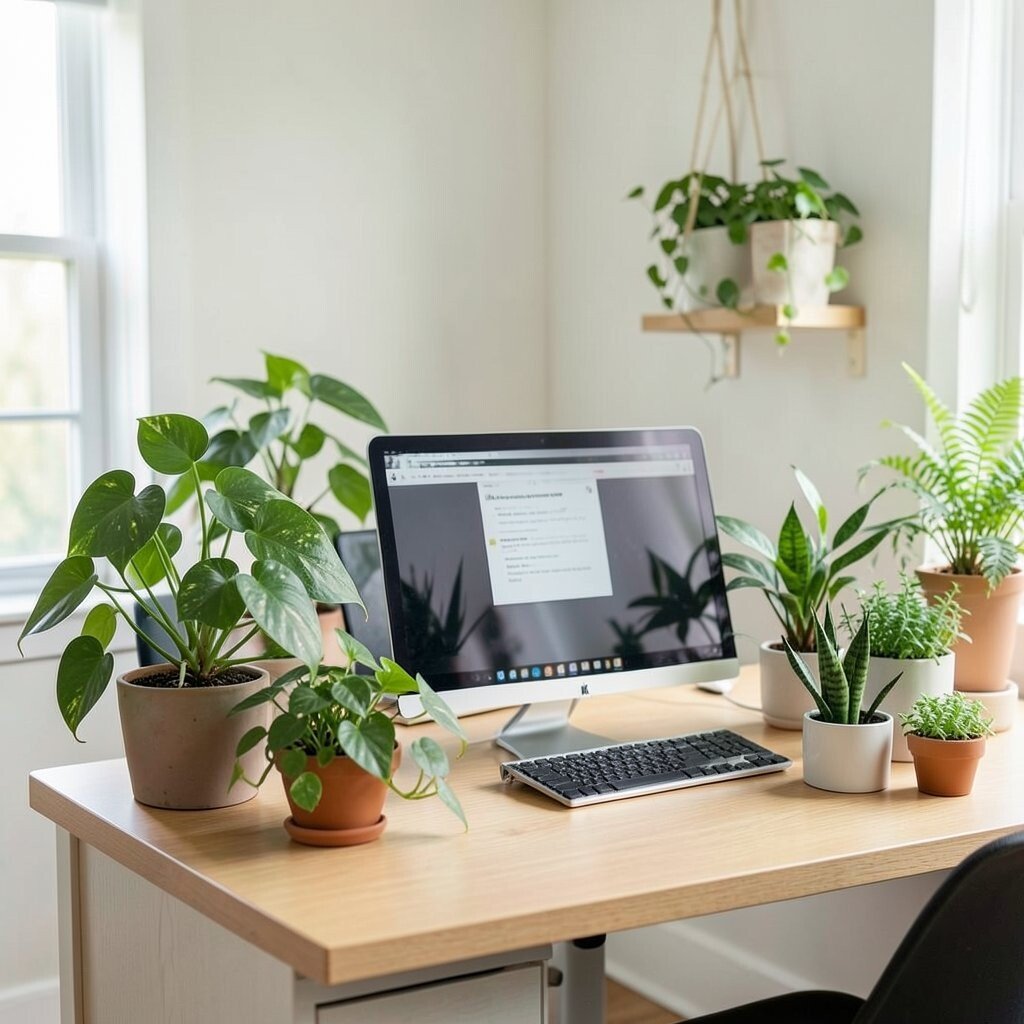
Bring in plants that match your light levels, such as hardy pothos, snake plants, or small herbs. Place them where you can see them from your desk so the greenery feels present.
Living elements can make rooms feel more relaxing and fresh, which helps during long work sessions. They also bring a natural visual break that your eyes can enjoy.
Try a simple plant-care schedule and set a reminder on your calendar so it stays easy. Budget-friendly options include low-maintenance plants and a few quality planters that last for years.
11. Use Art and Personal Displays to Reflect Your Story

Hang art that makes you smile or place small objects that hold meaning. A framed photo, a small shelf of books, or a favorite print can make your desk area feel like yours.
Personal visuals can improve motivation because your space feels more like a place of belonging. Even in a shared office, subtle personal touches can help you feel grounded.
To keep the look tidy, use consistent frames or one color theme. This can be a creative way to show your style without turning the space into a messy gallery.
12. Create a Storage System for Shared Supplies
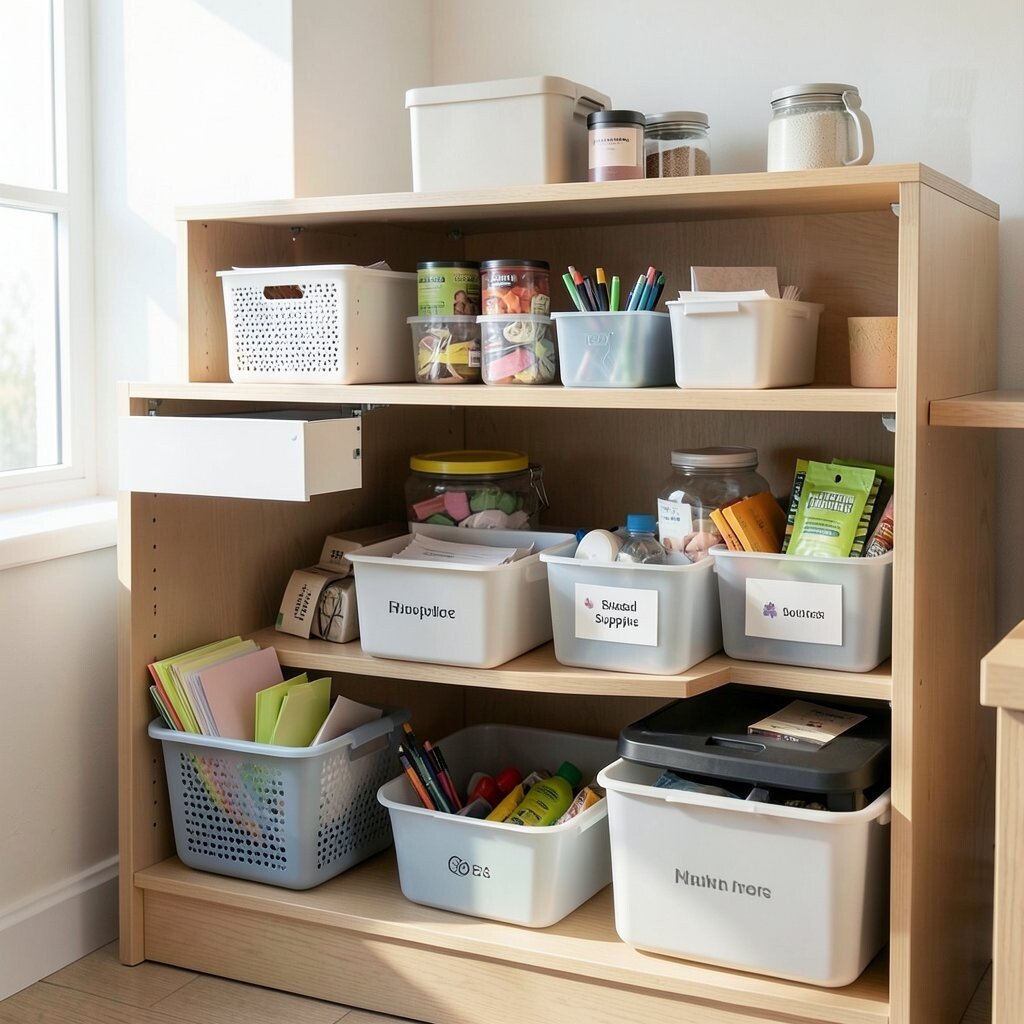
If you share a workspace, keep common supplies in one clearly planned location. Use bins for paper, sticky notes, pens, and printer items so everyone knows where things go.
Shared storage reduces the “who took it” feeling and lowers day-to-day friction. It also makes the workspace easier to reset after busy weeks.
For personalization, label containers in a style that matches your design, like clean typography or small icons. You can keep costs down by reusing durable containers and upgrading only the most used items.
13. Plan Your Workspace Like a Smart Layout for Tech and Wires
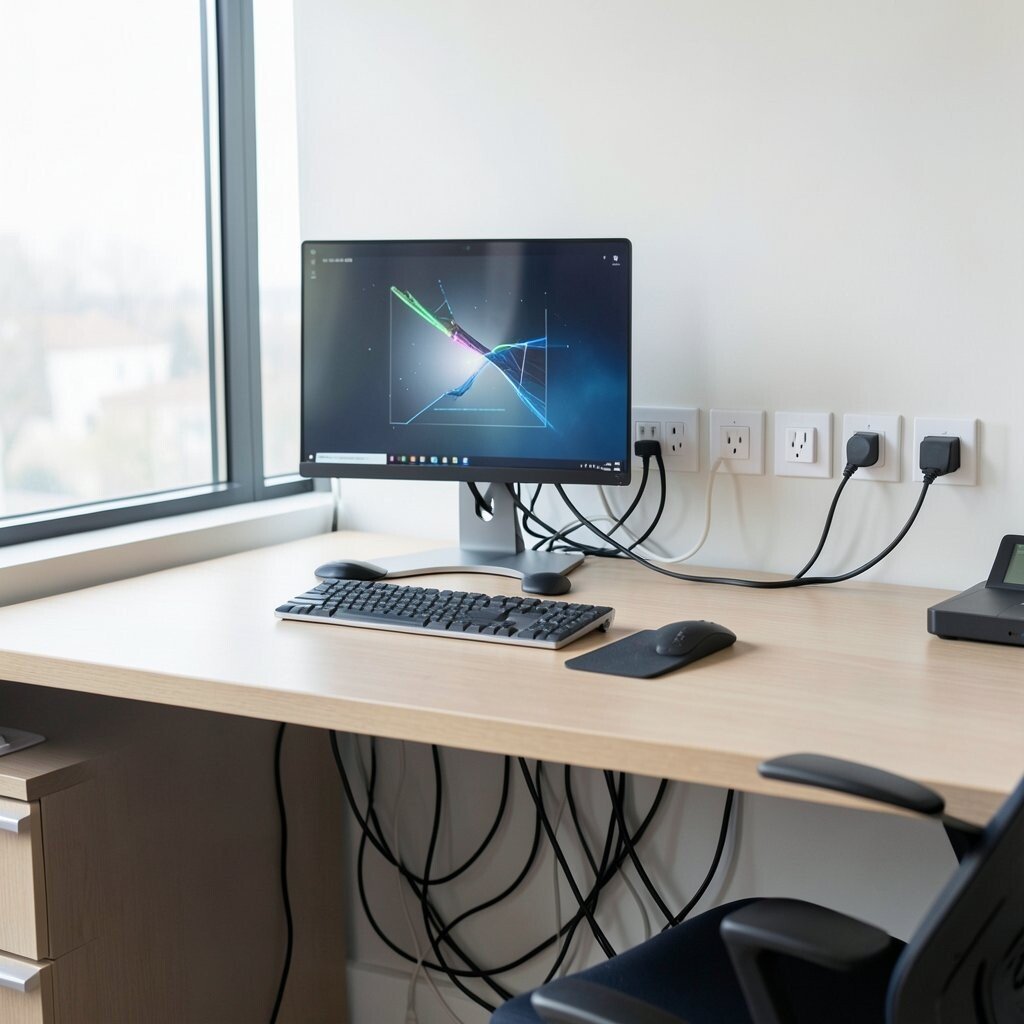
Think about where cables run and how devices connect before you place everything. Use cable channels under the desk, keep power strips mounted, and route cords along the back.
A clean tech layout helps reduce tangles and makes troubleshooting faster when something stops working. It also makes your workspace look polished, especially during video calls.
Current trends favor simple cable management and minimal device clutter, so your desk stays visually calm. Choose power strips with surge protection when you can, because it protects your gear and your budget.
14. Make Room for Small Breaks with a Cozy Reset Corner

Set aside a small spot for breaks, like a comfortable chair, a cushion bench, or a tiny reading nook. Add a warm light, a mug shelf, and a simple tray for tea or water.
A dedicated reset corner supports healthier pacing and helps your mind recharge. When you have a pleasant place to step away, breaks feel intentional instead of rushed.
Keep it practical by choosing easy-clean fabrics and storage for chargers, headphones, or a notebook. This kind of corner can fit many budgets, from a single chair and lamp to a fuller mini lounge.
For personalization, add one calming element like a scented candle, a soft throw, or a small calming artwork. The goal is to make returning to work feel smoother and more inviting.